ENGLISH
2
Thank you for purchasing a JVC product.
Please read all instructions carefully before operation, to ensure your complete understanding and to
obtain the best possible performance from the unit.
IMPORTANT FOR LASER PRODUCTS
1. CLASS 1 LASER PRODUCT
2. CAUTION: Do not open the top cover. There are no user serviceable parts inside the unit; leave
all servicing to qualified service personnel.
3. CAUTION: Visible and invisible laser radiation when open and interlock failed or defeated.
Avoid direct exposure to beam.
4. REPRODUCTION OF LABEL: CAUTION LABEL, PLACED OUTSIDE THE UNIT.
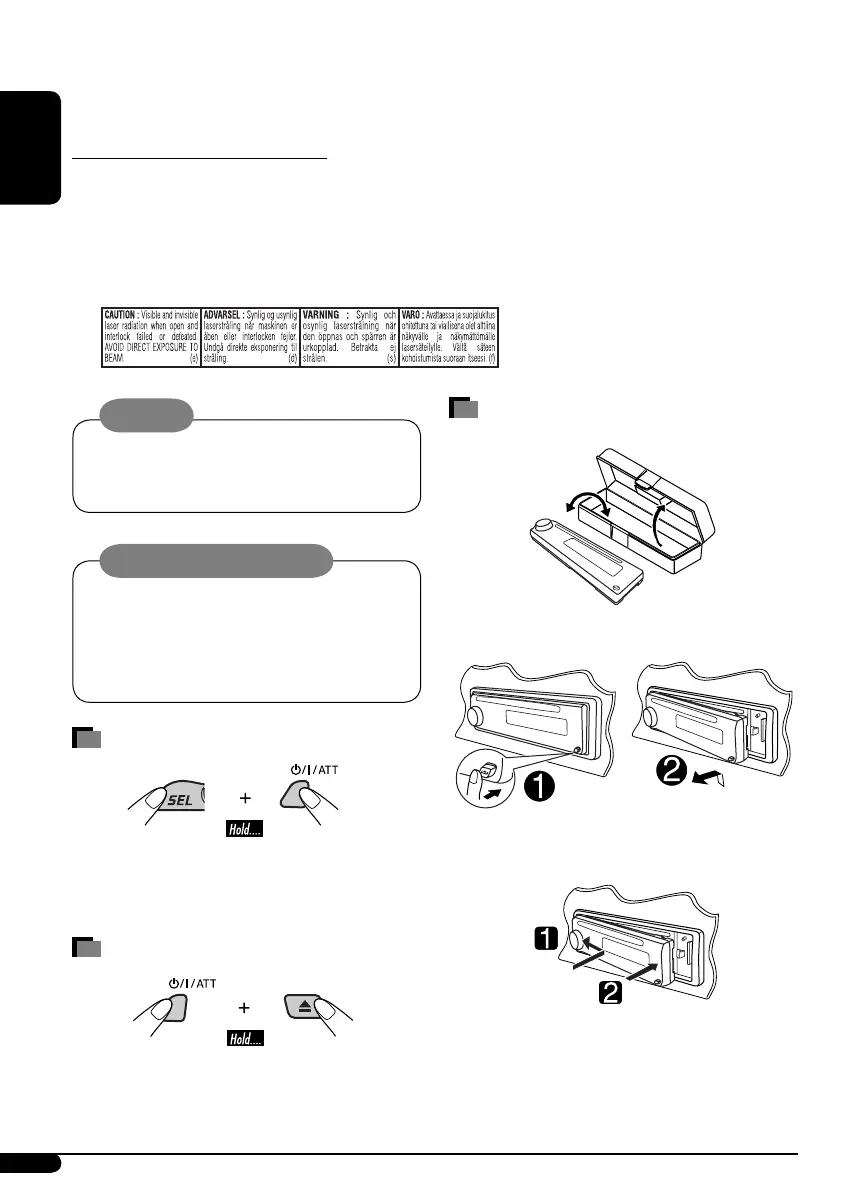
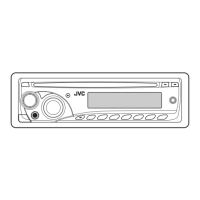
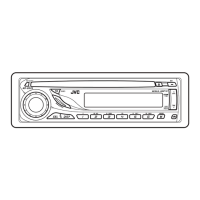
How to detach/attach the control
panel
Detaching...
Attaching...
Warning:
If you need to operate the unit while driving,
be sure to look ahead carefully or you may be
involved in a traffic accident.
Caution on volume setting:
Discs produce very little noise compared
with other sources. Lower the volume
before playing a disc to avoid damaging
the speakers by the sudden increase of the
output level.
How to reset your unit
• Your preset adjustments will also be erased.
• If a disc is loaded, it will eject. Be careful not to
drop the disc.
How to forcibly eject a disc
• If this does not work, reset your unit.
• Be careful not to drop the disc when it ejects.
EN02-05_KD-G326_5[U_UH]f.indd 2EN02-05_KD-G326_5[U_UH]f.indd 2 10/4/05 6:03:09 PM10/4/05 6:03:09 PM


 To Next Page