EasyManua.ls Logo

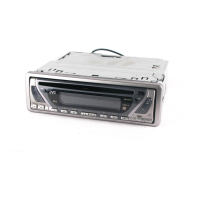
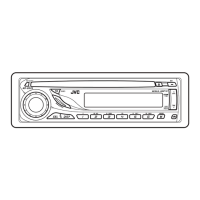
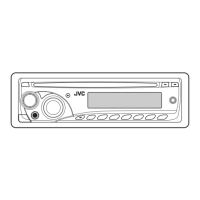
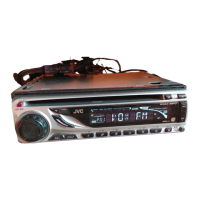
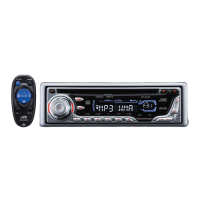
JVC KD-G342 - User Manual

JVC KD-G342
22 pages
Print Icon
To Next Page IconTo Next Page
Loading...
ENGLISH
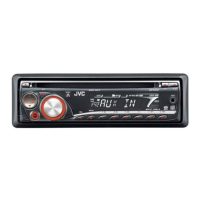
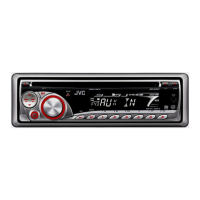
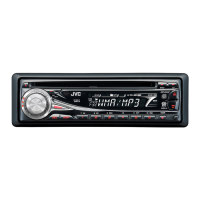
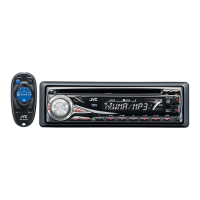
CD RECEIVER
KD-G343/KD-G342/KD-G341
For installation and connections, refer to the separate manual.
INSTRUCTIONS
GET0484-003A
[EX/EU]
For canceling the display demonstration, see page 5.
All manuals and user guides at all-guides.com
all-guides.com

Other manuals for JVC KD-G342

Questions and Answers

  • B
    Brenda DuarteSep 10, 2025
    What to do if JVC KD-G342 disc sound is interrupted?
    • M
      Mark HowardSep 10, 2025
      If the disc sound on your JVC Car Receiver is sometimes interrupted: * Stop playback while driving on rough roads. * Try changing the disc. * Check the cords and connections.
  • J
    Joseph RobinsonAug 22, 2025
    What to do if there is no sound from the speakers of my JVC KD-G342?
    • J
      Jasmine RodriguezAug 22, 2025
      If you're not getting any sound from the speakers of your JVC Car Receiver, check if the speaker output lead is short-circuited. This could be the reason for the lack of audio.
  • H
    Hannah JonesAug 25, 2025
    Why power cannot be turned on in my JVC KD-G342 Car Receiver?
    • M
      Martha GonzalezAug 25, 2025
      If your JVC Car Receiver is not turning on, check if the yellow lead is connected. This connection is necessary for the unit to power up.
  • G
    gjohnsonAug 26, 2025
    What to do if my JVC KD-G342 Car Receiver does not work at all?
    • T
      tammydanielsAug 26, 2025
      If your JVC Car Receiver isn't working, try resetting the unit. This might resolve the issue.
  • T
    Thomas ChandlerAug 27, 2025
    How to fix JVC KD-G342 when no sound from speakers?
    • Q
      qflynnAug 27, 2025
      If you can't hear any sound from the speakers of your JVC Car Receiver, first, adjust the volume to the optimum level. If the issue persists, check the cords and connections to ensure they are properly connected.
  • H
    Harry TaylorAug 29, 2025
    What to do if JVC KD-G342 Car Receiver does not work?
    • T
      tterrellAug 29, 2025
      If your JVC Car Receiver is not working at all, reset the unit.
  • C
    Charles McguireSep 18, 2025
    Why are album names displayed incorrectly on my JVC KD-G342 Car Receiver?
    • J
      Joseph FordSep 18, 2025
      If the correct characters (e.g., album name) are not displayed on your JVC Car Receiver, it is because this unit can only display alphabets (upper case), numbers, and a limited number of symbols.
  • C
    Christopher EvansSep 12, 2025
    Why won't my JVC KD-G342 Car Receiver play CD-R/CD-RW?
    • R
      Richard StephensSep 12, 2025
      If your JVC Car Receiver is not playing CD-R/CD-RW discs, ensure that you insert a finalized CD-R/CD-RW.
  • C
    Charles PerezSep 8, 2025
    Why does my JVC KD-G342 say 'NO DISC'?
    • J
      Jerry JonesSep 8, 2025
      If the display of your JVC Car Receiver shows “NO DISC”, it means that a playable disc is not inserted into the loading slot. Insert a playable disc into the loading slot.
  • L
    llopezSep 5, 2025
    Why does the fuse blow in my JVC Car Receiver?
    • P
      prestonmarkSep 5, 2025
      If the fuse keeps blowing in your JVC Car Receiver, verify that the red and black leads are connected correctly. Incorrect connections can cause the fuse to blow.

Summary

Important Safety and Disposal Information

Laser Product Safety Precautions

Essential safety guidelines for operating a Class 1 laser product and related warnings.

Control Panel Overview

Control Panel Parts Identification

Detailed identification of all buttons, indicators, and display elements on the unit's control panel.

Disc Playback Operations

MP3;WMA Disc Playback Requirements

Specifications for MP3/WMA file formats, bit rates, sampling frequencies, and disc formats.

Sound Adjustments

Adjusting Sound Characteristics

How to fine-tune bass, treble, fader, balance, and loudness.

General Settings (PSM)

Maintenance and Troubleshooting

Troubleshooting Common Issues

Solutions for general, radio, disc, and MP3/WMA playback problems.

Technical Specifications

Audio, CD Player, and Tuner Specs

Detailed technical data for the audio amplifier, CD player, and tuner sections.

JVC KD-G342 Specifications

General IconGeneral
MP3 playbackYes
DVD Audio playbackNo
FM band range87.5 - 108 MHz
LW band range144 - 279 kHz
Display typeLCD
Output power50 W
Product colorBlack
Frequency range40 - 20000 Hz
Audio output channels4.0 channels
Signal-to-Noise Ratio (SNR)98 dB
File typeMP3/WMA
Filtering descriptionIF Filter
Weight and Dimensions IconWeight and Dimensions
Dimensions (WxDxH)182 x 52 x 159.5 mm

Related product manuals