Need help?
Do you have a question about the JVC KD-G416 and is the answer not in the manual?
Safety guidelines for Class 1 laser products, including cautions about opening the unit and direct beam exposure.
Advises caution when operating the receiver while driving to avoid traffic accidents.
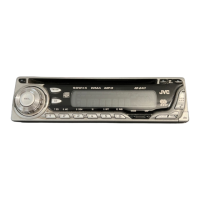
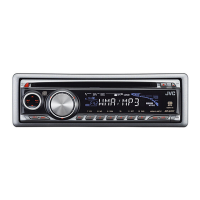
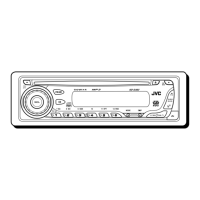
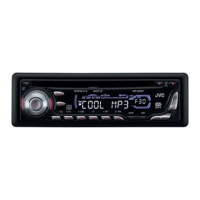
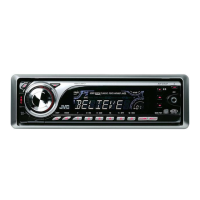
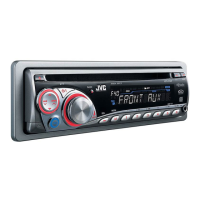
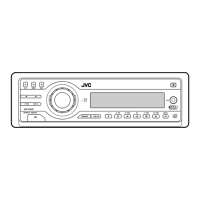
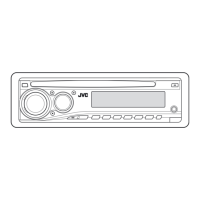
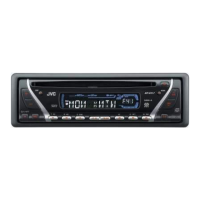
Identifies all physical buttons and components on the receiver's control panel.
Explains the meaning of various indicators and icons shown in the receiver's display window.
Provides step-by-step instructions for installing the lithium coin battery into the remote controller.
Details the main buttons and their functions on the RM-RK50 remote controller.
Covers the general process of playing audio CDs, CD Text, MP3, and WMA discs.
Explains characteristics and playback of MP3 and WMA discs, including folder structure.
Addresses common problems like no sound, receiver not working, and radio reception issues with their solutions.
Covers issues related to disc ejection, playback errors, skipped tracks, and 'NO DISC' messages.
Details specific problems with MP3/WMA discs like playback failure, noise, and display errors.
Lists all included parts required for the receiver's installation and connection.
Details the steps for installing the receiver into the dashboard, including using the sleeve or bracket.
Guides on connecting the receiver's power, antenna, and wiring harness to the car's electrical system.
Important warnings about connecting speaker leads to the car battery and checking speaker wiring.
 General
| Brand | JVC |
|---|---|
| Model | KD-G416 |
| Category | Car Receiver |
| Language | English |

 To Next Page