ENGLISH
4
KD-G455 KD-G405
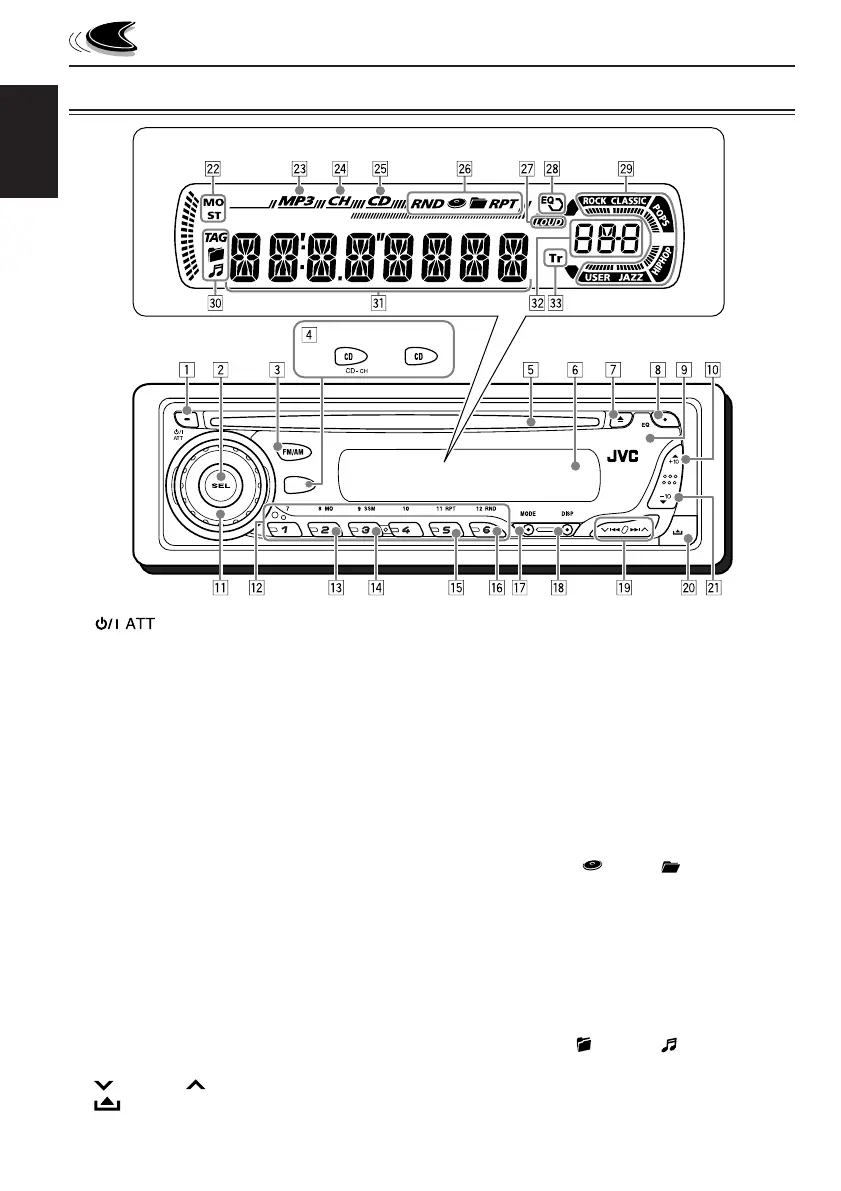
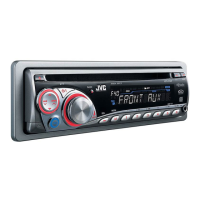
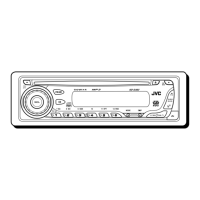
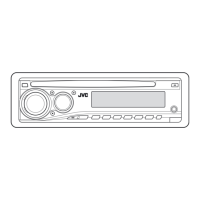
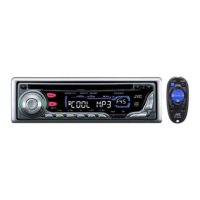
LOCATION OF THE BUTTONS
a ∞ (down) button
–10 button
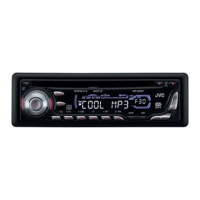
Display window
s Tuner reception indicators
MO (monaural), ST (stereo)
d MP3 indicator
f CH (CD changer) indicator
• Only for KD-G455: Lights up only when
connecting to a CD changer.
g CD indicator
h Playback item/mode indicators
RND (random),
(disc), (folder),
RPT (repeat)
j LOUD (loudness) indicator
k EQ (equalizer) indicator
l Sound mode (C-EQ: custom equalizer)
indicators
ROCK, CLASSIC, POPS, HIP HOP, JAZZ,
USER
/ Disc information indicators
TAG (ID3 Tag),
(folder), (track/file)
z Main display
x Source display
Volume level indicator
c Tr (track) indicator
Control panel
1 (standby/on attenuator) button
2 SEL (select) button
3 FM/AM button
4 • For KD-G455
CD CD-CH (CD changer) button
• For KD-G405
CD button
5 Loading slot
6 Display window
7 0 (eject) button
8 EQ (equalizer) button
9 Remote sensor
p 5 (up) button
+10 button
q Control dial
w Number buttons
e MO (monaural) button
r SSM (Strong-station Sequential Memory)
button
t RPT (repeat) button
y RND (random) button
u MODE button
i DISP (display) button
o
4/¢ buttons
;
(control panel release) button
Display window


 To Next Page