ENGLISH
23
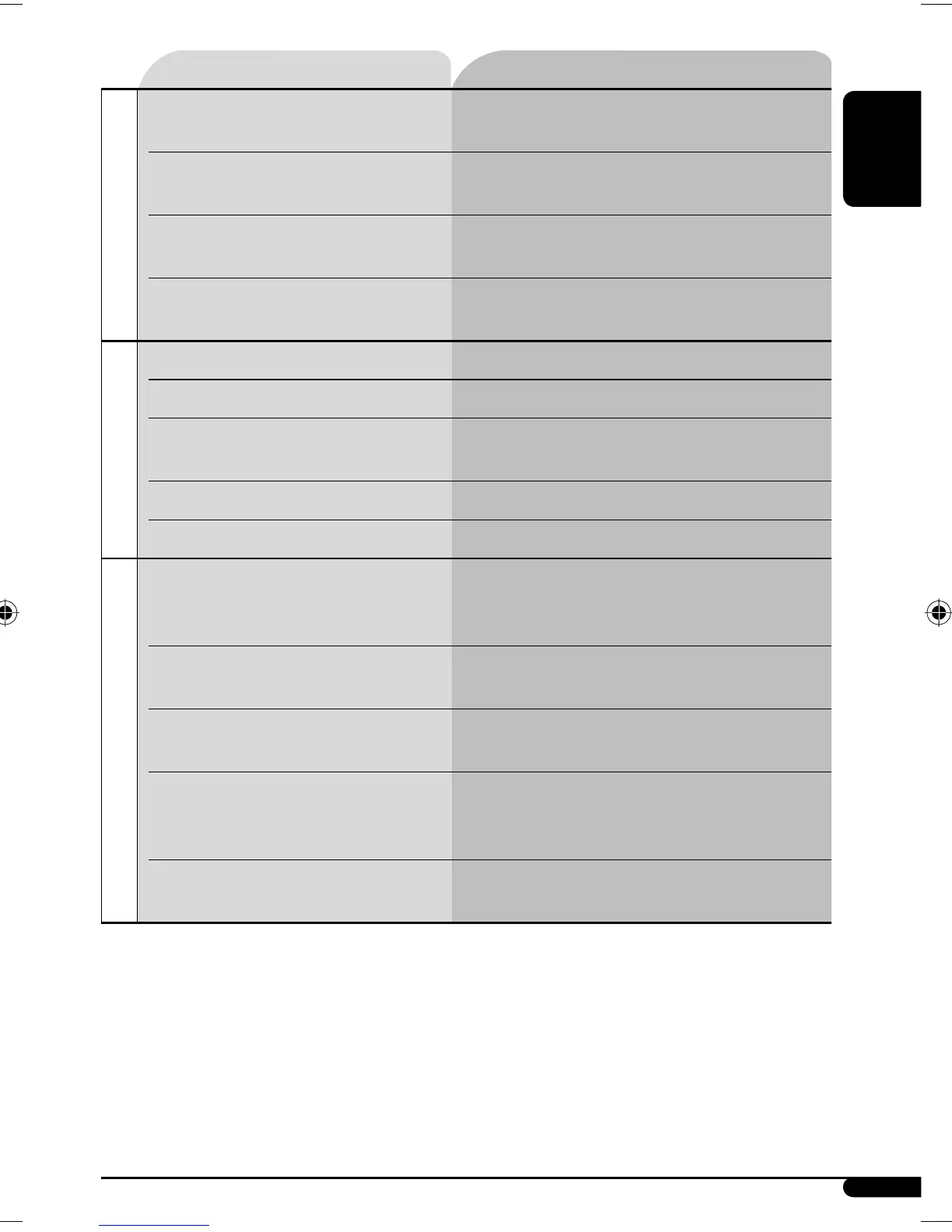
Symptoms Remedies/Causes
MP3/WMA playback
• Tracks do not play back in the order you have
intended them to play.
Playback order is determined when the files are recorded.
• Elapsed playing time is not correct. This sometimes occurs during play. This is caused by how
the tracks are recorded on the disc.
• “PLEASE” and “EJECT” appear alternately on
the display.
Insert a disc that contains MP3/WMA tracks.
• Correct characters are not displayed (e.g.
album name).
This unit can only display letters (upper case), numbers,
and a limited number of symbols.
CD changer
• “NO DISC” appears on the display. Insert a disc into the magazine.
• “NO MAG” appears on the display. Insert the magazine.
• “RESET 8” appears on the display. Connect this unit and the CD changer correctly and press
the reset button of the CD changer.
• “RESET 1” – “RESET 7” appears on the display. Press the reset button of the CD changer.
• The CD changer does not work at all. Reset the unit (see page 2).
iPod/D. player playback
• The iPod or D. player does not turn on or does
not work.
• Check the connecting cable and its connection.
• Update the firmware version.
•
Charge the battery.
• The sound is distorted. Deactivate the equalizer either on the unit or the
iPod/D. player.
• “NO IPOD” or “NO DP” appears on the display. • Check the connecting cable and its connection.
• Charge the battery.
• Playback stops. The headphones are disconnected during playback.
Restart the playback operation using the control panel
(see pages 15 and 16).
• No sound can be heard when connecting an
iPod nano.
• Disconnect the headphones from the iPod nano.
• Update the firmware version of the iPod nano.
Continued on the next page
EN22-25KD-G536[U_UH]f.indd 23EN22-25KD-G536[U_UH]f.indd 23 12/1/06 5:40:28 PM12/1/06 5:40:28 PM


 To Next Page