ENGLISH
3
The following marks are used to indicate...
: Built-in CD player operations.
: External CD changer operations.
: Indicator displayed for the
corresponding operation.
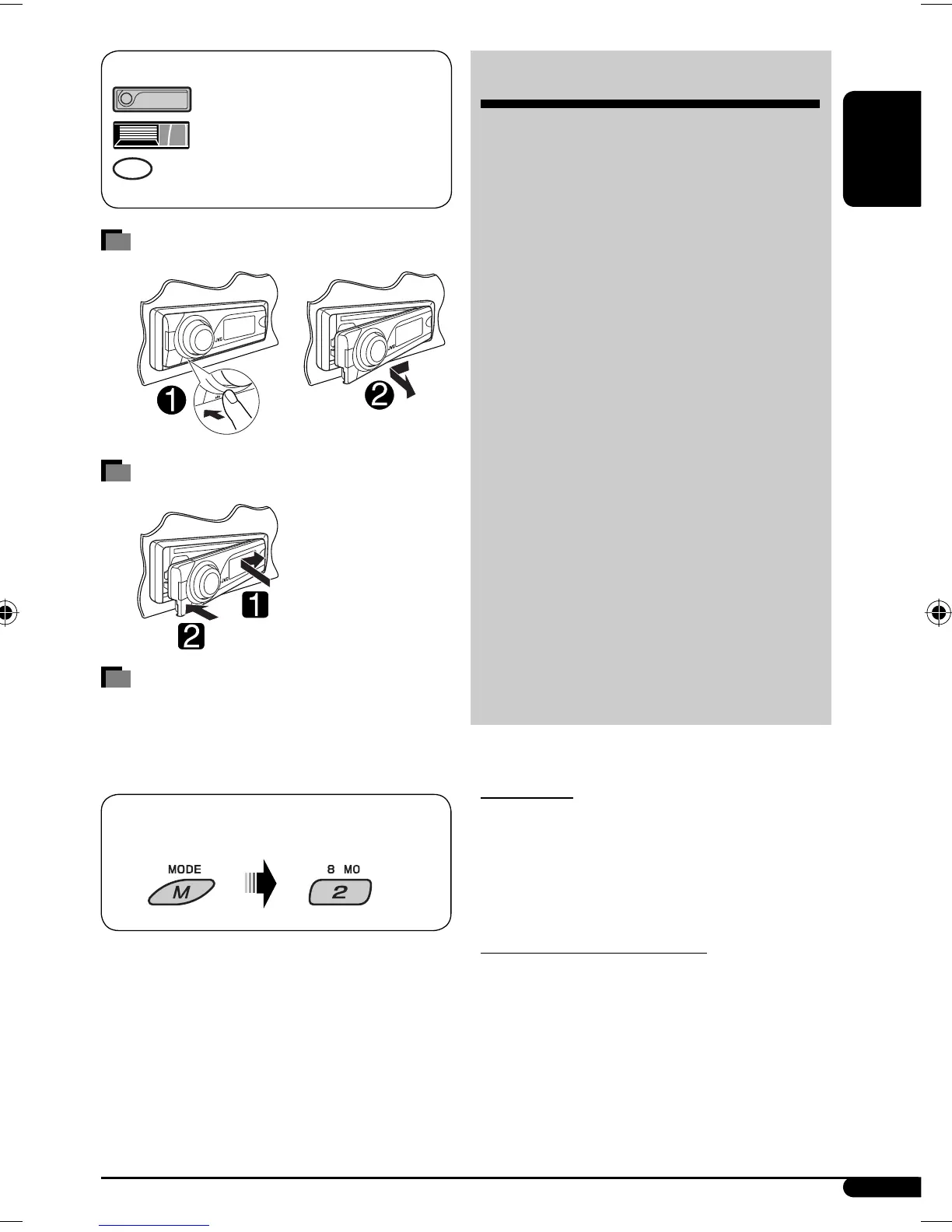
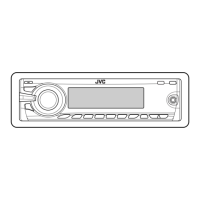
Detaching the control panel
Attaching the control panel
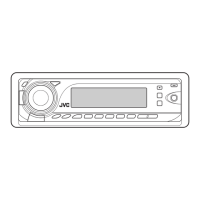
How to use the M MODE button
If you press M MODE, the unit goes into functions mode,
then the number buttons and 5/∞ buttons work as
different function buttons.
To use these buttons for their original functions
again after pressing M MODE, wait for 5 seconds
without pressing any of these buttons until the
functions mode is cleared or press M MODE again.
CONTENTS
Control panel — KD-G536/KD-G535 ........... 4
Remote controller —
RM-RK50 ............. 5
Getting started ................................ 6
Basic operations ................................................... 6
Radio operations ............................. 7
Disc operations ................................ 8
Playing a disc in the unit ..................................... 8
Playing discs in the CD changer ........................... 8
Sound adjustments .......................... 11
General settings — PSM .................. 12
Title assignment .............................. 15
iPod/D. player operations ................. 15
Other external component
operations ................................... 17
More about this unit ........................ 18
Maintenance ................................... 21
Troubleshooting .............................. 22
Specifications .................................. 25
For safety...
• Do not raise the volume level too much, as this will
block outside sounds, making driving dangerous.
• Stop the car before performing any complicated
operations.
Temperature inside the car...
If you have parked the car for a long time in hot or cold
weather, wait until the temperature in the car becomes
normal before operating the unit.
Ex.: When number button 2 works as MO (monaural)
button.
EN02-05KD-G536[U_UH]2.indd 3EN02-05KD-G536[U_UH]2.indd 3 10/27/06 5:38:56 AM10/27/06 5:38:56 AM


 To Next Page