15
ENGLISH
Indications Item
( : Initial)
Selectable settings, [reference page]
SUB.W FREQ
Subwoofer cutoff
frequency
• LOW
• MID
• HIGH
: Frequencies lower than 90 Hz are sent to the subwoofer.
: Frequencies lower than 135 Hz are sent to the subwoofer.
: Frequencies lower than 180 Hz are sent to the subwoofer.
TAG DISPLAY
Tag display
• TAG ON
• TAG OFF
: Shows the Tag information while playing MP3/WMA tracks,
[11].
: Cancels.
AMP GAIN
Amplifier gain control
• LOW POWER
• HIGH POWER
: VOLUME 00 – VOLUME 30 (Select this if the maximum power of
the speaker is less than 50 W to prevent damaging the speaker.)
: VOLUME 00 – VOLUME 50
IF BAND
Intermediate frequency
band
• AUTO
• WIDE
: Increases the tuner selectivity to reduce interference noise
between close stations. (The stereo effect may be lost.)
: Subject to the interference noise from adjacent stations, but the
sound quality will not be degraded and the stereo effect will
remain.
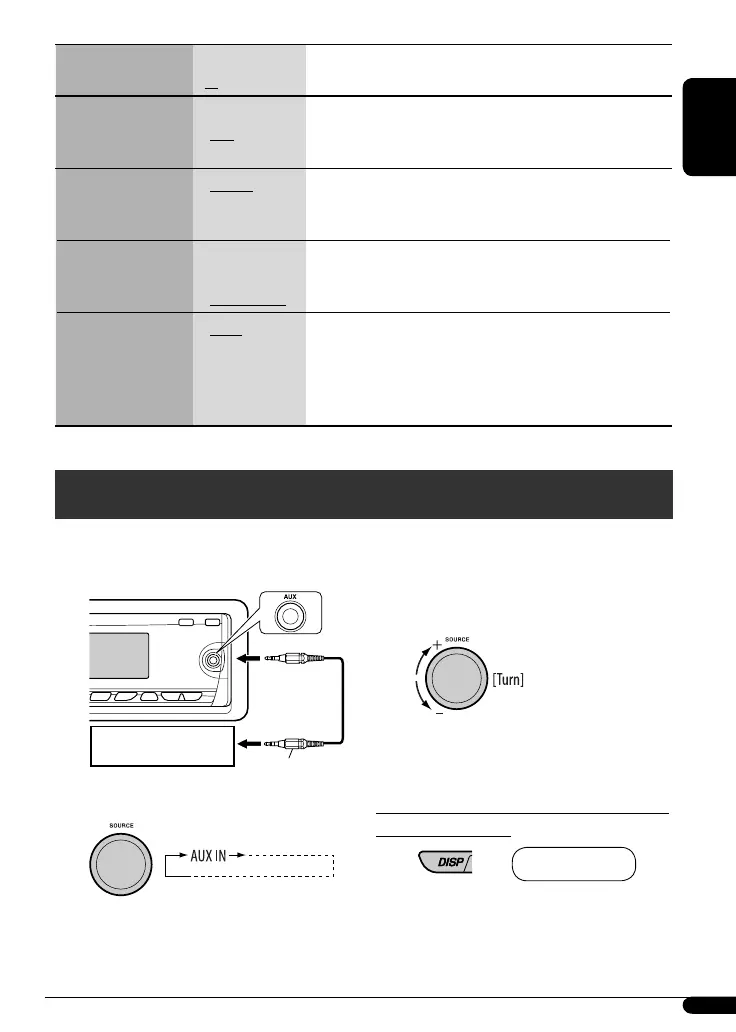
Ÿ Turn on the connected component and
start playing the source.
! Adjust the volume.
⁄ Adjust the sound as you want. (See
page 12.)
To check the clock time while listening to an
external component
AUX IN Ô Clock
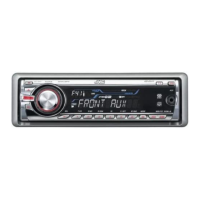
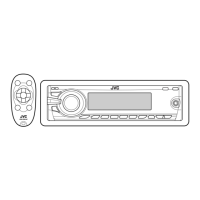
You can connect an external component to the AUX
(auxiliary) input jack on the control panel.
~
Other external component operations
3.5 mm stereo mini
plug (not supplied)
Portable audio player, etc.
EN08-15_KD-G547[EE]_f.indd 15EN08-15_KD-G547[EE]_f.indd 15 11/30/07 11:41:22 AM11/30/07 11:41:22 AM


 To Next Page
 Loading...