11
BLUETOOTH®
Bluetooth mobile phone
To Do this
Activate or deactivate
hands-free mode
Press the volume knob during a call.
• Operations may vary according to the connected
Bluetooth mobile phone.
Adjust the phone
volume
Turn the volume knob during a call.
Phone volume:
[00]
to
[50]
(Default:
[15]
)
• This adjustment will not affect the volume of the
other sources.
Adjust the
microphone’s
sensitivity level
Press 1 ∞ / 2 5 during a call.
Sensitivity level:
[01]
to
[03]
(Default:
[02]
)
(
«
12)
Set the echo
cancellation delay time
Press E / F during a call.
Delay time:
[01]
to
[10]
(Default:
[04]
)
(
«
12)
Text message
notification
When the phone receives a text message, the
unit rings and “RCV MESSAGE” ] [Device name]
appears.
•
[MSG NOTICE]
must be set to
[ON]
.
(
«
12)
• You cannot read, edit, or send a message through
the unit.
• To clear the message, press any button.
Switch between two
connected phones
• To enter 1st phone’s hands-free menu:
Press .
• To enter 2nd phone’s hands-free menu:
Press twice.
• To return to 1st phone’s hands-free menu:
Press G.
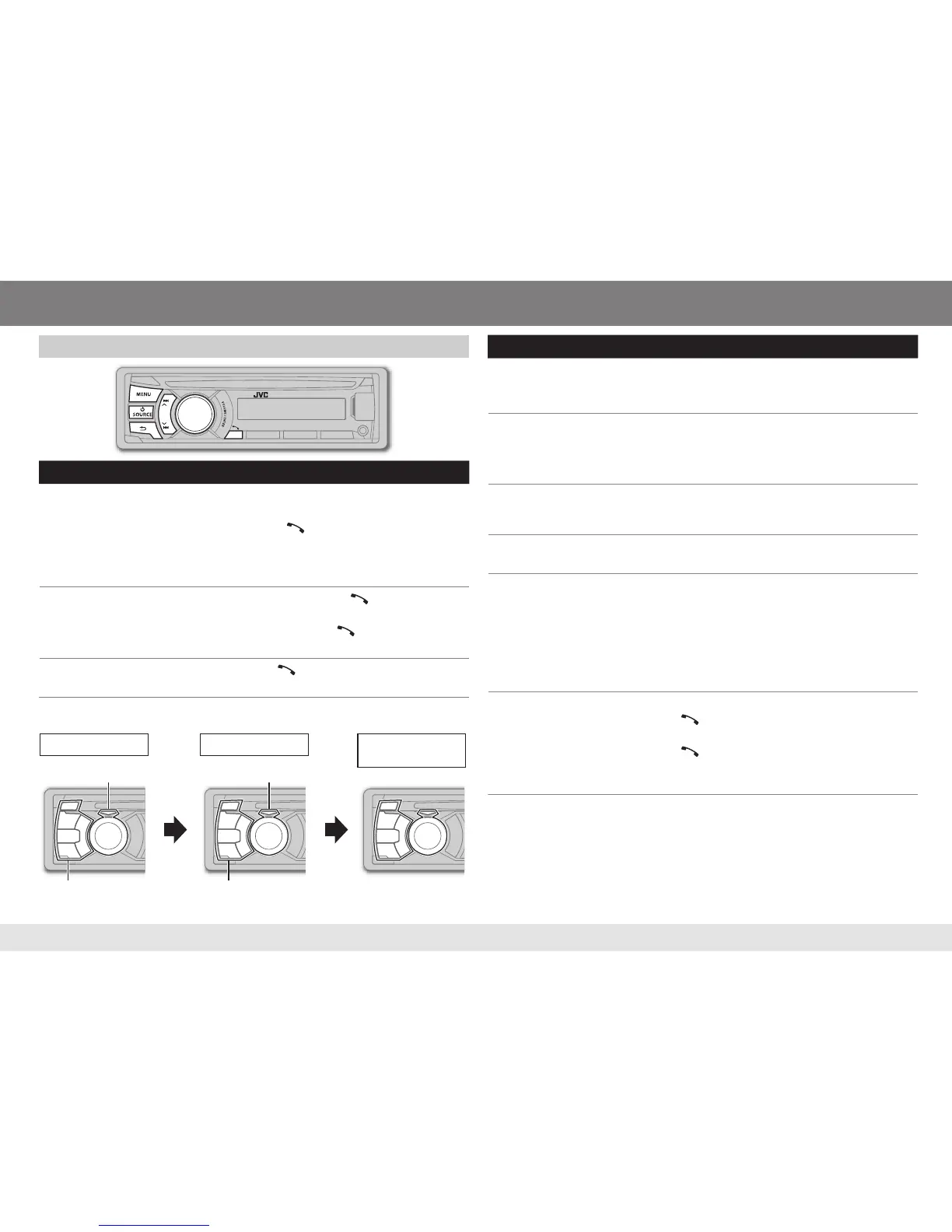
Flashes in green Lights up in red
Flashes in red Return to [COLOR]
setting’s color (
«
7)
Return to [COLOR]
setting’s color (
«
7)
Receiving a call Talking
After ending a
call
To Do this
Receive a call
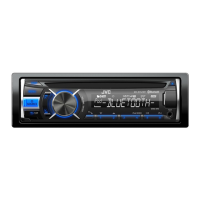
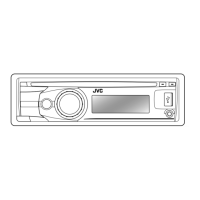
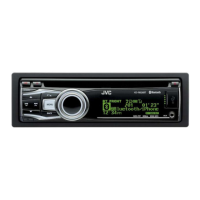
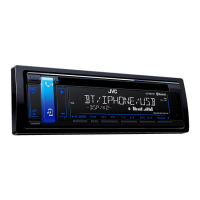
KD-A845BT
/
KD-R840BT
: Press the volume knob.
(Green area)
KD-R740BT
: Press or the volume knob.
On RM-RK52: Press 5 / ∞ / 2 / 3 / SOURCE.
• When
[AUTO ANSWER]
is set to the selected time, the
unit answers incoming call automatically.
(
«
12)
Reject an incoming
call
KD-A845BT
/
KD-R840BT
: Press / L SOURCE /
MENU / E / F / G. (Red area)
KD-R740BT
: Press and hold or the volume knob.
On RM-RK52: Press and hold 5 / ∞ / 2 / 3 / SOURCE.
End a call
Press and hold or the volume knob.
On RM-RK52: Press and hold 5 / ∞ / 2 / 3 / SOURCE.
KD-A845BT
/
KD-R840BT
:
ENGLISH



 To Next Page
 Loading...