22
SPK/PRE OUT
Connection via lineout terminals
(
31, 32
)
(For
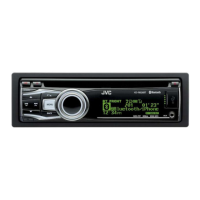
KD-R960BTS
/
KD-R860BT
)
Setting
Lineout terminal
FRONT REAR/SW
REAR/REAR
Front speakers output Rear speakers output
REAR/SUB.W
Front speakers output Subwoofer output
SUB.W/SUB.W
Front speakers output Subwoofer output
(For
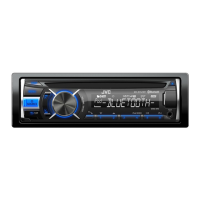
KD-AR865BTS
)
Setting
Lineout terminal
FRONT REAR SW
REAR/REAR
Front speakers output Rear speakers output Subwoofer output
REAR/SUB.W
———
SUB.W/SUB.W
Front speakers output L (left): Subwoofer output
R (right): (Mute)
Subwoofer output
Connection via speaker leads (
31, 32
)
Setting
Rear speaker lead
L (left) R (right)
REAR/REAR
Rear speakers output Rear speakers output
REAR/SUB.W
Rear speakers output Rear speakers output
SUB.W/SUB.W
Subwoofer output (Mute)
If [
SUB.W/SUB.W
] is selected:
– [
HIGH120HZ
] is selected in [
SUB.W
LPF
] and [
THROUGH
] is not available.
– [
R01
] is selected in [
FADER
] and selectable range is [
R06
]to [
00
]
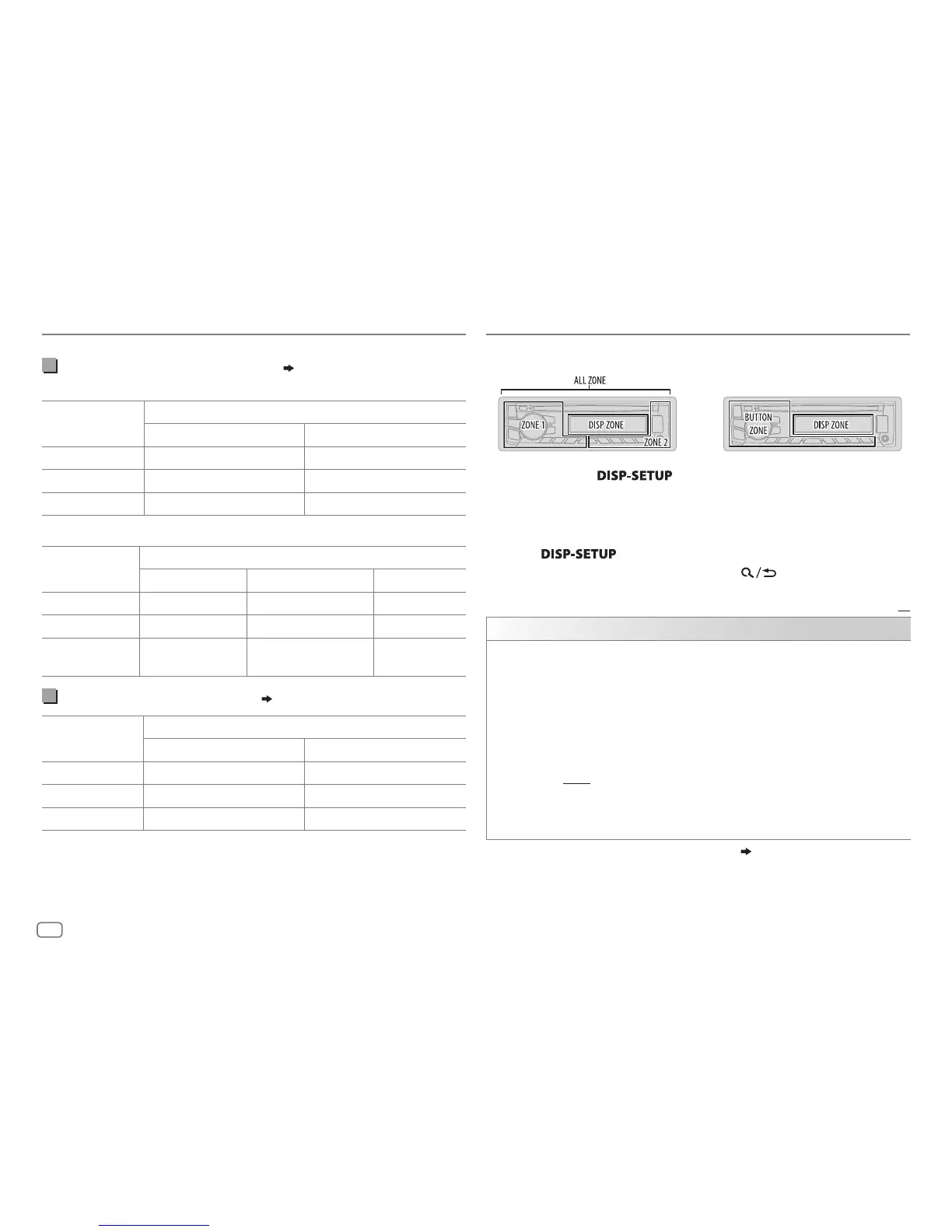
KD-AR865BTS / KD-R860BTKD-R960BTS
1 Press and hold .
2 Turn the volume knob to make a selection (see the following table),
then press the knob.
3 Repeat step 2 until the desired item is selected/activated or follow
the instructions stated on the selected item.
4 Press to exit.
To return to the previous setting item, press
.
Default:
XX
DISPLAY
DIMMER
Selects the display and button illumination adjusted in the [
BRIGHTNESS
]
setting.
OFF
:Selects the day adjustments.;
ON
:Selects the night adjustments.;
DIMMER TIME
:Adjusts the dimmer on and off time.
Turn the volume knob to adjust the [
ON
] time, then press the knob.
Turn the volume knob to adjust the [
OFF
] time, then press the knob.
(Default: [
ON
]: 18:00 or 6:00 PM
[
OFF
]: 6:00 or 6:00 AM)
AUTO
:Changes between the day and night adjustments when you turn off or
on the car headlights. *
1
For
KD-R960BTS
, the display and button colors change according to the
settings made on [
COLOR
].
*
1
The illumination control wire connection is required.
( 31, 32)
DISPLAY SETTINGS
AUDIO SETTINGS



 To Next Page
 Loading...