ENGLISH
16
• “Phonebook”: Shows the name/phone
number of the phone book of the unit. Go to the
following step. To copy the phone book memory,
see pages 35 and 36.
• “Dial Number”: Shows the “Dial Number”
screen. See “How to enter phone number” on the
following.
• “Voice Dial” (Only accessible when the
connected cellular phone has the voice
recognition system): Speak the name (registered
words) you want to call.
* Displays only when the dialed or received number
is made through the unit. See also page 36 for
“ Phonebook Select” settings.
3 Select the name/phone number you want to
call.
• When the sound is stopped or interrupted during the
use of a Bluetooth device, turn off, then turn on the
unit.
– If the sound is not yet restored, connect the device
again. (See “Connecting a registered device” on
page 15.)
How to enter phone number
1 Select a number.
2 Move the entry position.
3 Repeat steps 1 and 2 until you finish
entering the phone number.
4 Confirm the entry.
2 Select a device you want to connect.
“Connecting...” appears, then “Connected [Device
Name]” appears on the display when the device is
connected.
Disconnecting a registered device
Select <Disconnect Phone> or
<Disconnect Audio>.
“Disconnecting” appears, then “Disconnected [Device
Name]” appears on the display when the device is
disconnected.
Using the Bluetooth cellular
phone
Making a call
1 Enter “Call Menu” screen.
2 Select the method to make a call.
• “Dialed Calls” *: Shows the list of the phone
numbers you have dialed. Go to the following
step.
• “Received Calls” *: Shows the list of the
received calls. Go to the following step.
• “Missed Calls” *: Shows the list of the missed
calls. Go to the following step.
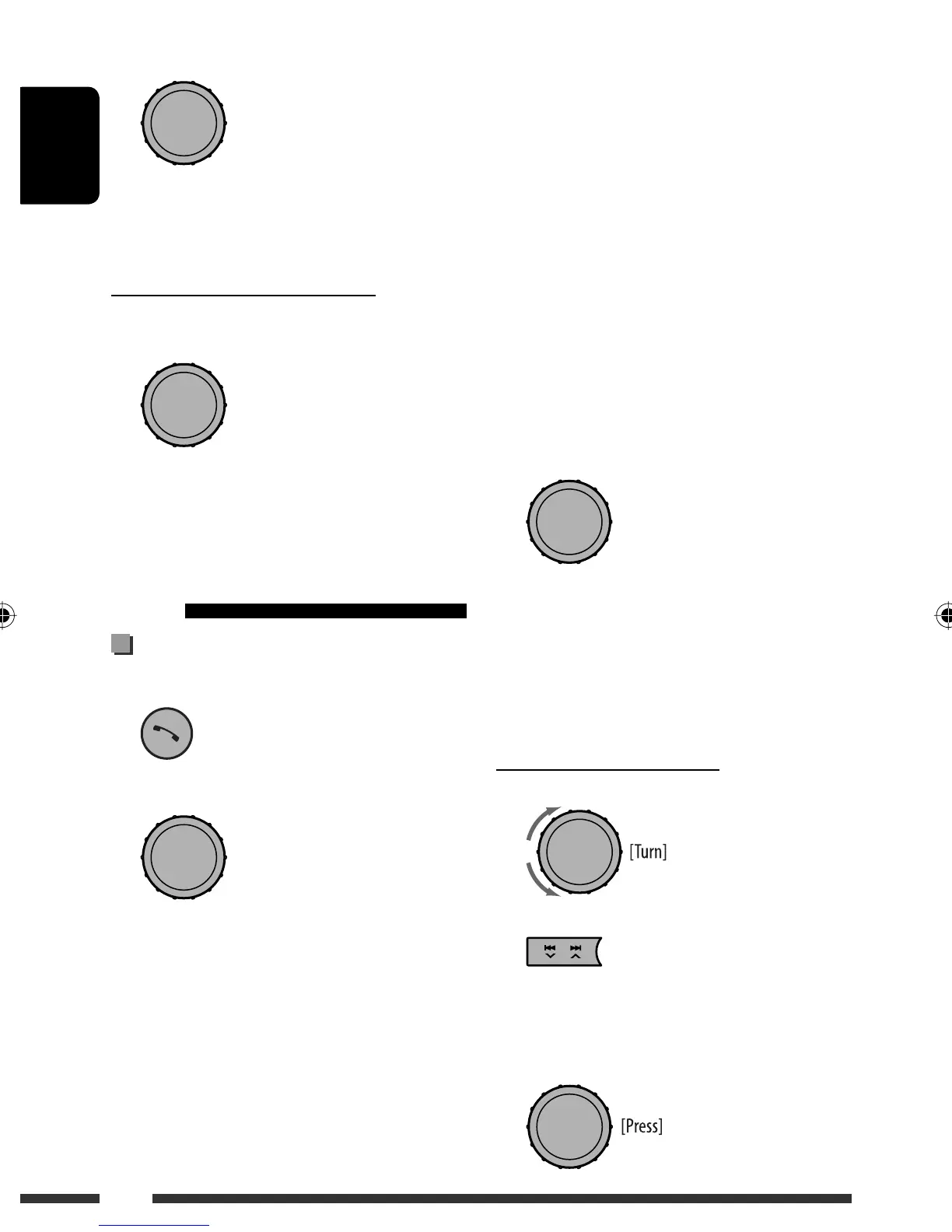
[Turn]
= [Press]
[Turn] = [Press]
[Turn] = [Press]
[Turn] = [Press]
EN10-17_KD-R900[J]2.indd 16EN10-17_KD-R900[J]2.indd 16 1/15/09 12:40:24 PM1/15/09 12:40:24 PM


 To Next Page
 Loading...