ENGLISH
33
SETTINGS
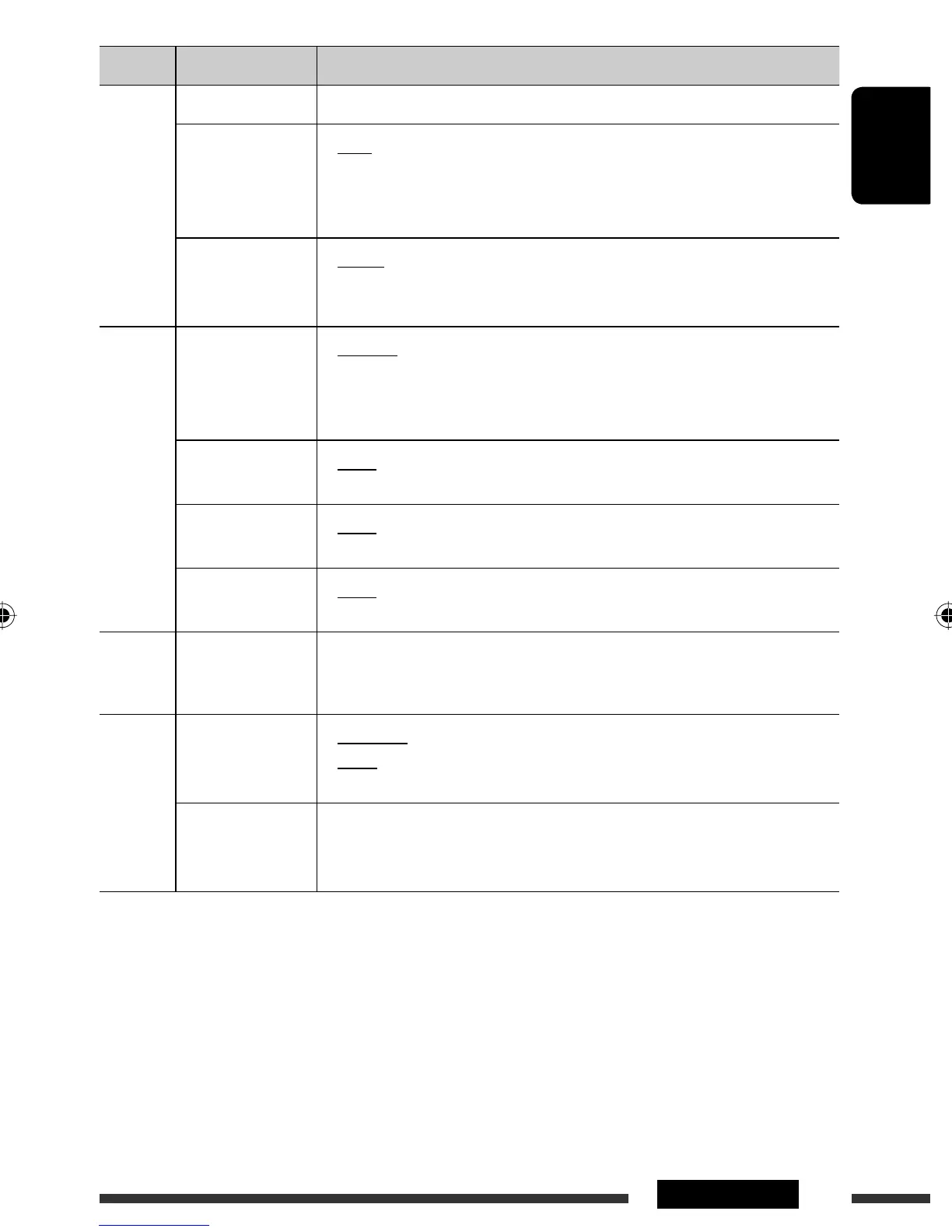
Category Menu items Selectable settings, [reference page]
Tuner
Sirius ID *
12
: The 12-digit SIRIUS identification number appears on the display, [22].
Blend Hold *
13
HD Radio reception
mode
• Auto
• Digital
• Analog
: Switch between digital and analog audio automatically,
[19].
: Tuning to digital audio only.
: Tuning to analog audio only.
Stereo/Mono *
14
• Stereo
• Mono
: Restore the stereo effect.
: Activate monaural mode to improve FM reception, but
stereo effect will be lost, [9].
Source Select
Ext Input *
15,
*
16
External input
• Changer
• Ext In
: To use a JVC CD changer, [20], or an Apple iPod/iPhone,
[24].
: To listen to a portable audio player (connected to the CD
changer jack), [26].
AM Source *
17
• Show
• Hide
: Enable “
AM
” in source selection, [6].
: Disable “
AM
” in source selection.
AUX Source *
18
• Show
• Hide
: Enable “
AUX IN
” in source selection, [6].
: Disable “
AUX IN
” in source selection.
Bluetooth
Audio *
19
• Show
• Hide
: Enable “
BT FRONT/BT REAR
” in source selection, [6].
: Disable “
BT FRONT/BT REAR
” in source selection.
USB *
20
Drive Change : Select to change the drive when a multiple drives device is connected to the
USB input terminal (FRONT/REAR).
iPod *
21
iPod Switch
iPod/iPhone control
• Headunit
Mode
• iPod Mode
: Controls iPod playback through the unit.
: Controls iPod playback through the iPod/iPhone.
Audiobooks
Speed control of
“Audiobooks”
• Normal
• Faster
• Slower
: You can select the playback speed of the “Audiobooks”
sound file in your iPod/iPhone.
• Initial selected item depends on your iPod/iPhone setting.
*
12
Displayed only when SIRIUS Satellite radio is connected.
*
13
Displayed only when HD Radio tuner box is connected.
*
14
Displayed only when the source is “
FM
.”
*
15
Displayed only when any source other than “
CD-CH/iPod/EXT IN
” is selected.
*
16
Not required for HD Radio Broadcast/SIRIUS/XM tuners and Bluetooth.
*
17
Displayed only when any source other than “
AM
” is selected.
*
18
Displayed only when any source other than “
AUX IN
” is selected.
*
19
Displayed only when any source other than “
BT FRONT/BT REAR
” is selected.
*
20
Displayed only when the source is “
USB FRONT/USB REAR
.”
*
21
Displayed only when the source is “
iPod FRONT/iPod REAR
.”
Continued on the next page
EN30-37_KD-R900[J]f.indd 33EN30-37_KD-R900[J]f.indd 33 2/3/09 4:37:25 PM2/3/09 4:37:25 PM


 To Next Page