13
ENGLISH
Locating a track or a
particular portion on a CD
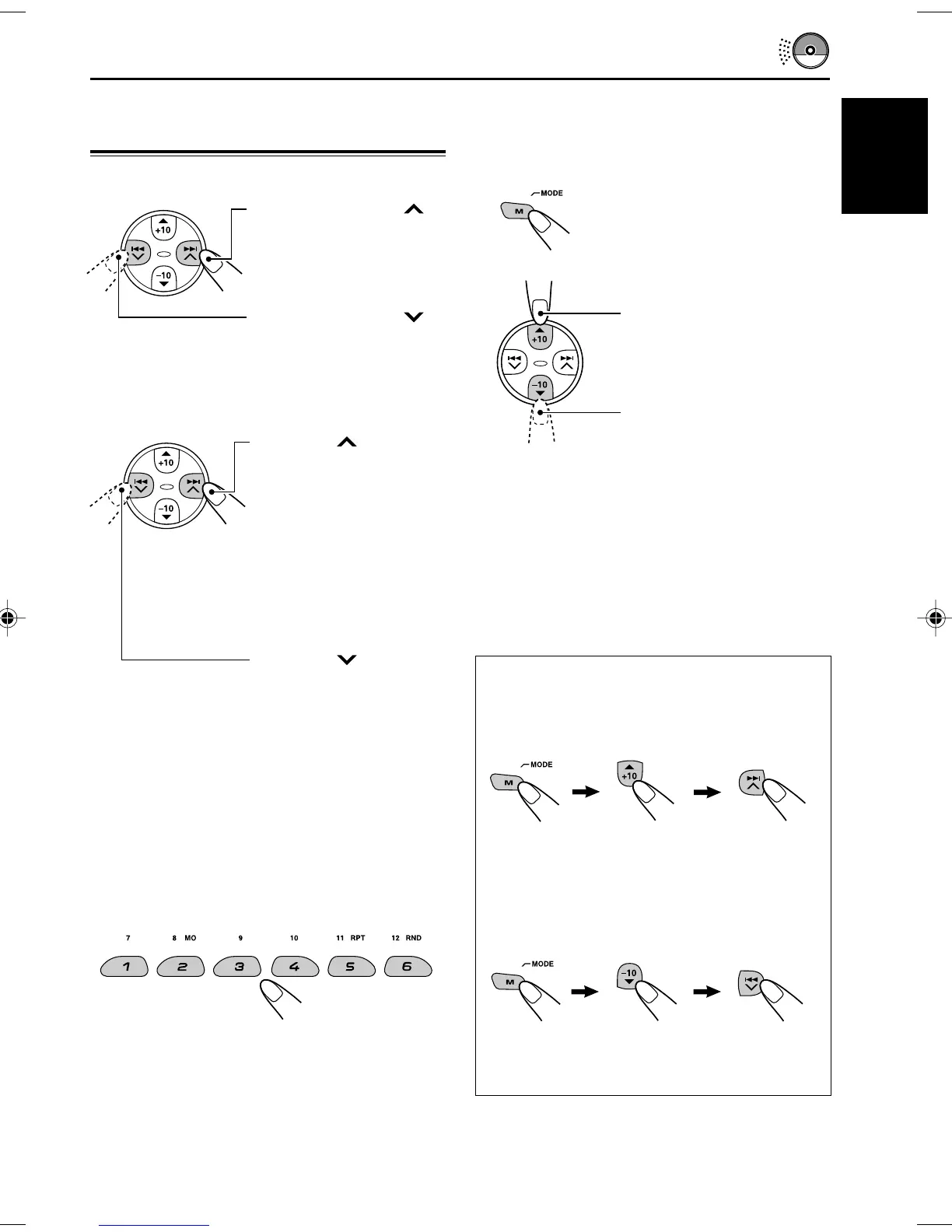
To fast-forward or reverse the track
To go to the next or previous tracks
To go to a particular track directly
Press the number button corresponding to the
track number to start its playback.
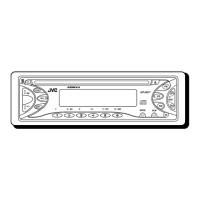
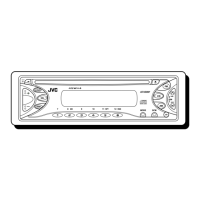
• To select a track number from 1 – 6:
Press 1 (7) – 6 (12) briefly.
• To select a track number from 7 – 12:
Press and hold 1 (7) – 6 (12) for more than one
second.
Press and hold ¢ ,
while playing a CD, to
fast-forward the track.
Press and hold 4 ,
while playing a CD, to
reverse the track.
Press ¢ briefly,
while playing a CD, to go
ahead to the beginning of
the next track.
Each time you press the
button consecutively, the
beginning of the next
tracks is located and
played back.
Press 4 briefly,
while playing a CD, to go
back to the beginning of
the current track.
Each time you press the
button consecutively, the
beginning of the previous
tracks is located and
played back.
To go to a track quickly (+10 and –10
buttons)
1 Press M (MODE) to enter the functions mode
while playing a CD.
2 Press +10 or –10.
* The first time you press +10 or –10 button,
the track skips to the nearest higher or lower
track with a track number of multiple ten (ex.
10th, 20th, 30th).
Then each time you press the button, you can
skip 10 tracks (see “How to use the +10 and
–10 buttons” below).
• After the last track, the first track will be
selected, and vice versa.
How to use the +10 and –10 buttons
• Ex. 1: To select track number 32 while
playing track number 6.
• Ex. 2 : To select track number 8 while
playing track number 36.
To skip 10 tracks* forwards
up to the last track
To skip 10 tracks* backwards
up to the first track
(Three times) (Twice)
Track 6 \ 10 \ 20 \ 30 \ 31 \ 32
Track 36 \ 30 \ 20 \ 10 \ 9 \ 8
(Three times) (Twice)
EN12-14KD-S7350_690[J]f.p65 11/8/02, 5:22 PM13


 To Next Page