17
ENGLISH
OTHER MAIN FUNCTIONS
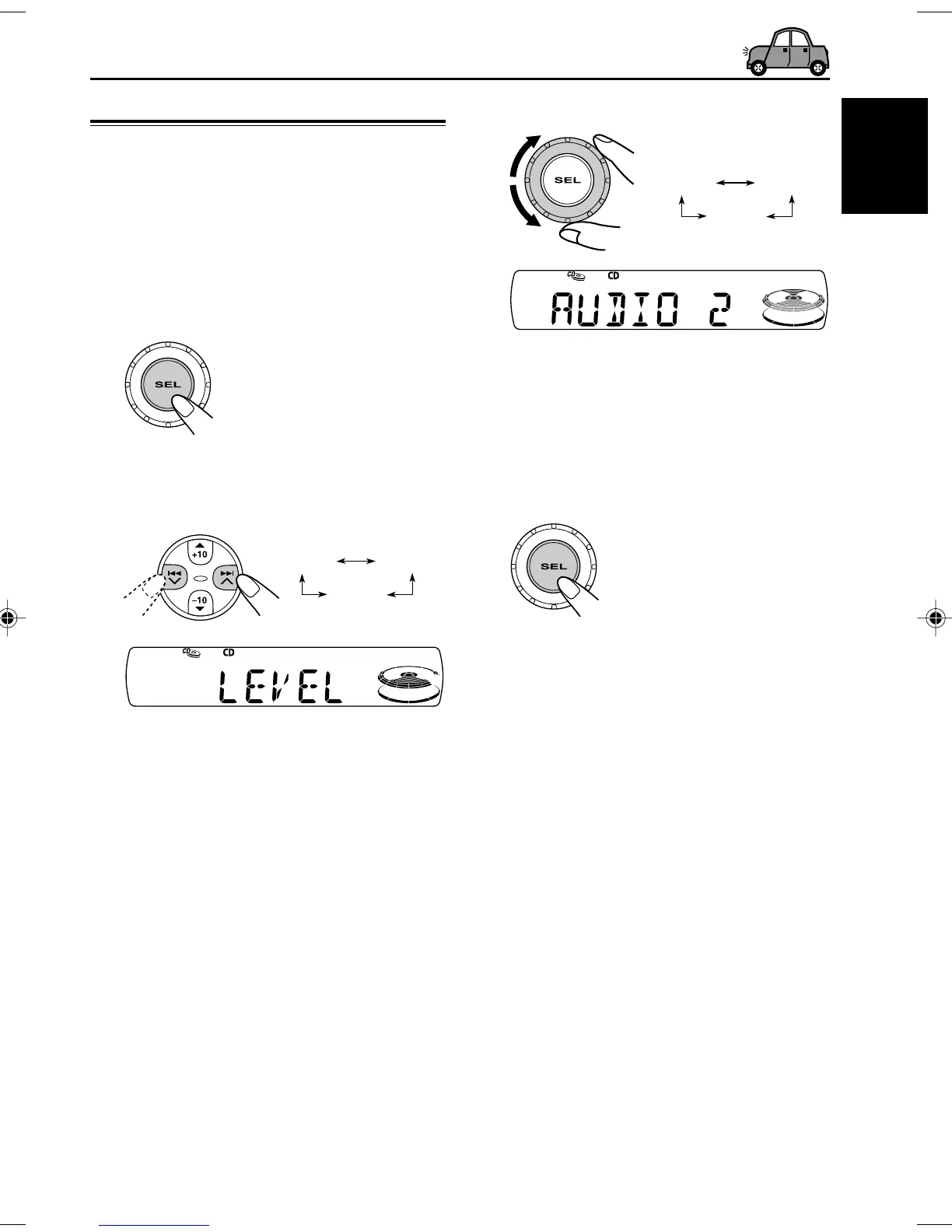
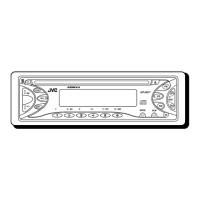
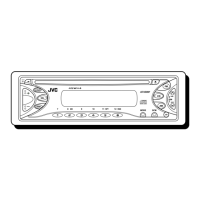
Selecting the level display
You can select the level display according to your
preference.
When shipped from the factory, “AUDIO 2” is
selected.
1
Press and hold SEL (select) for more
than 2 seconds.
“CLOCK H,” “CLOCK M,” or “LEVEL”
appears on the display.
2
Select “LEVEL” if not shown on the
display.
3
Select the desired mode.
• AUDIO 1: Shows the audio level indicator.
• AUDIO 2: Alternates “AUDIO 1” setting
and illumination display.
• OFF: Erases the audio level indicator.
4
Finish the setting.
CLOCK MCLOCK H
LEVEL
Ex.: When you select “AUDIO 2”
EN17-18KD-S7350_690[J]f.p65 11/7/02, 7:48 PM17


 To Next Page