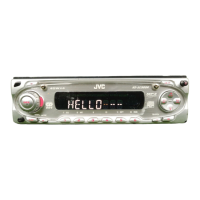
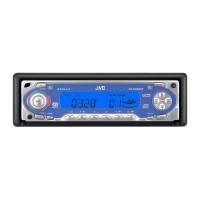
36
ENGLISH
Notes:
• Be sure to keep the hex screwdriver for future use.
• Two spare screws for the plate cover attachment are
provided with the unit. See the Installation/
Connection Manual (separate volume).
• When you attach the plate cover, do not tighten the
screws too hard; otherwise, the plate cover might be
cracked.
How to use the cutout plates
1 Unfold the supplied cutout plates.
2 Cut the plates out using a scissors.
3 Trim out the window and two knobs using
a knife on a rubber mat.
3
Replace with another plate (a
standard, cutout, or downloaded
plate) of your preference.
• When attaching a standard plate
• When attaching a cutout or downloaded
plate
Add the transparent plate (supplied)
between the cutout or downloaded plate
and the plate cover in order to attach the
plate cover in place.
When attaching the plate cover
Ensure the two protruding parts at the bottom
of the plate cover are inserted into the two
openings on the control panel, as illustrated.
Plate cover
Standard plate
Plate cover
Cutout or
downloaded
plate
Transparent plate
(supplied)
Protruding parts
Openings
EN31-37_KD-SC601[E_EX_EU]f.p65 10/3/03, 12:39 PM36


 To Next Page
 Loading...