24
ENGLISH
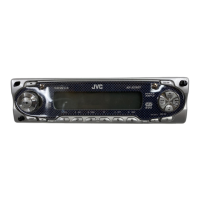
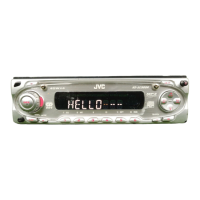
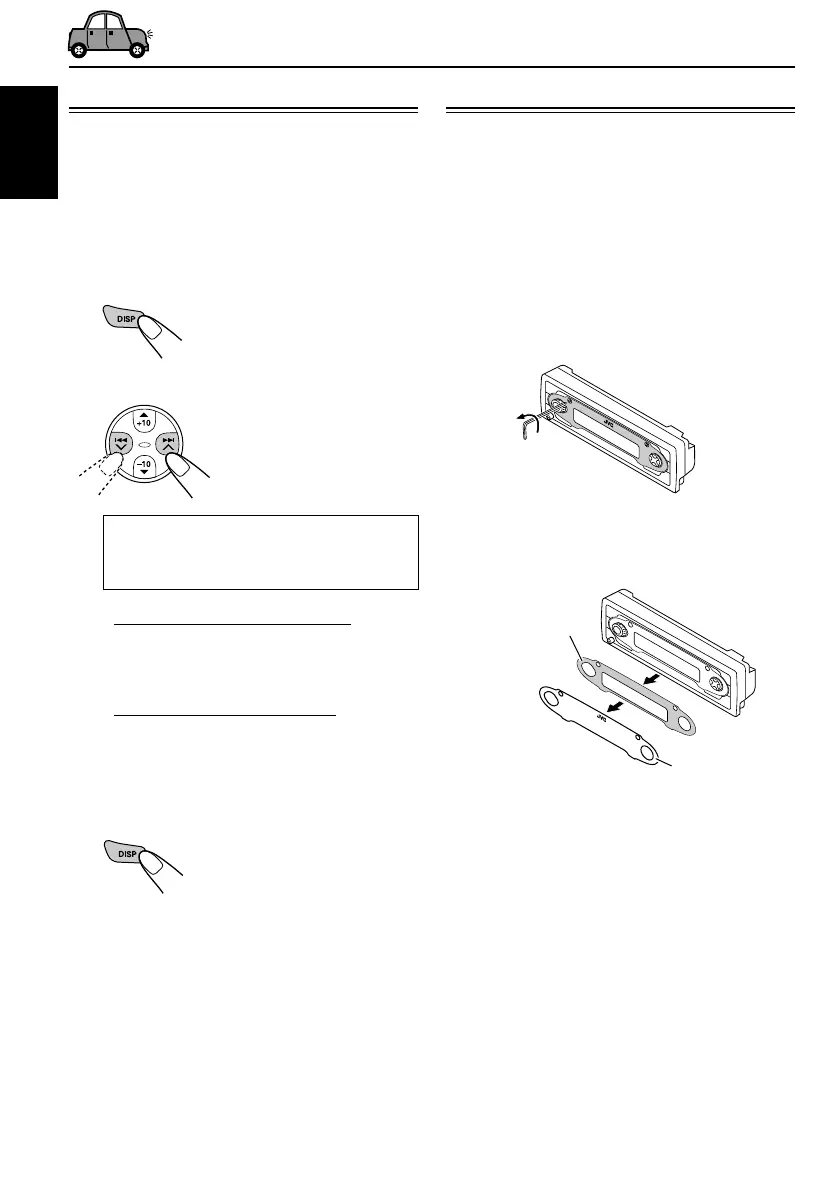
Plate cover
Standard plate
Selecting the display color
This section is only for KD-SC800R.
You can select the color of the display according
to your preference.
When shipped from the factory, “ALL DEMO” is
selected.
1
Press and hold DISP (display) for a
while.
The last selected setting
appears on the display.
2
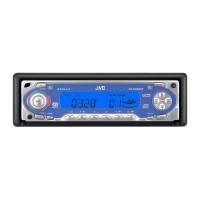
Select the setting or color you want.
Each time you press the
button, the selection
changes as follows:
ALL DEMO O SOURCE O BLUE O
OCEAN O PURPLE O PINK O
ROSE O RED O (back to the beginning)
• When “ALL DEMO” is selected:
The display color changes every 6 seconds.
(rose = pink = ocean = red = purple
= blue = back to the beginning)
• When “SOURCE” is selected:
The display color is fixed to red while
listening to FM or AM, and to blue while
listening to CD.
3
Finish the setting.
Note:
If no operation is done for about 15 seconds or if any
other button is pressed, the setting is also finished.
Changing the standard plate
This section is only for KD-SC800R.
You can change the standard plate with another
plate supplied with your unit.
You can also download them by visiting
<http://www.jvc.co.jp/jvccar>.
• When changing the plate, be careful not to
leave your fingerprints on the plate or cover.
1
Loosen the screws with the supplied
hex screwdriver.
2
Remove the plate cover and the
standard plate.
EN22-26_KD-SC800R[E_EX]f.p65 1/10/03, 5:43 PM24


 To Next Page
 Loading...