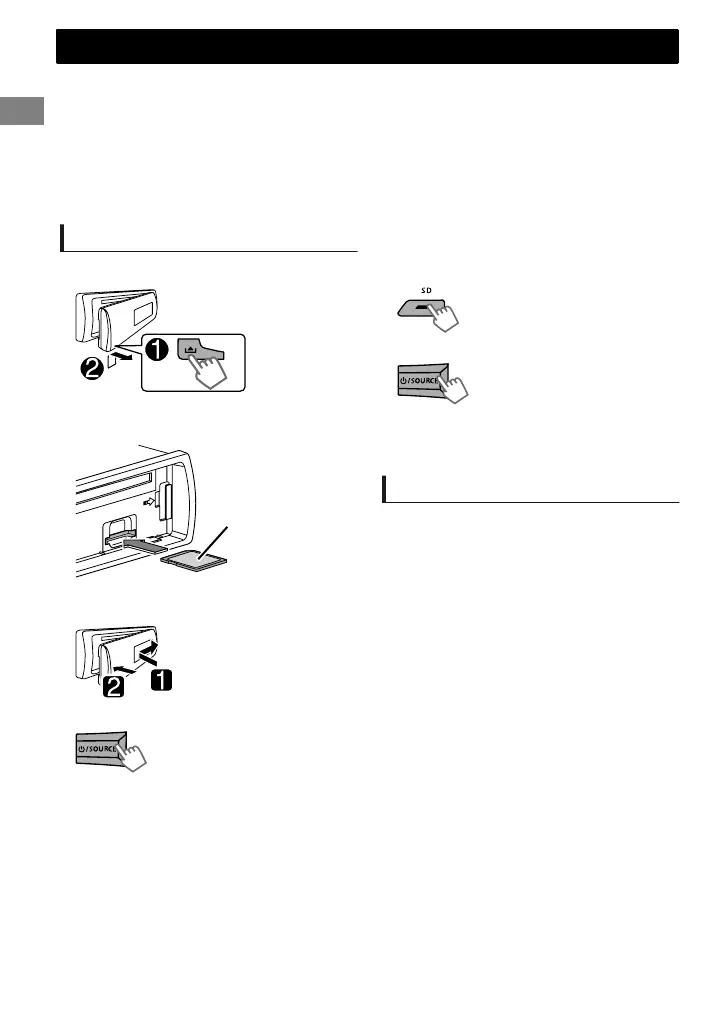
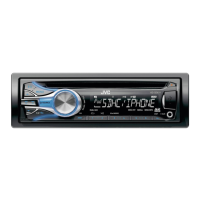
This unit can play MP3/WMA files stored in commercially available SD/SDHC cards.
SD/SDHC memory cards complying with the SD or SDHC standard can be used.
SD card (≤2 GB), SDHC card (≤32 GB)
SDXC memory cards and MultiMedia Card (MMC) cannot be used.
A special adapter is required when using a miniSD card, miniSDHC card, microSD card or microSDHC
card.
Make sure all important data has been backed up. We shall bear no responsibility for any loss of data
in the SD/SDHC memory cards while using this system.
Playing the SD card
1
Detach the control panel.
Label side
2
Push the SD card into the slot until you
hear a “click” sound.
3
Reattach the control panel.
4
Turn on the unit.
- - - - - - - - or - - - - - - - -
Press repeatedly.
The source changes to “SD” and playback starts.
You can operate the SD card in the same way you
operate the files on a CD/USB. (' page 7)
5
Select “SD” source.
Removing the SD card
1
Press the release button to detach the
control panel.
2
Push the SD card in until you hear a “click”
sound, then pull the card out.
3
Reattach the control panel.
SD
SD
8
|ޓENGLISH
2011/11/23ޓ2:15:1KD-SD636_U_EN


 To Next Page