ENGLISH
19
Data Size: B6L (182 mm x 128 mm)
Book Size: B6L (182 mm x 128 mm)
STEERING
WHEEL
REMOTE
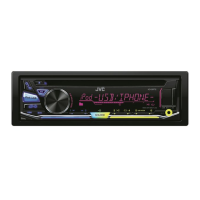
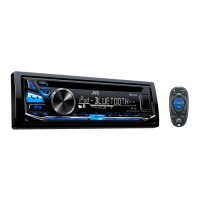
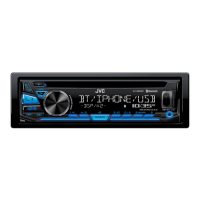
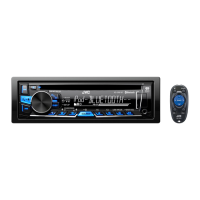
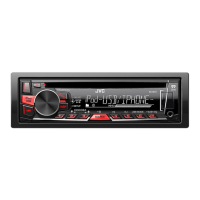
KD-SR61 KD-SR41
Car fuse block
Ignition switch
Recommended
connection
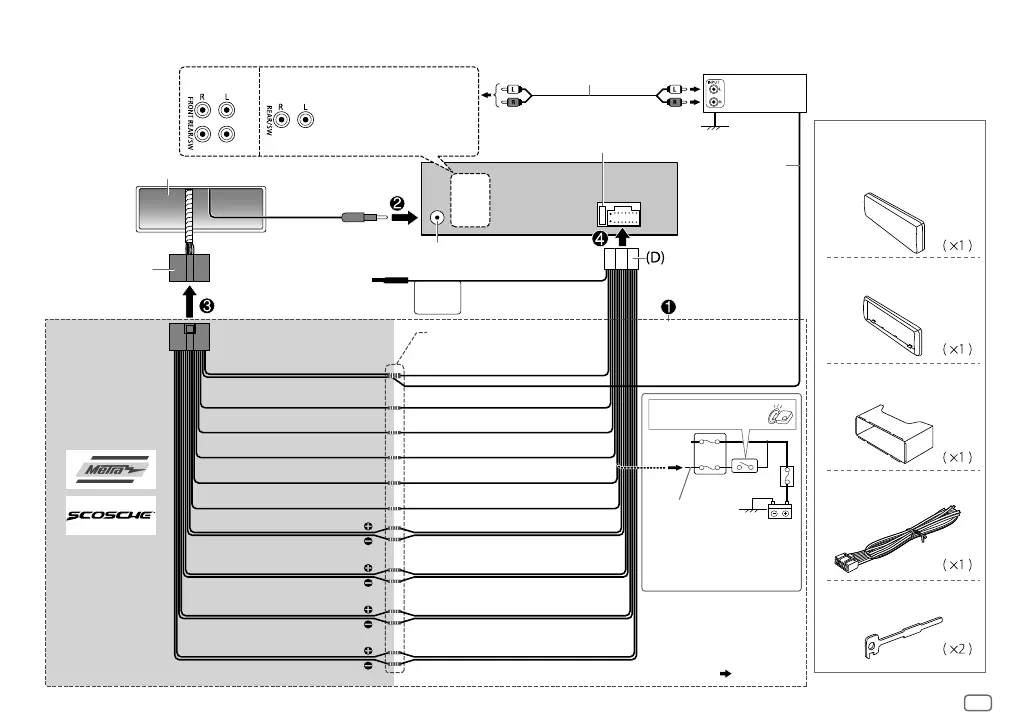
Light blue/yellow
Vehicle-specific Wiring
Harness (separately
purchased)
For more information:
Metra Electronics:
www.metraonline.com
Scosche Industries:
www.scosche.com
Blue/white: To amplifier
Blue: To power antenna
Make this connection if your
vehicle factory wiring harness
does not have “12V ignition
switch” wire.
Separate red wire
Signal cord
(not supplied)
Remote wire
(not supplied)
To the steering
wheel remote
control adapter
Fuse (10A)
Antenna terminal
JVC Amplifier
*
1
Factory wiring
harness (vehicle)
Vehicle dashboard
Black: Ground
Yellow: Battery 12V
White: Front speaker (left)
White/black
Gray: Front speaker (right)
Gray/black
Purple: Rear speaker (right)
Purple/black
Join the same color wires together.
Red: Ignition 12V
Orange/white: Illumination
Blue/white: Remote (200mA max.)
Part list for
installation
(A)
Faceplate
(C)
Mounting sleeve
(B)
Trim plate
(D)
Wiring harness
(E)
Extraction key
Wiring connection
Green: Rear speaker (left)
*
2
Green/black
*
2
*
2
You can also connect a
subwoofer speaker directly
using this lead without an
external subwoofer amplifier.
For setting,
12
,
13
.
Front/ rear/ subwoofer
output
Brown: Tel muting
*
1
Firmly connect the ground
wire of the amplifier to
the car’s chassis to avoid
damaging the unit.
JS_JVC_KD_SR61_SR41_J_EN_f.indd 19JS_JVC_KD_SR61_SR41_J_EN_f.indd 19 18/12/2014 4:36:37 PM18/12/2014 4:36:37 PM


 To Next Page