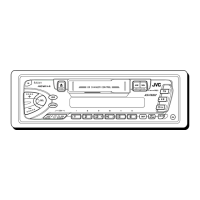
KS-FX202
1-5
Front cover
Front panel
Operation switch board
Fig. 9
Fig. 11
Fig. 10
Front cover
i
i
i
7
7
7
7
g
h
h
h
g
g
A
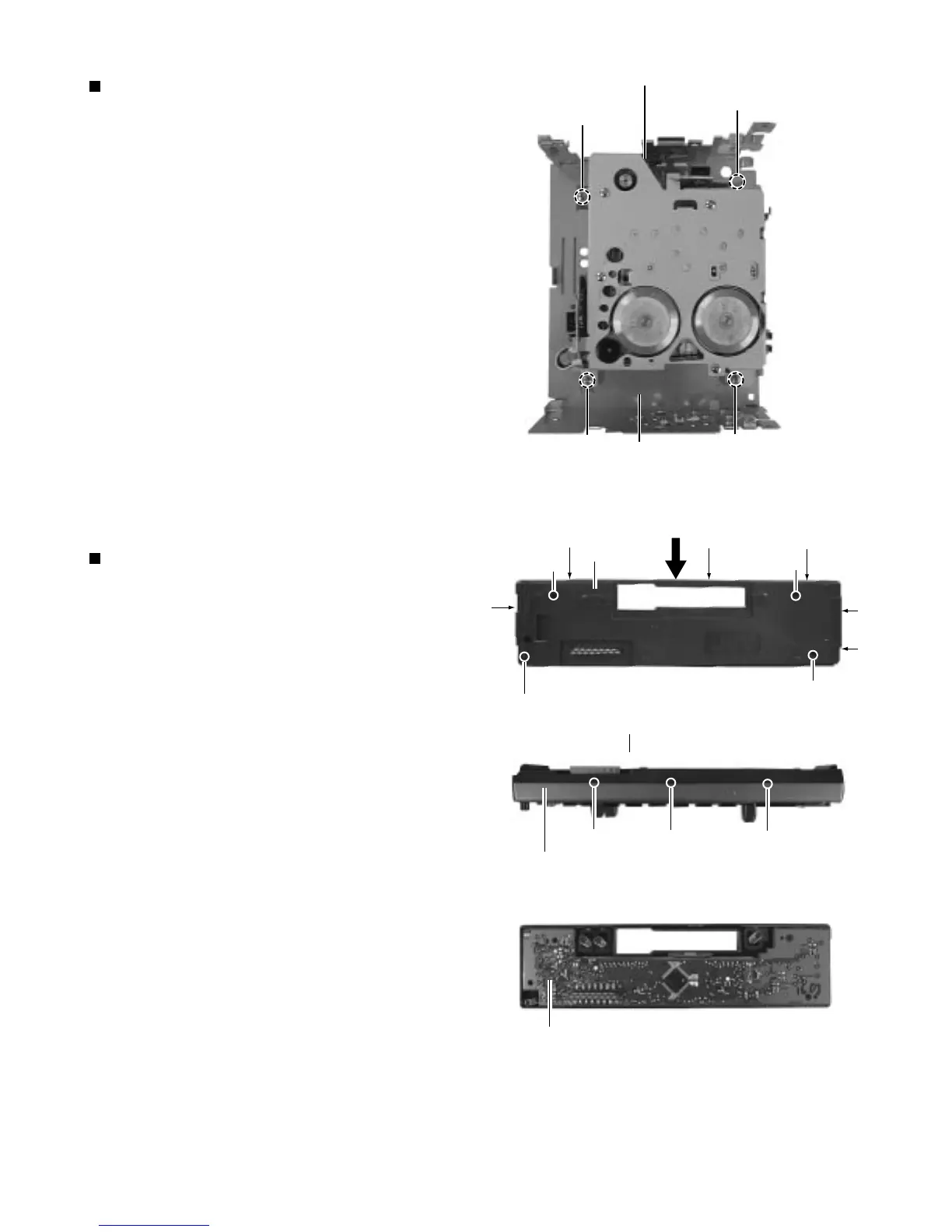
Removing the cassette mechanism assembly
( See Fig. 8 )
1. Removing the front chassis.
2. Removing the bottom cover.
3. Removing the heat sink.
4. Removing the main board assembly.
5. Remove the four screws ( 6 ) retaining the cassette
mechanism.
6. Separate the top chassis and cassette mechanism.
Cassette mechanism
Front side
Top chassis
Fig. 8
6
6
6
6
Removing the operation switch board
( See Fig. 9 to 11 )
1. Detaching the front panel unit.
2. Turn the front panel back side down.
3. Remove the four screws ( 7 ) retaining the front
cover.
4. Open the front cover gradually by disengaging the
three engagements ( g ) while pushing the top of
the front cover in the arrow "A" direction, then
disengage the three engagements ( h ) on the both
sides.
5. Place the front panel unit front side down.
6. Disengage the three engagements ( i ) on the
bottom to separate the front cover from the front
panel.
(Be careful not to lose the button springs.)


 To Next Page
 Loading...