ENGLISH
8
Listening to the radio
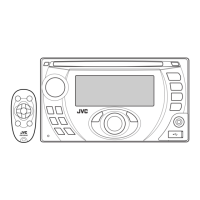
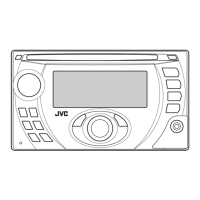
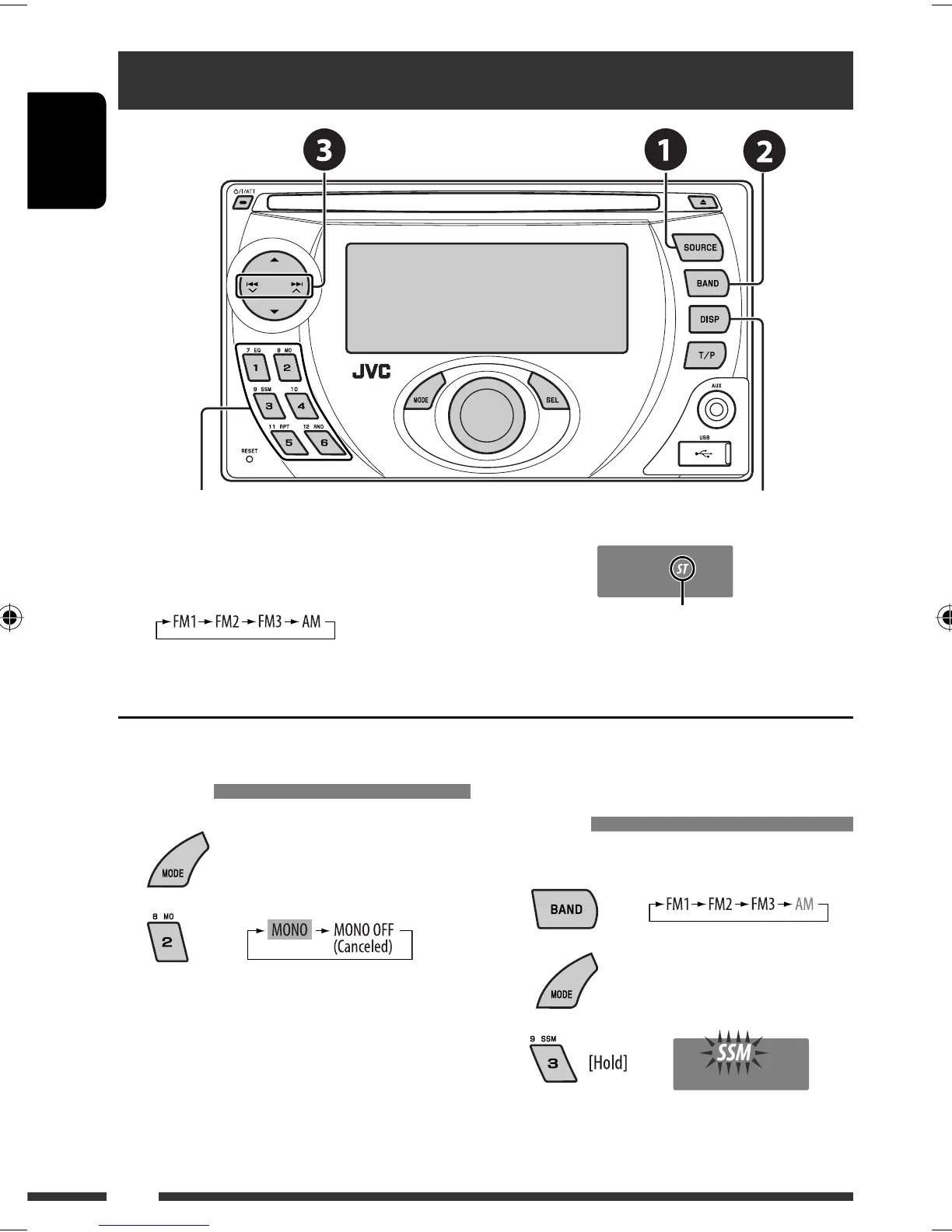
~ Select “FM/AM.”
Ÿ Select the bands.
! Search for a station to listen—Auto Search.
Manual Search: Hold either one of the buttons until “M” flashes on the display, then press it repeatedly.
Select preset station.
When an FM stereo broadcast is hard
to receive
1
2
Reception improves, but stereo effect will be lost.
• MO indicator lights up.
FM station automatic presetting —
SSM (Strong-station Sequential
Memory)
You can preset up to six stations for each band.
1
2
3
Local FM stations with the strongest signals are
searched and stored automatically in the FM band.
Lights up when receiving an FM stereo
broadcast with sufficient signal strength.
Change the display information
EN08-15_KW-XG701_003A_2.indd 8EN08-15_KW-XG701_003A_2.indd 8 3/14/07 8:45:28 AM3/14/07 8:45:28 AM


 To Next Page
 Loading...