14
Basic operations (TV)
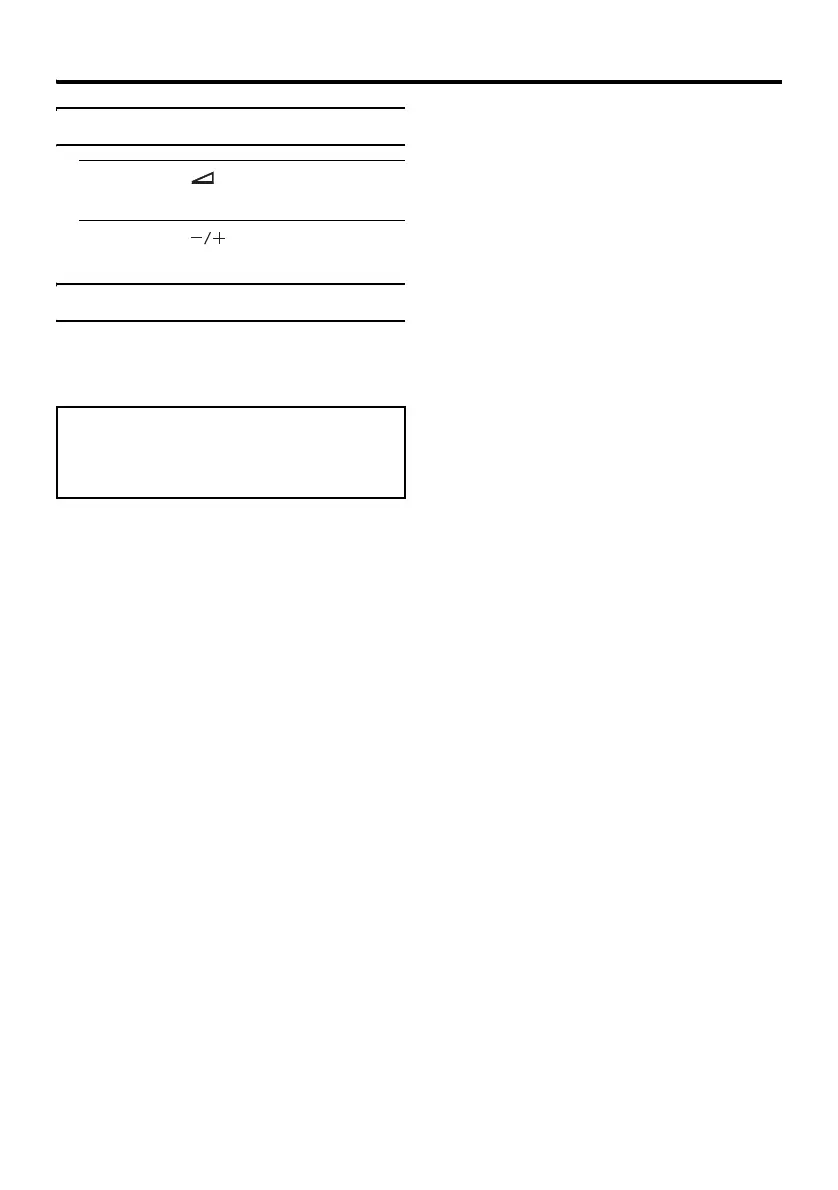
Adjust the volume
1 Press the (Volume) button once
The volume level indicator appears.
2 Press the buttons while the
volume level indicator is displayed
Using the Menu
Use the MENU button
Refer to “Setting the TV” on page 37 for
details of using the menu.
If the Digital terrestrial broadcasting
(DVB-T) picture is unnatural:
Remove and insert the power plug. The picture
may appear natural again.



 To Next Page