20
4
Customising TV Settings
Saving a Channel/Source to the My Buttons ( / )
You can save your favourite TV channel or source to both of the My Buttons.
1. Select the channel or source that you want to save to the My Button.
2. Press are hold
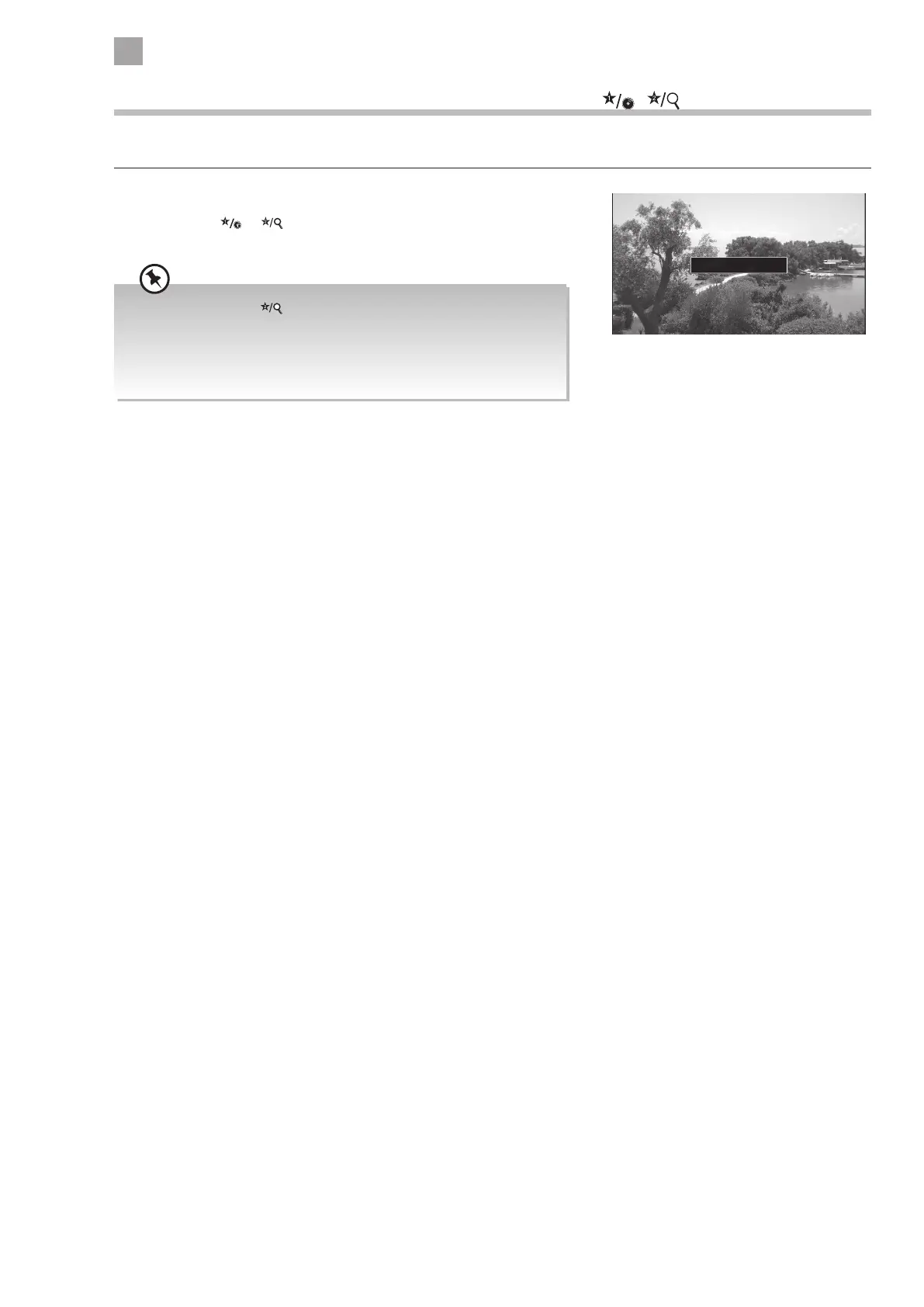
or for 5 seconds. The message 'My Button Set' will
appear on the screen when the channel/ source is stored.
My Button is set
• When you set the button the Channel Network Type menu will
disappear. These settings can still be found in the channel list.
• If you perform a first time installation at any time the My Buttons
will be reset to youtube for button 1 and Channel Network type for
button 2.



 To Next Page