38
7
Other Information
Resetting your TV
Restores all settings to the factory defaults and will delete all channels you currently have stored.
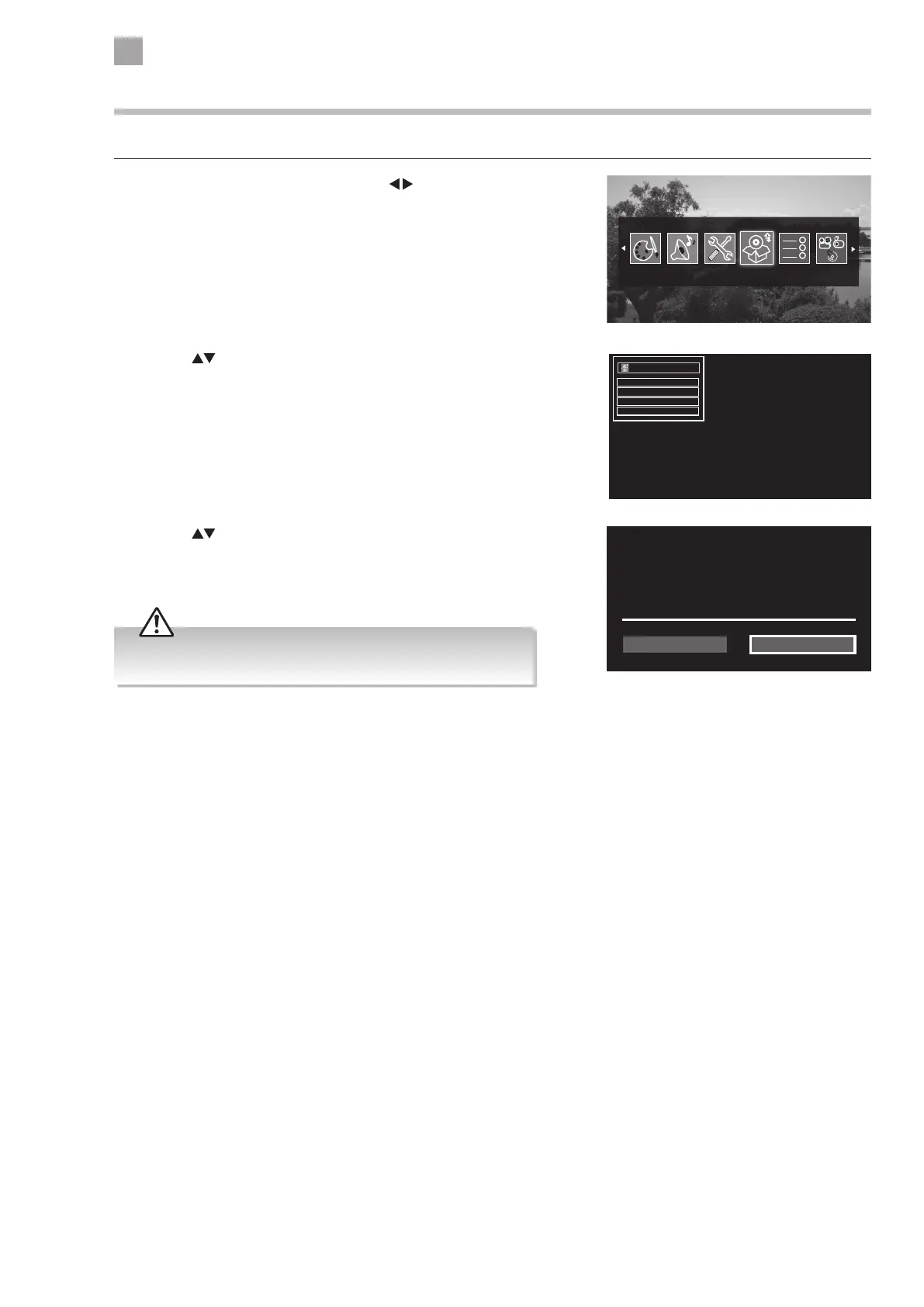
1. Press the MENU button and then press the
buttons to select the
INSTALL AND RETUNE and then press the OK button. The INSTALL AND
RETUNE menu will be displayed.
Install and Retune
Autoimatic channel scan (Retune)
Manual channel scan
Analogue ne tune
First time installation
Install and Retune
Do you want to delete all channels and
settings for rst time installation?
Your recordings will be preserved.
NoYes
2. Press the buttons to select FIRST TIME INSTALLATION and then press
the OK button.
3. Press the
buttons to select YES the press OK. The screen will
turn black and then in a few seconds you will see the FIRST TIME
INSTALLATION MENU.
All channel and user settings will be lost and the TV will revert to
"First Time Installation".



 To Next Page