EN 22
To set the V-Chip
1
In the V-Chip menu, press ▲ or ▼ to select
“ V-Chip” then press ◀ or ▶ to set to “On”.
2
Press ▲ or ▼ to select “US Rating”, then press ▶
or ENTER.
3
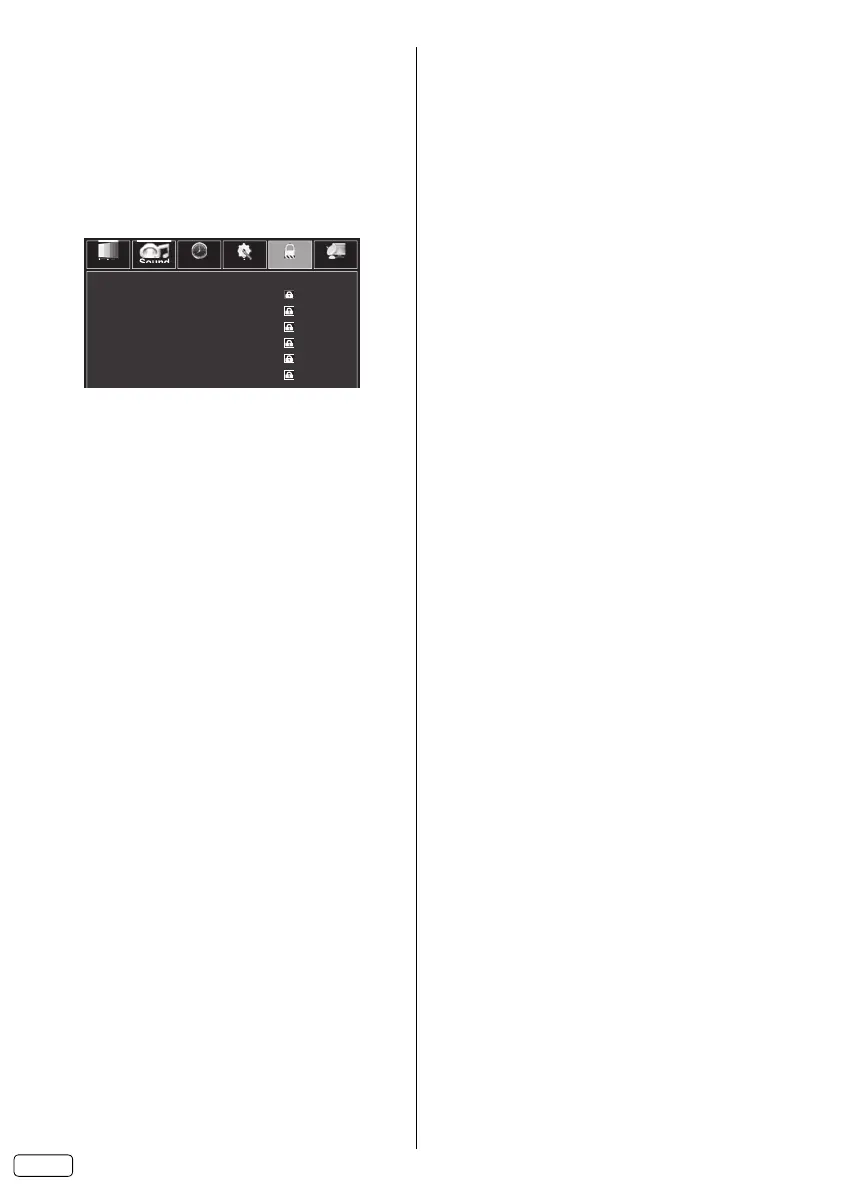
Press ▲ or ▼ to select which rating will be used,
then press ▶ or ENTER. Each rating below will
appear.
TV Rating
Sound Time Setup Lock
Picture Channel
TV-Y
TV-Y7
TV-G
TV-PG
TV-14
TV-MA
You can set the rating using age level and genre.
Age:
TV-Y : All children
TV-Y7 : 7 years old and above
TV-G : General audience
TV-PG : Parental guidance
TV-14 : 14 years old and above
TV-MA : 17 years old and above
When you select TV-Y7, TV-PG, TV-14 or TV-MA,
press DISPLAY to explain the rating.
Genre:
FV : Fantasy Violence
D : Dialogue
L : Language
S : Sex
V : Violence
Press ▲/▼ to select the desired rating, then press
ENTER.
Movie Rating
Off : None
G : All ages
PG : Parental guidance
PG-13 : Parental guidance
less than 13 years old
R : Under 17 years old parental guidance
suggested
NC-17 : 17 years old and above
X : Adult only
Press ◀/▶ to select the desired rating.
4
Press EXIT to return to the normal screen.
V-Chip function is activated now.
To use the TV after the TV is protected.
When a program is received that is blocked by the
V-Chip, you should set the V-Chip to “Off” or set
appropriate TV/Movie Rating level for the blocked
program (see “To set the V-Chip” on above).
After that, you should re-set the V-Chip, if you need.
NOTE:
The V-Chip function is activated only on programs
and input sources that include a rating signal.
•
To change the password
1
In the V-Chip menu, press ▲ or ▼ to select
“Change Password”, then press ▶ or ENTER.
2
Enter a current password using Number buttons
(0-9).
3
Enter a new password using Number buttons
(0-9).
4
Enter the same password again to confirm.
The password is now registered.
Downloading the additional V-Chip rating system
As a supplement to the standard V-Chip rating
system, your television will be able to download an
additional rating system, if such a system becomes
available in the future.
To download the additional V-Chip rating system
(when available)
1
In the V-Chip menu, press ▲ or ▼ to select
“ V-Chip” then press ◀ or ▶ to set to “On”.
2
Press ▲ or ▼ to select “V-Chip Set (DTV)”, then
press ▶ or ENTER.
3
If the TV is not storing the additional rating
system, the TV will begin downloading it, which
may take some time to be completed.
4
Set your preferred content rating limits for the
additional rating system.
NOTE:
You can only download the additional V-Chip rating
system when your TV is receiving a digital signal.
When you download the additional rating system, it
may take some time for the download to occur.
The V-Chip rating information and system are not
determined or controlled by the TV.
The standard V-Chip rating system is available
whether your TV is receiving a digital signal or not,
and will block both analog and digital programs.
To set the restriction level using the standard V-Chip
rating system, select “US Rating” in step 2.
The downloadable V-Chip rating system is an
evolving technology, and availability, content, and
format may vary.
To clear the V-Chip Set (DTV)
1
In the V-Chip menu, press ▲ or ▼ to select
“ V-Chip” then press ◀ or ▶ to set to “On”.
2
Press ▲ or ▼ to select “RRT Clear”, then press
▶ or ENTER.
The confirmation window will appear.
3
Press ▶ to select “Yes”, then press ENTER.
Your V-Chip Set (DTV) will clear.
•
•
•
•
•
J3RF0321A_EN.indd 22J3RF0321A_EN.indd 22 3/1/13 9:24:56 AM3/1/13 9:24:56 AM



 To Next Page