GB-16
Turning on the TV
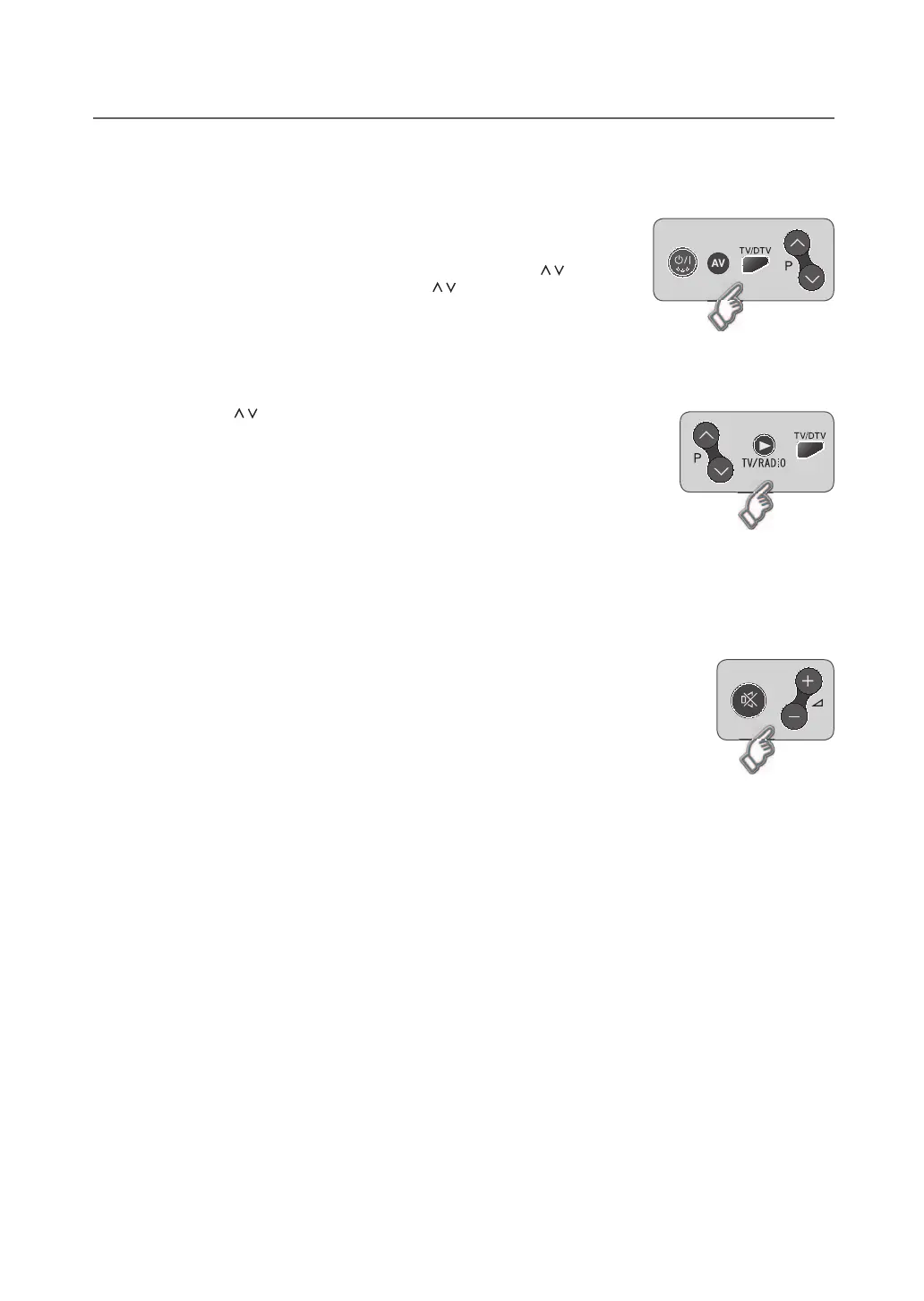
1 Firstly, connect the power cord correctly. At this stage, the TV switches to
standby mode.
2 In standby mode to turn TV on, press the POWER, TV/AV or P / button on
the TV or press the POWER, AV, TV/DTV, P / or NUMBER button on the
remote control and the TV will switch on.
Changing Channel
1 Press the P / button or enter the channel number using the NUMBER buttons to
move to the channel directly.
2 Press the TV/RADIO button to switch between digital TV channels and radio
channels.
3 Press the TV/DTV button to switch between analog TV channels and digital TV
channels.
NOTE: Youcanswitchchannelsusingthechannellistorprogrammeguide.
Volume Control
1 Press the VOL+/- button to adjust the audio volume.
2 Press the MUTE button to stop the audio temporarily.
NOTE: The mute function remains set while you switch channels.
BASIC OPERATION


 To Next Page
 Loading...