Digital Programme Features
(In Digital TV Mode Only)
Subtitle
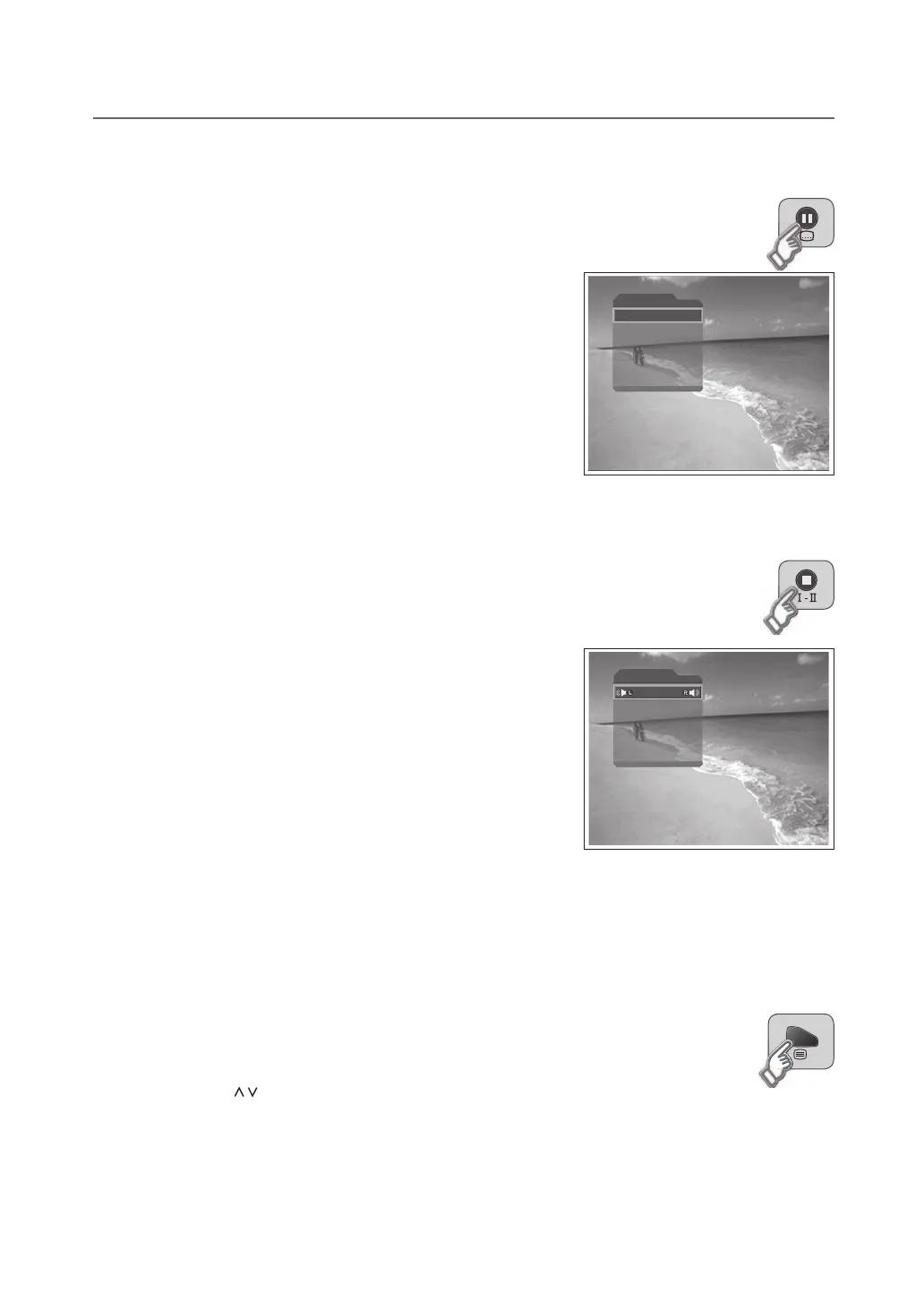
If the programme provides subtitle information you can select the language for the subtitle.
1 Press the SUBTITLE button to display the subtitle language list.
2 Selectasubtitlelanguageusingthe▲/▼buttonandpresstheOK
button.
NOTE: YoucanselectthedefaultsubtitlelanguageinDTV Setup >
Configuration > Language Setting > Subtitle Language menu.
Audio
If the current programme is available in multiple audio languages, you can select the language you
prefer.
1 Press the Ⅰ-Ⅱ button.
2 Selectanaudiolanguageusingthe▲/▼buttontochangeaudio
immediately.
3 Selecttheaudiodirection(left,right,stereo)usingthe◄/►button.
NOTE
YoucanselectthedefaultaudiolanguageinDTV Setup > Configuration
> Language Setting > Audio Language menu.
If you select Compressed in DTV Setup > Configuration > Language
Setting > Audio Priority menu, the programme is automatically
broadcasted in the compressed audio regardless of default audio
language. If the programme is broadcasted in the compressed bitstream
audio signal, you cannot set the audio direction.
Text and Interactive Services
If your chosen channel has digital teletext features, you can access them. Teletext services often load automatically
shortly after the digital teletext window is displayed. In which case, simply follow the on screen instructions (press
color buttons).
1 Press the TEXT button to access digital teletext.
2 Press the TEXT button again to return to normal viewing.
3 Press the P / button to exit this service.
Note: If you have subtitles displayed then you will not be able to access the digital text service.
▪
▪
Subtitle
English
Off
Audio
German



 To Next Page
 Loading...