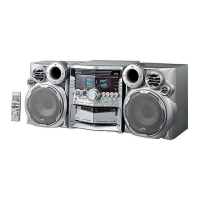
MX-S6MD
1-34
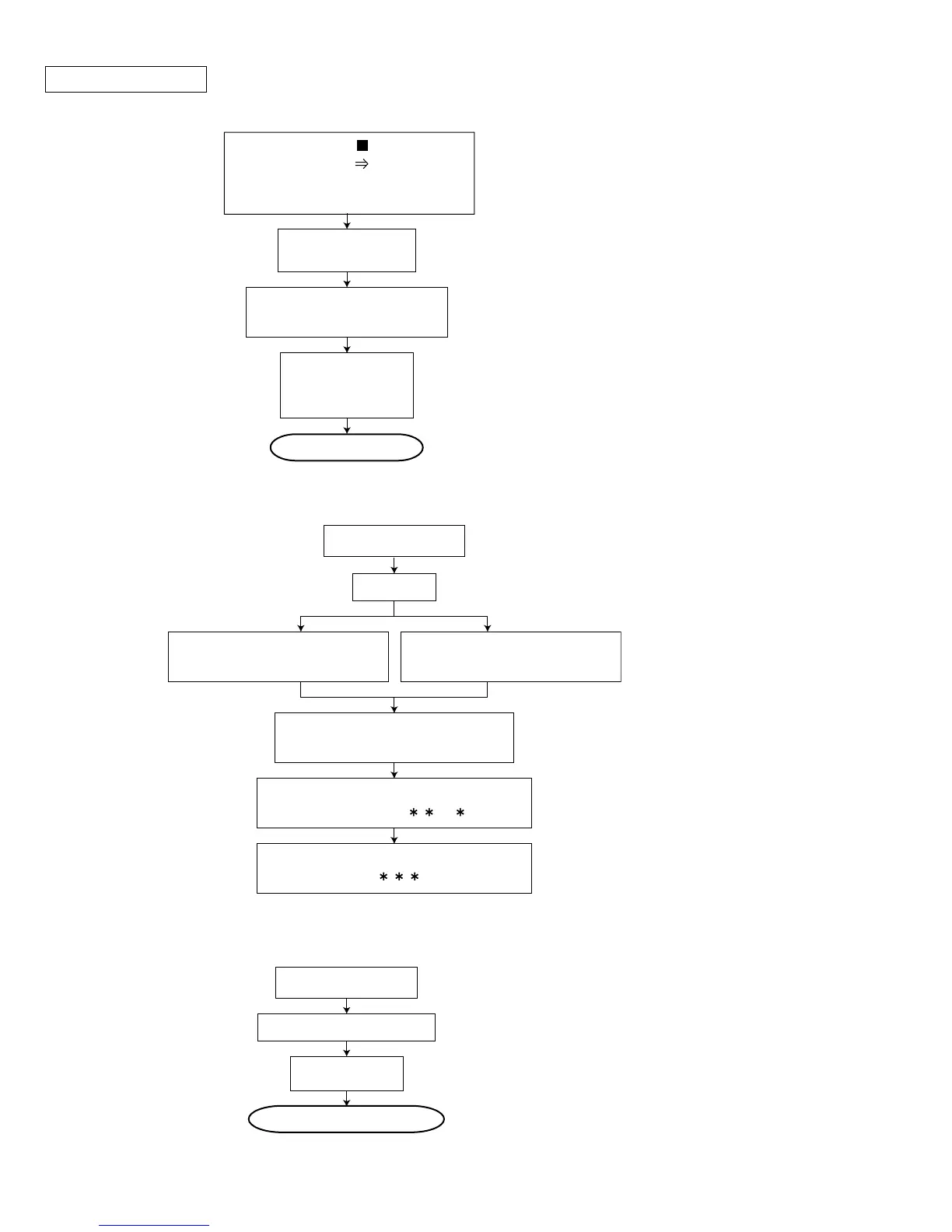
CD TEST MODE
1.Setting the TEST MODE
LCD indication
CD TEST MODE
CD TEST MODE setting by
press [POWER key]
LCD indication
[HELLO] then
CD TEST MODE
Complete setting
Press [STOP key] and
[HIGH SPEED CD MD REC key]
of the main body together and
connect the power cord
Release the TEST MODE
3.Release the CD TEST MODE
TEST MODE
Read TOC
Press [1 key] of the
Remote controller ( x1 speed)
Press [2 key] of the
Remote controller ( x2 speed)
Playback each 10sec.
C1 ERROR q'ty indicate by 2byte
2.Indication the C1 ERROR
LCD indication (change each 10sec.)
[__________ __ ]
LCD indication (change each 10sec.)
[________ Times__]
TEST MODE
Press [POWER key]
Power to OFF
CD section is no need the adjustment by design.



 To Next Page