16
Alarm
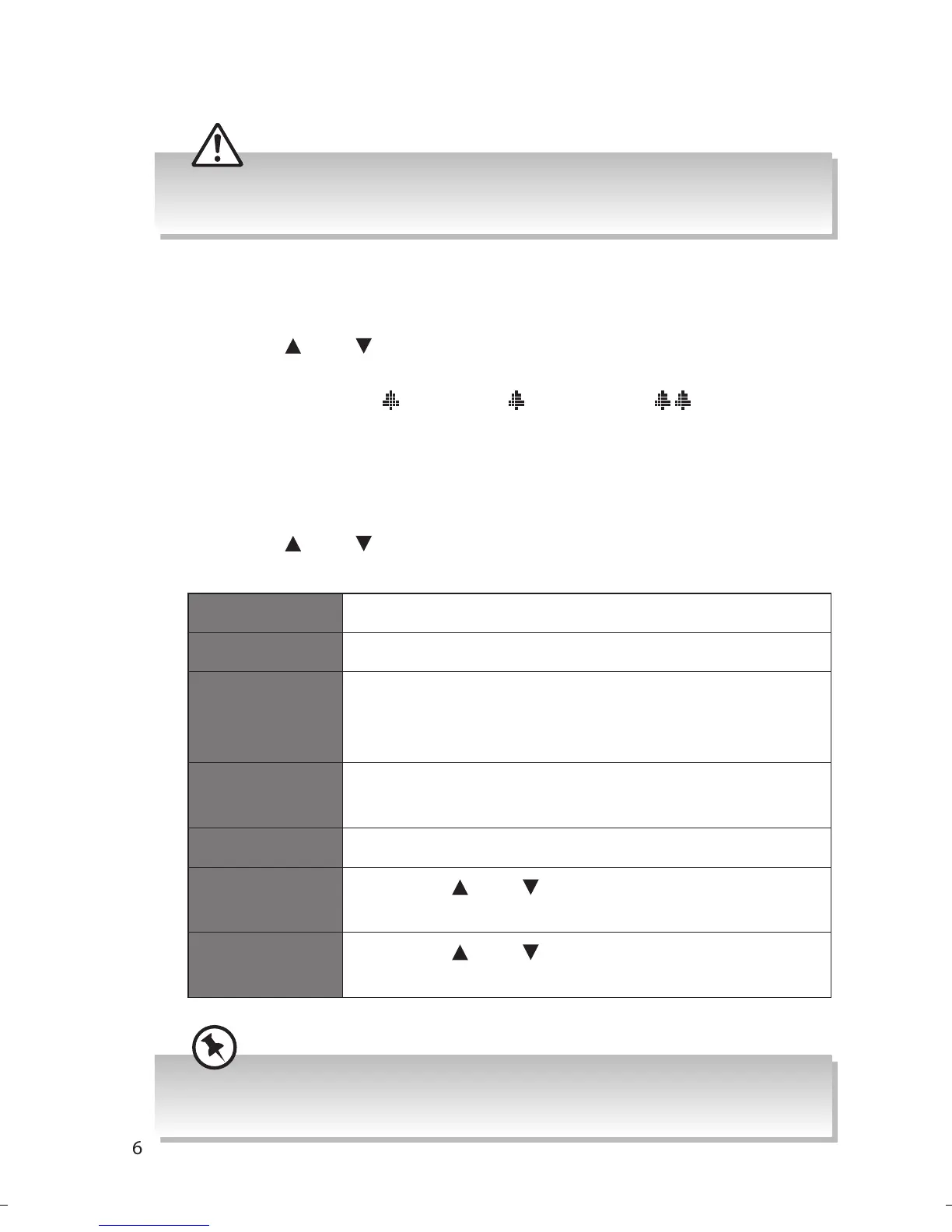
Ensure the time and date is set before you can activate the alarm
function.
Setting the Alarm On/O
1. Press Alarm/Mode button once to enter Alarm 1 Setup menu, or twice
to enter Alarm 2 Setup menu.
2. Press Tune
/Tune button to select Alarm On or Alarm O, and then
press Select button to conrm. The display will show “Alarm Saved“.
3. Once the alarm is set,
1 (Alarm 1)/ 2 (Alarm 2) or (Both Alarm 1
and Alarm 2) icon will show on the display.
Alarm Setup
1. Press Alarm/Mode button once to enter Alarm 1 Setup, or twice to
enter Alarm 2 setup. Press Select button to conrm.
2. Press Tune
/Tune button to select options, and then press Select
button to conrm.
On time 00:00 (manually set up the time)
Duration 15/30/45/60/90/120 minutes
Source Buzzer / FM / DAB
(If the wake-up source is DAB and the signal
strength is low, the Buzzer alarm will be triggered.)
Preset Last listened or saved preset station (not available
for Buzzer mode)
Frequency Daily / Once / Weekends / Weekdays
Alarm
volume
Press Tune
/Tune button to adjust the alarm
volume.
Alarm On/Off Press Tune
/Tune button to select between
Alarm On and Alarm Off.
During the setup process, you may press Alarm/Mode button to exit the
alarm setup menu.
RA-D38x_IB_Final180424.indd 16 24/4/18 11:11 am


 To Next Page