18
Manual Tuning
As well as the auto scan function, you can manually tune the radio. This can help if you
know your radio has missed stations. You will need to know which multiplex the missing
radio station is in.
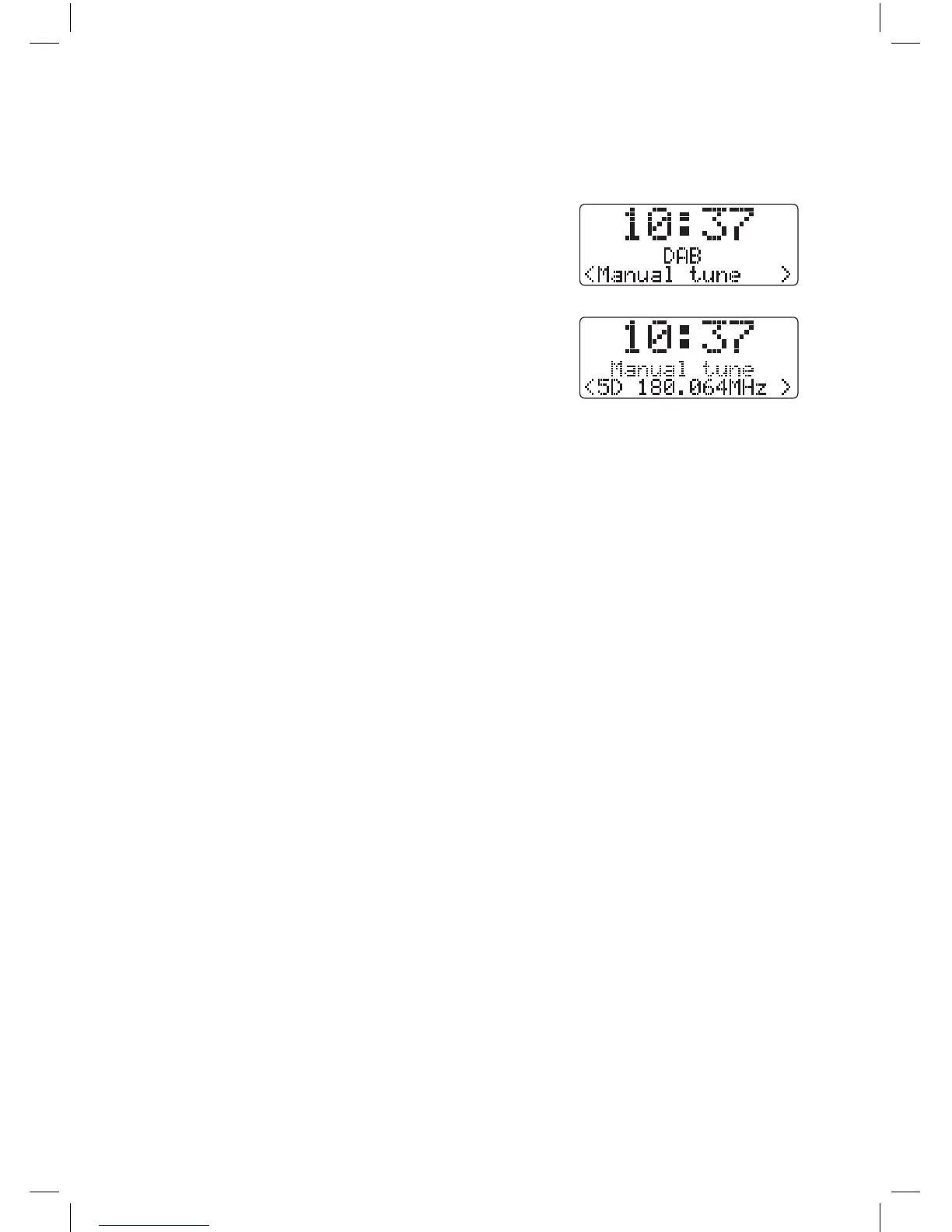
1. Press and hold the MENU/INFO button and then
turn the VOLUME/SELECT dial to select Manual
tune, the display will now show Manual tune.
Then press the VOLUME/SELECT dial.
2. Turn the VOLUME/SELECT dial to cycle through
the multiplex list, which are numbered from 5A
to 13F.
3. After your desired multiplex is selected, press
the VOLUME/SELECT dial to enter the current
multiplex, the top line will now display the
multiplex and below you’ll see the signal strength.
4. You won’t see any new radio stations or hear anything while in manual tune. To nd the
newly tuned in stations search through the Station List.
Pruning Radio Stations
If tuned you radio in more than one location (home and work) it will still have stored all
the radio stations it found, although some may now be a very poor reception. The prune
feature will delete all of the stations that are not available or are very poor reception.
1. Press and hold the MENU/INFO button.
2. Turn the VOLUME/SELECT dial and select PRUNE.
3. Press the VOLUME/SELECT dial.
4. Turn the VOLUME/SELECT dial to select YES.
5. Press the VOLUME/SELECT dial. All stored stations that are poor reception or from
another location will now be deleted.
JVC Wooden DAB Radio RA-D51 Manual.indd 18 11/09/2017 13:15


 To Next Page
 Loading...





