8
Product Overview
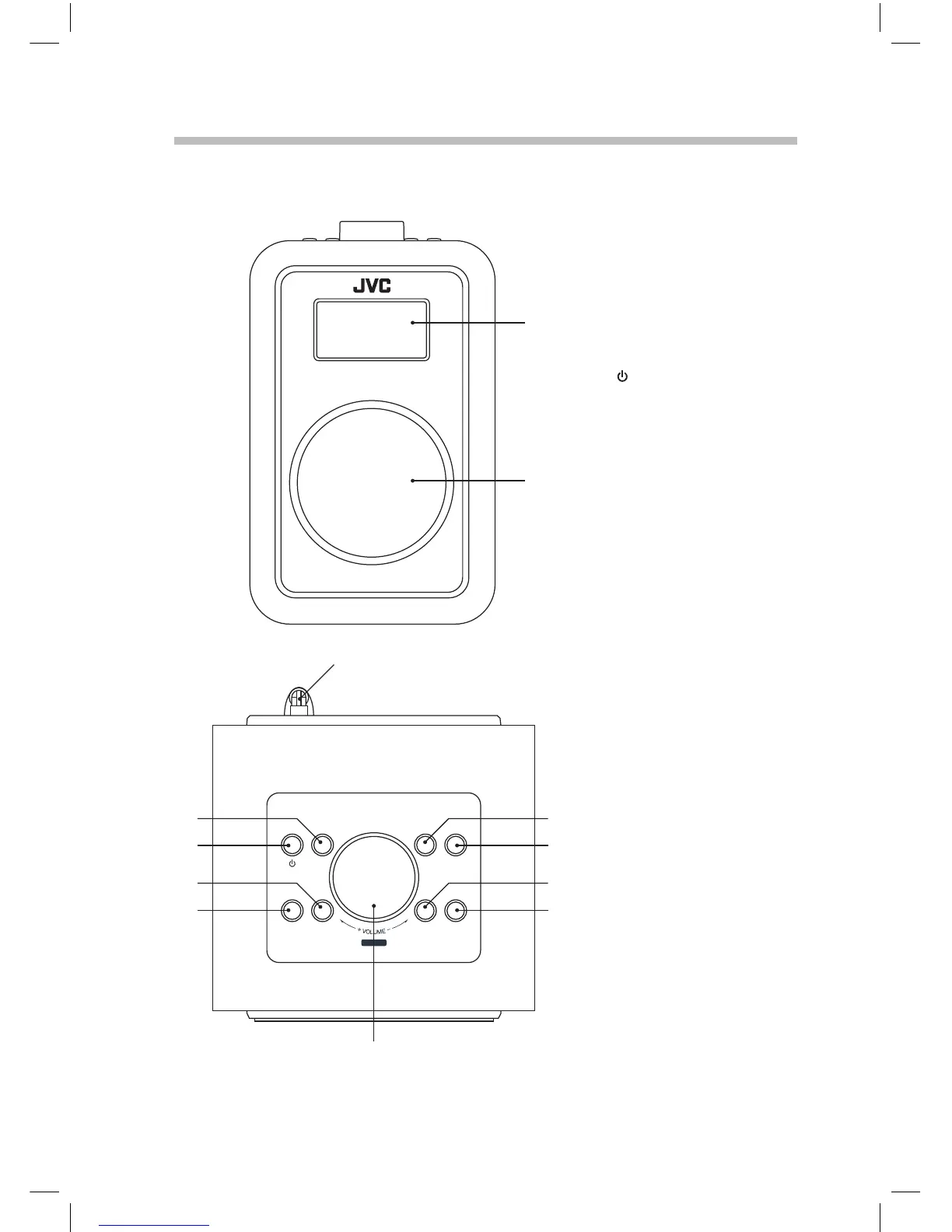
Main Unit
Front View
Top View
1. LED SCREEN
2. SPEAKER
3. AERIAL
4. MODE button
Press to switch between
DAB, FM and Aux modes.
5.
STANDBY button
Press to switch the unit on
or into standby.
6. PRESET RECALL/STORE
button
Press and hold to store or
just press to recall a preset
radio station.
7. MENU/INFO button
Press and hold to access
the menu or press to
scroll through DAB or FM
information.
8. VOLUME DIAL/SELECT
button
Turn to adjust the volume
or press the make a
selection.
9. ALARM button
Press to access alarm
setup.
10. SLEEP button
Press to set a sleep time.
11. TUNE button
Press enter tuning mode.
12. DIMMER/SNOOZE
button
Press to adjust the
brightness of the display
or when an alarm has
activated press to snooze
the alarm.
MODE
PRESET
SELECT
MENU/
INFO
RECALL/ STORE TUNE
DIMMER/
SNOOZE
SLEEP
ALARM
1
2
3
4 9
5 10
6 11
7 12
8
JVC Wooden DAB Radio RA-D51 Manual.indd 8 11/09/2017 13:15



 To Next Page