17
Basic operation
STANDBY
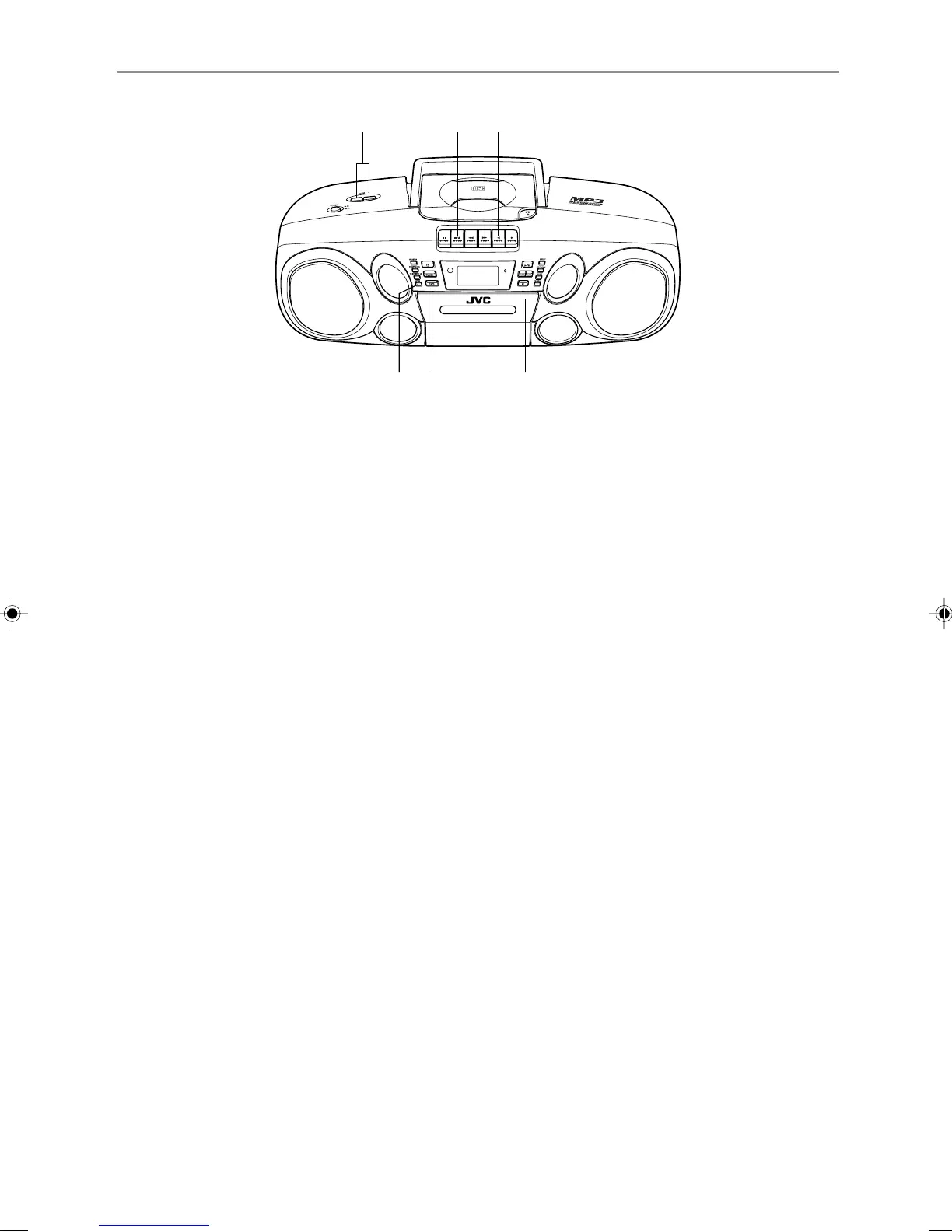
CD POTABLE SYSTEM RC-BM5
2
4 1 2
34
1
Press the TAPE button to enter TAPE mode.
2
Load a cassette.
Use only a type-I normal tape.
3
Press the 2 PLAY button to start playback.
4
Adjust the volume and sound.
To stop playback
Press the § STOP/EJECT button.
The tape also stops when it reaches the end.
Fast-winding a tape
Press the ¡ REW or 1 FF button.
When the tape reaches the end, press the § STOP/
EJECT button to release the ¡ REW or 1 FF button.
02_01-22_RCBM5_J_En.p65 5/21/02, 2:56 PM17


 To Next Page
 Loading...