13
Sleep Timer
This function allows you to program the unit to switch o by itself after a set period of time.
By setting the sleep timer, you can fall asleep to music and know that your unit will turn o
by itself rather than play all night.
1. Press SLEEP repeatedly to select your desired number of minutes. The number of
minutes shown will display in this sequence:
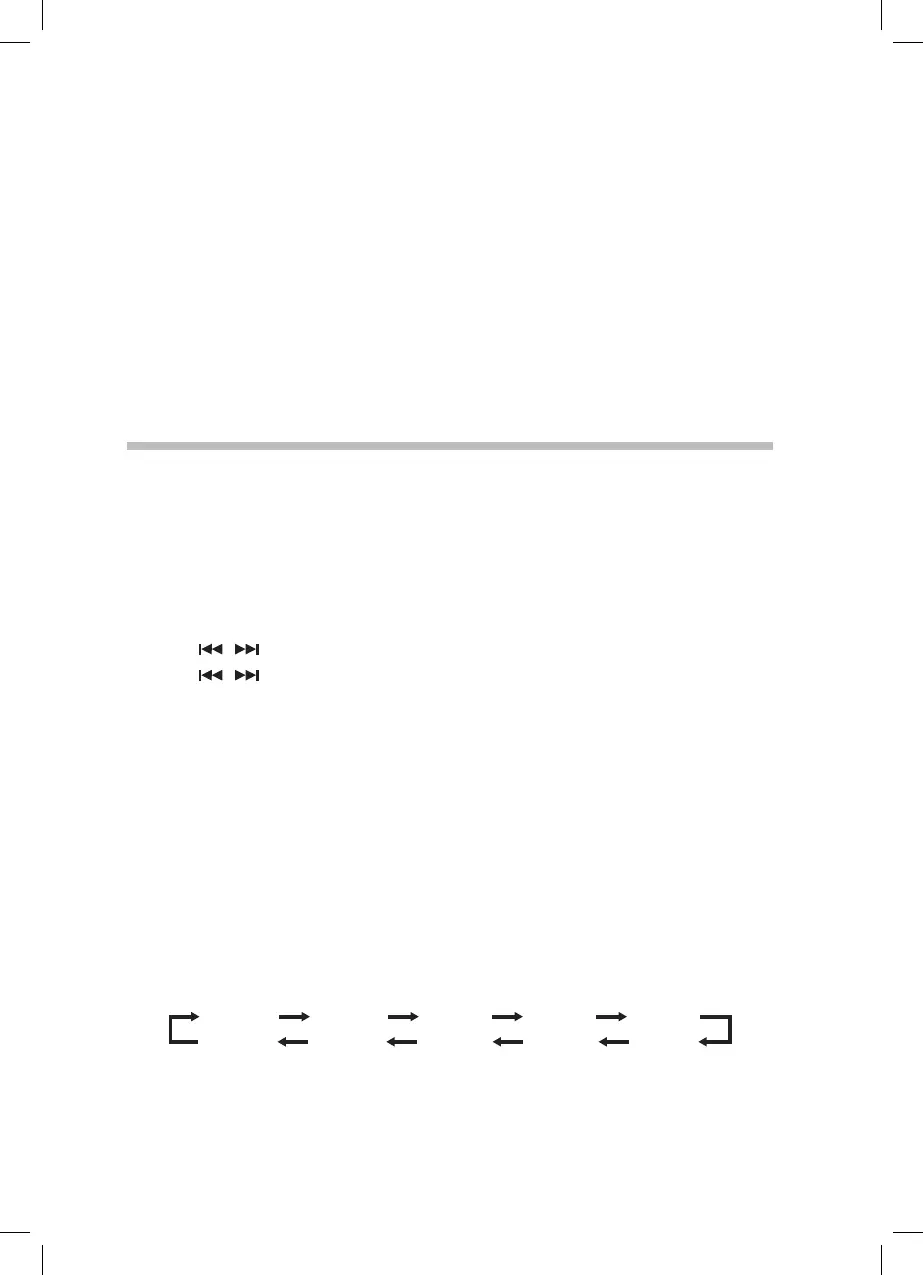
SLEEP 30SLEEP 20SLEEP 10 SLEEP 40
SLEEP 80 SLEEP 70 SLEEP 60 SLEEP 50
SLEEP OFF
SLEEP 90
2. Press SLEEP to view the remaining time before switch o. Your unit will also briey
display the sleep time remaining every minute.
3. To cancel the sleep timer, press SLEEP repeatedly until “SLEEP OFF” shows on the
display.
Adjusting the Speaker Volume Levels and Sound Eects
Adjusting the Volume
To increase or decrease the volume, turn the – VOLUME + dial on the unit or press the
VOL + / – buttons on the remote control.
Mute
To temporarily mute the sound press the MUTE button. Press the MUTE button again, or
press VOL +/– to resume normal listening.
Preset Equalizer
You can choose from 6 preset equalizer settings: FLAT/ CLASSIC / ROCK / POP / JAZZ.
Press the EQ button on the remote control repeatedly to select the desired setting.
Clock Operation
The clock on this unit can automatically synchronize with the time transmitted by DAB
radio stations, so there is no need to set it manually. Just leave your unit on a DAB radio
station for a few minutes and it will nd the correct time.
Manually Setting the Clock
If you are in an area which can’t recieve a DAB signal then you can manually set the clock.
1. In Standby, press the CLOCK button, “CLOCK SET” shows on the display.
2. Press
/ buttons to set the hours. Press the CLOCK button conrm the hours.
3. Press
/ buttons to set the minutes. Press the CLOCK button conrm. The time
is now set.
If your unit detects a DAB radio signal at any time it will automatically correct the time.
RD-D70_IB-NO Digital Tick.indd 13 02/02/2016 17:34



 To Next Page