20
• Press to play the CD press again to pause the playback, the time elapsed indicator
will ash. To resume playback, press again.
• Press
to stop the disc playing.
To Skip Search or Search and Play
• Press to skip to beginning of the current track.
• Press
to skip forward to the next track.
• Press and hold
/ to search for the position that you intend to start playing.
Release to resume normal playback.
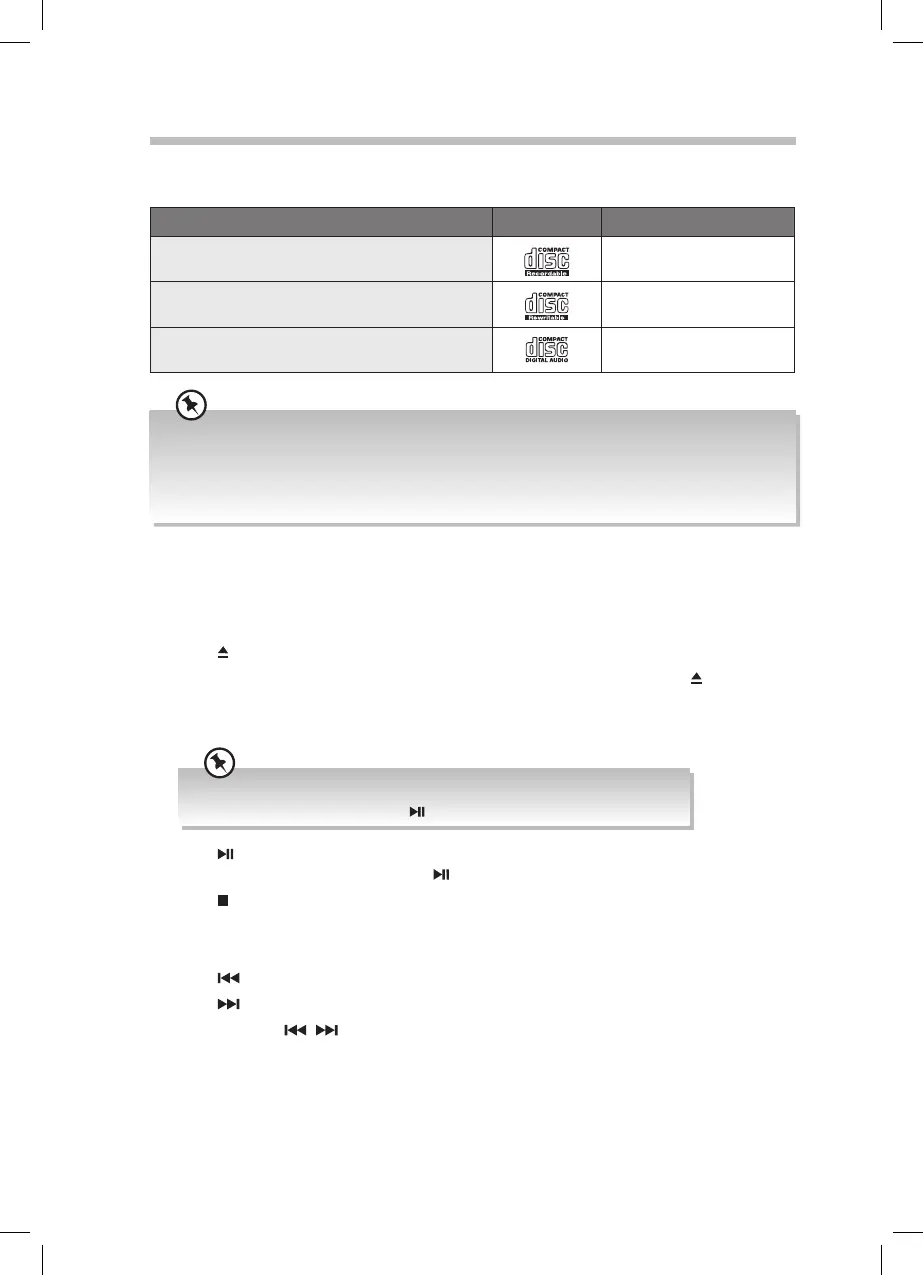
CD/MP3/WMA Operation
Compatible Disc Types
Disc Types Disc Logo Recorded Content
CD-R (CD Recordable - Audio/MP3/WMA)
AUDIO/MP3/WMA
CD-RW (CD-Rewritable - Audio/MP3/WMA)
AUDIO/MP3/WMA
AUDIO-CD (Compact Disc Digital Audio)
AUDIO
• Some recorded les may not be able to be played due to the type and format of disc or condition of
the recording.
• If you are having trouble playing a certain disc, it is recommended to use USB input instead for best
MP3 playback.
• Do not insert 8cm CDs into the CD tray, they may jam in the unit.
• If there is no disc or the disc can’t be read, “NO DISC” will show on the display.
• If in stop mode, please press the
button to start playing the disc.
Press the MODE button to select the CD source. The words “NO DISC” will be showed on
the display.
Playback
1. Press button to open the disc tray.
2. Place the disc onto the CD tray with the label side up, and then press the
button to
close the tray.
3. The unit will read the disc and show the number of tracks and total play time.
RD-D70_IB-NO Digital Tick.indd 20 02/02/2016 17:34



 To Next Page