18
Manual Tuning
Press / repeatedly to change the frequency until you nd the station you want.
FM Radio Operation
• Make sure the aerial is correctly connected and fully extended, away from
any electrical devices that could cause interference.
• If reception is still poor, try to adjust the FM/DAB aerial location.
The search may not stop at a station with a very weak signal.
With FM radio it may be necessary to ne tune each station by pressing / repeatedly. Each press will
adjust the frequency by 0.05MHz. If reception is still poor adjust the position of the aerial or try moving
the unit to another location.
Press the MODE button to select FM RADIO source. The words “FM RADIO” will be briey be
displayed.
Tuning in a Station
Auto Tuning
Press SCAN, the unit will automatically tune to the next available radio station.
Presetting Stations
You can store up to 30 stations to the memory, allowing access to your favourite stations
quickly and easily.
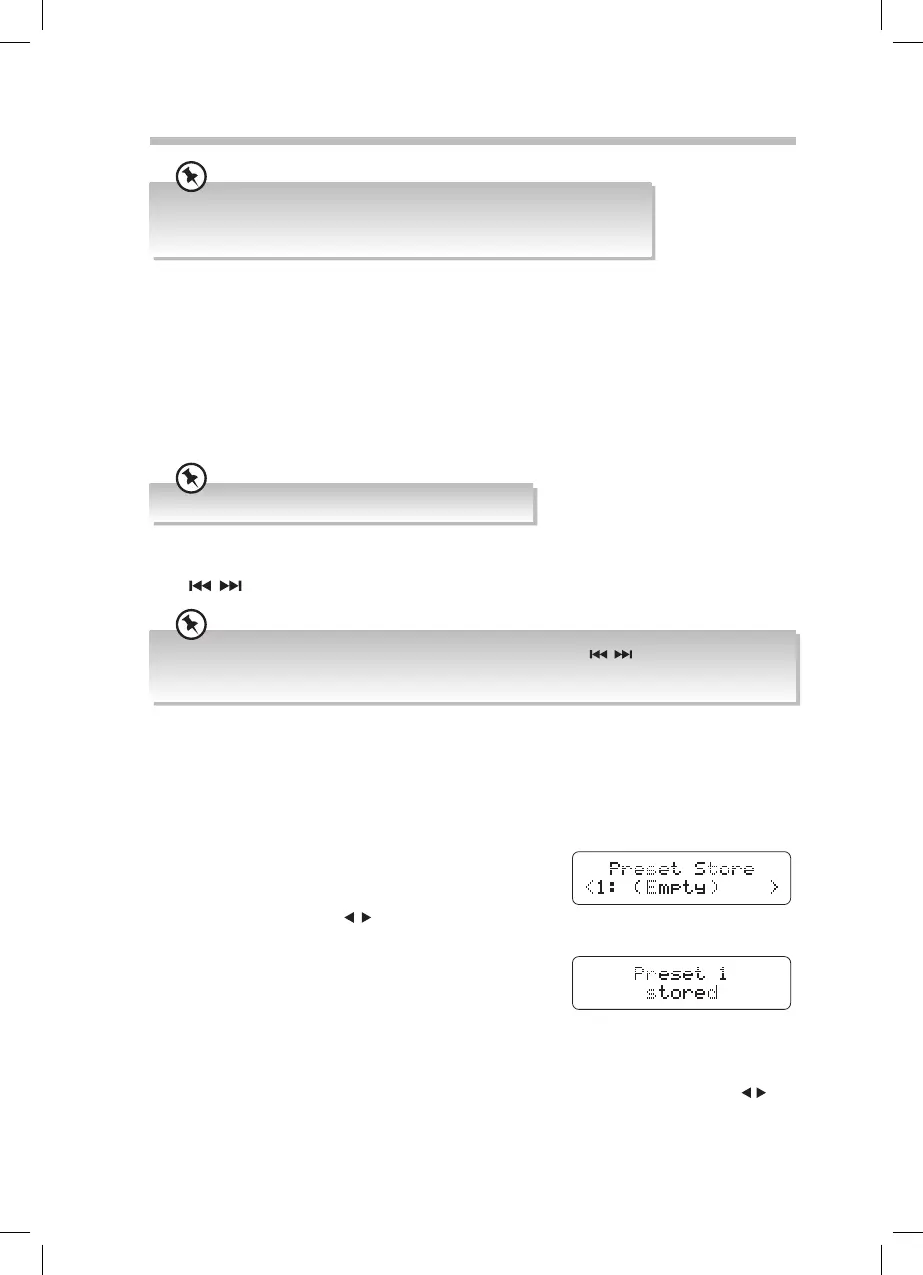
1. To store a preset, you must rst be listening to the
station that you want to save.
2. Press and hold PRESET/MEM to activate program
mode. The display will show “PRESET STORE”.
3. Press PRESET/FOLDER
/ to select the desired
station preset number.
4. Press ENTER to store the station.
Recalling a Preset Station
To select a preset station press the PRESET/MEM button then the PRESET/FOLDER /
buttons to select the preset station number. With the preset station number selected press
the ENTER button. The unit will automatically change the the selected preset station.
RD-D70_IB-NO Digital Tick.indd 18 02/02/2016 17:34



 To Next Page