22
USB Operation
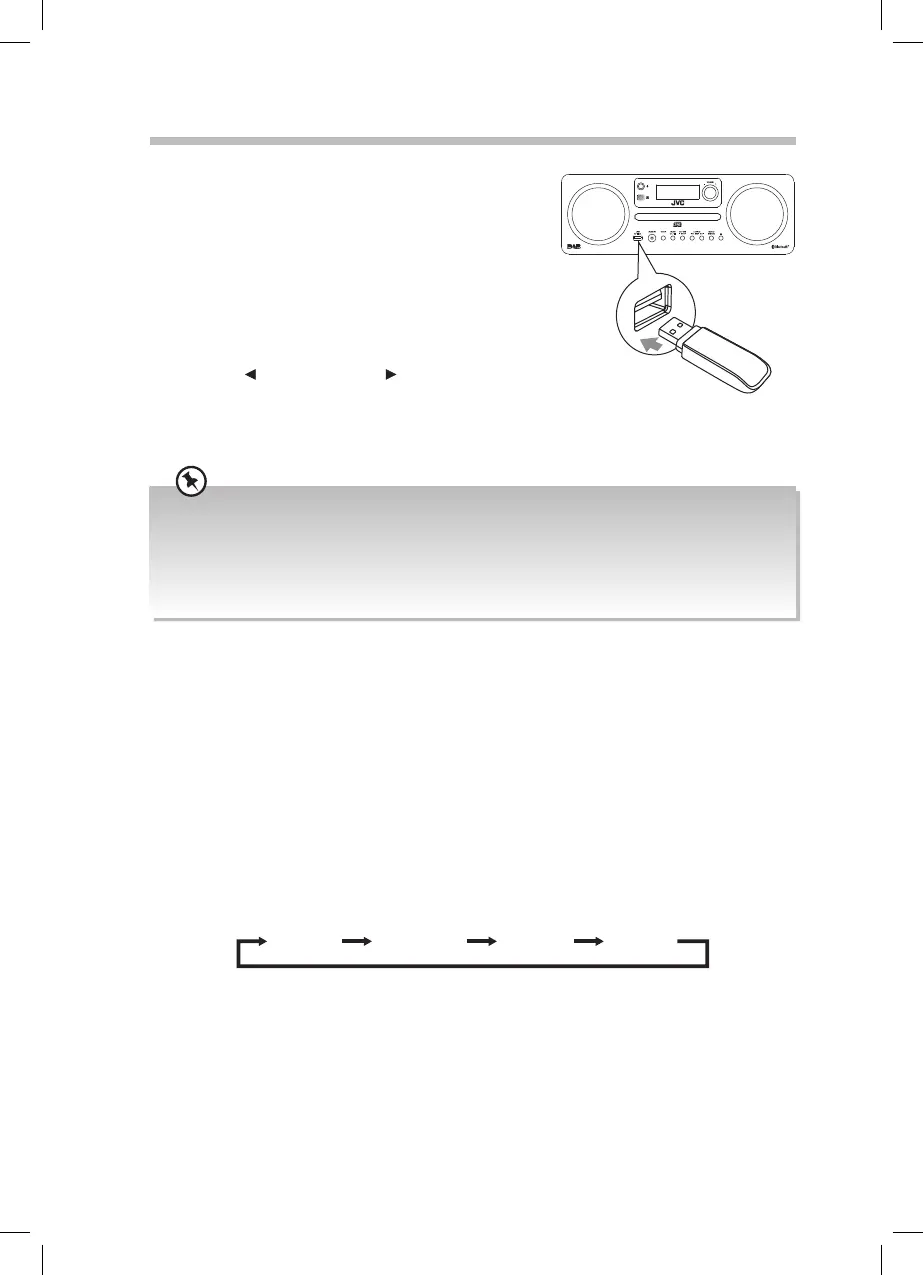
By connecting a USB mass storage device (including
USB ash memory, USB ash players) to this unit, you
can enjoy the device’s stored music through the unit.
1. Insert the USB device into the USB socket at the
front of unit.
2. Press the MODE button on the unit repeatedly
to select USB source or press USB on the remote
control. The word “USB” will be shown on the
display.
3. Press the
PRESET/FOLDER buttons to select a
folder.
4. All other playback features are the same as if
you were playing a CD.
• The player supports the USB music le format of MP3 and WMA.
• If your USB device is loaded with MP3s/WMAs but the display keeps showing ‘NO MUSIC” on the
display, the format of your USB device might not be compatible with the unit.
• The unit can support USB devices with up to 32GB of memory.
• The unit may not be compatible with all USB devices, this is not an indication of a problem with the
unit.
Repeat Playback
• MP3/WMA tracks
Press the REPEATbutton repeatedly to choose a function.
REP ONE REP ALL REP OFFREP ALBUM
REP ONE: Repeats the currently playing track.
REP ALBUM: Repeats the album.
REP ALL: Repeats all tracks on the USB.
REP OFF: Cancels the previously set repeat playing.
Charging From the USB port
The USB port is designed only for charging mobile devices (e.g. MP3 player, mobile phone,
etc). It supplies 5V DC at a charging current of up to 1A.
Use a USB cable (not included) to connect mobile device to the USB port of the unit and
the mobile device will start charging.
RD-D70_IB-NO Digital Tick.indd 22 02/02/2016 17:34



 To Next Page