EasyManua.ls Logo

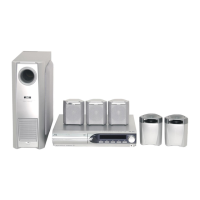
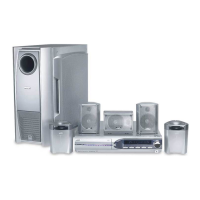
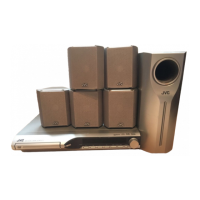
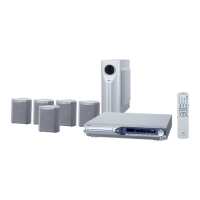
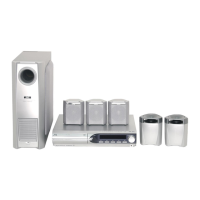
JVC TH-M303 - User Manual

JVC TH-M303
50 pages
Print Icon
To Next Page IconTo Next Page
Loading...
LVT1147-018A
[UJ]
English
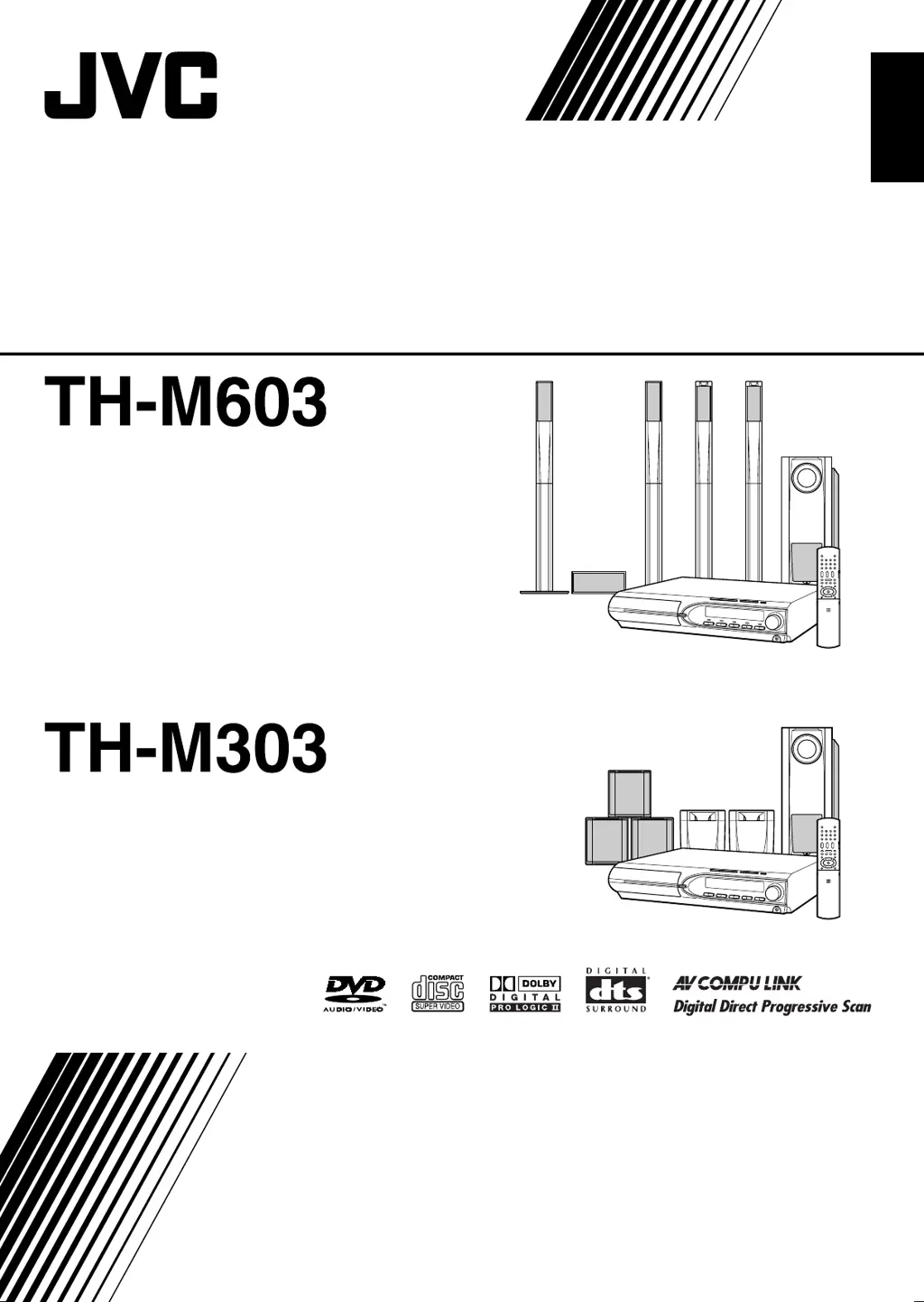
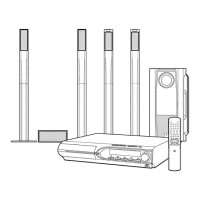
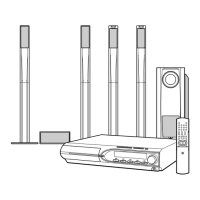
DVD DIGITAL THEATER SYSTEM
INSTRUCTIONS
Consists of XV-THM603, SP-PWM603,
SP-THS9F, SP-THS9C and SP-THS9S
Consists of XV-THM303, SP-PWM303,
SP-THM303F, SP-THM303C and
SP-THM303S
TH-M603-303[UJ]-01Cov1.fm Page 1 Wednesday, April 14, 2004 3:34 PM

Table of Contents

Other manuals for JVC TH-M303

Questions and Answers

  • B
    Brenda GrimesSep 12, 2025
    What to do if no picture is displayed on the TV screen with my JVC TH-M303 Home Theater System?
    • Y
      Yesenia HuangSep 12, 2025
      If the picture from your JVC Home Theater System is not displayed on the TV screen, it could be due to a couple of reasons: * The video cord might not be connected correctly, so ensure it's properly connected. * The disc you're trying to play might not be a playable format. Try using a disc that is compatible.
  • J
    Joseph ThomasSep 13, 2025
    Why are the video and audio distorted on my JVC TH-M303?
    • C
      carolynchaseSep 13, 2025
      If you're experiencing distorted video and audio with your JVC Home Theater System, it might be due to: * A scratched or dirty disc – try replacing or cleaning the disc. * A VCR connected between the center unit and the TV. Connect the center unit and TV directly.
  • J
    Jamie LyonsSep 15, 2025
    Why is the picture blurred or split when using my JVC TH-M303 Home Theater System?
    • R
      robin12Sep 15, 2025
      If the picture from your JVC Home Theater System is blurred, or divided into two parts, it might be because the scan mode is set to “PAL PROG.” or “NTSC PROG.”, and your TV doesn't support progressive video input. Change the scan mode to “PAL” or “NTSC.”

JVC TH-M303 Specifications

General IconGeneral
BrandJVC
ModelTH-M303
CategoryHome Theater System
Channels5.1
Total Power Output300W
DVD PlayerYes
Supported MediaDVD, CD, USB
Surround Sound FormatsDolby Digital, DTS
USB PortYes
BluetoothNo
HDMI OutputYes
Remote ControlYes
Speaker TypeSatellite
InputsAUX, Optical
OutputsHDMI

Related product manuals