EasyManua.ls Logo

K-array Kommander-KA Series - Network; Wifi; Ethernet; Advanced

K-array Kommander-KA Series
28 pages
Print Icon
To Next Page IconTo Next Page
To Previous Page IconTo Previous Page
Loading...
Kommander-KA
User Guide
18
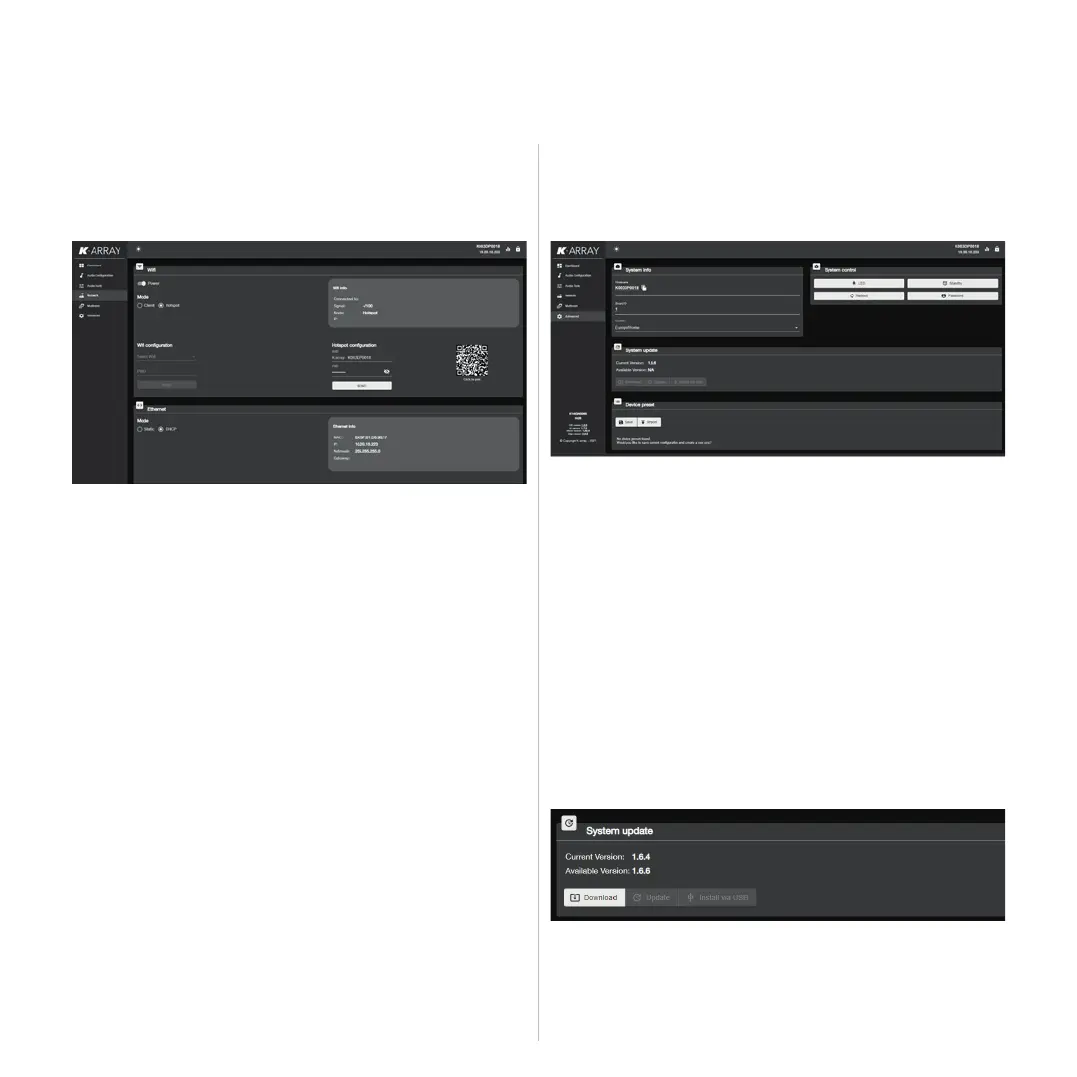
Network
This menu section allows the user to monitor and set the
network parameters.
Advanced
This menu provides access to the system informations, like the
device name and ID and the system update tool.
WiFi
      


           
device to connect to the unit.

“K-array-” followed by the serial number of the unit; the default

     
change accordingly.

connect the unit to that network.

Ethernet

System Update

system two methods are available: via an Internet connection or

Update via Internet
1. 
possibly via a wired connection.
2. 
version is available on K-array server: when active, press on

from the Internet. This step doesn’t install the software:
the installation shall be actiated manually.
3. 




Related product manuals