Kommander-KA
User Guide
9
Geing Started
1. Connect the input and output signal cables according to
2. Connect the Kommander-KA02 I to its power supply and
plug the power cord to the AC mains socket.
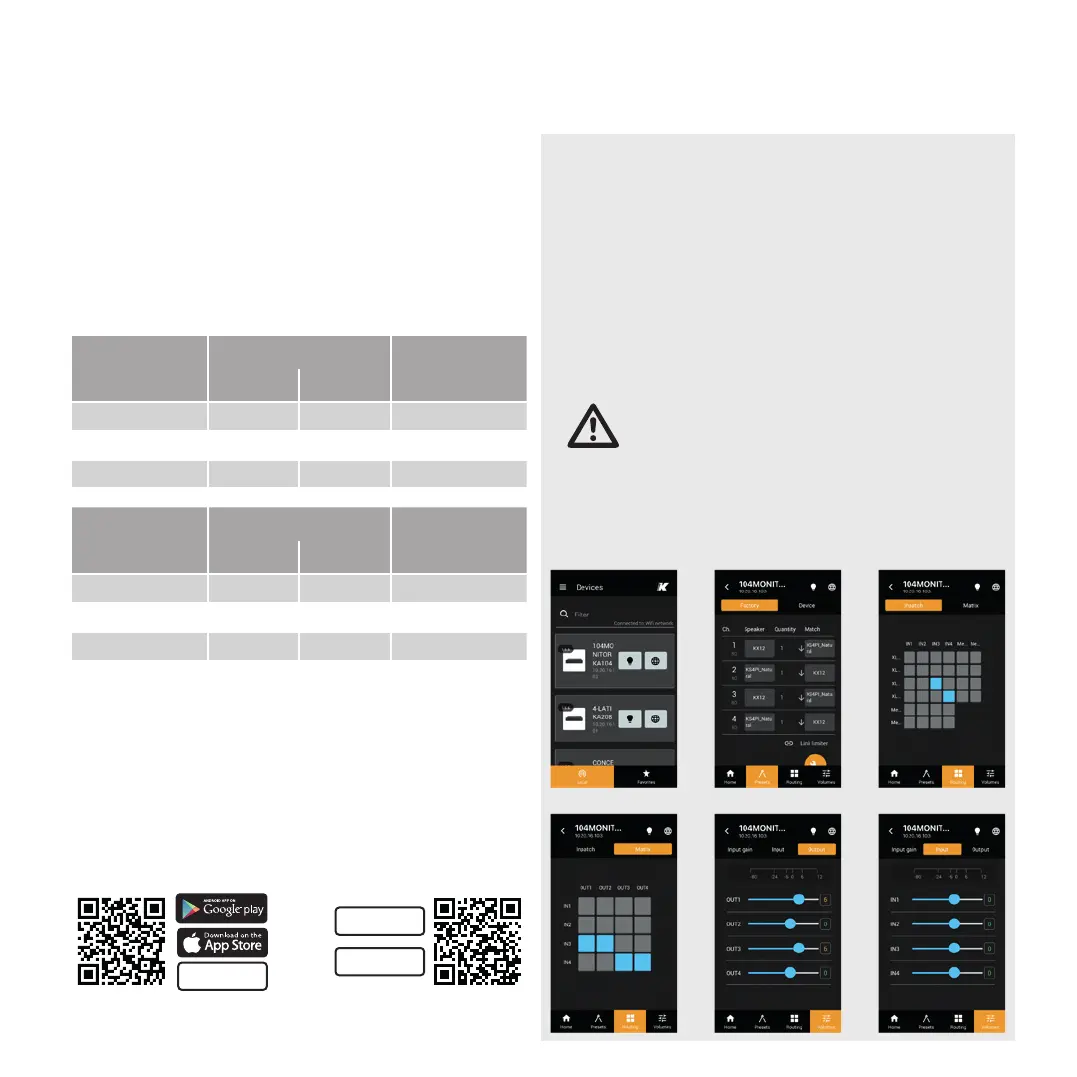
3. Use the K-array Connect app to connect your mobile
4.
5.
output channels in the ROUTING tab.
6.
7.
Introduction
4-channel units and 8-channel units. Both versions implement
channel.
4-channel units
Connectors
per channel
input output
Kommander-KA14 I 4 4
Kommander-KA34 4 4
Kommander-KA104 4 4
8-channel units
Connectors
per channel
input output
Kommander-KA18 8 8
Kommander-KA28 8 8
Kommander-KA68 8 8
Kommander-KA208 8 8
The dedicated K-array Connect app and the K-framework3
software for Mac and PC allow user access to the highly
the K-array Connect app or the K-framework3 software:
K-framework3
WINDOWS and OSX software
click to go
click to go



 To Next Page