14 15
1
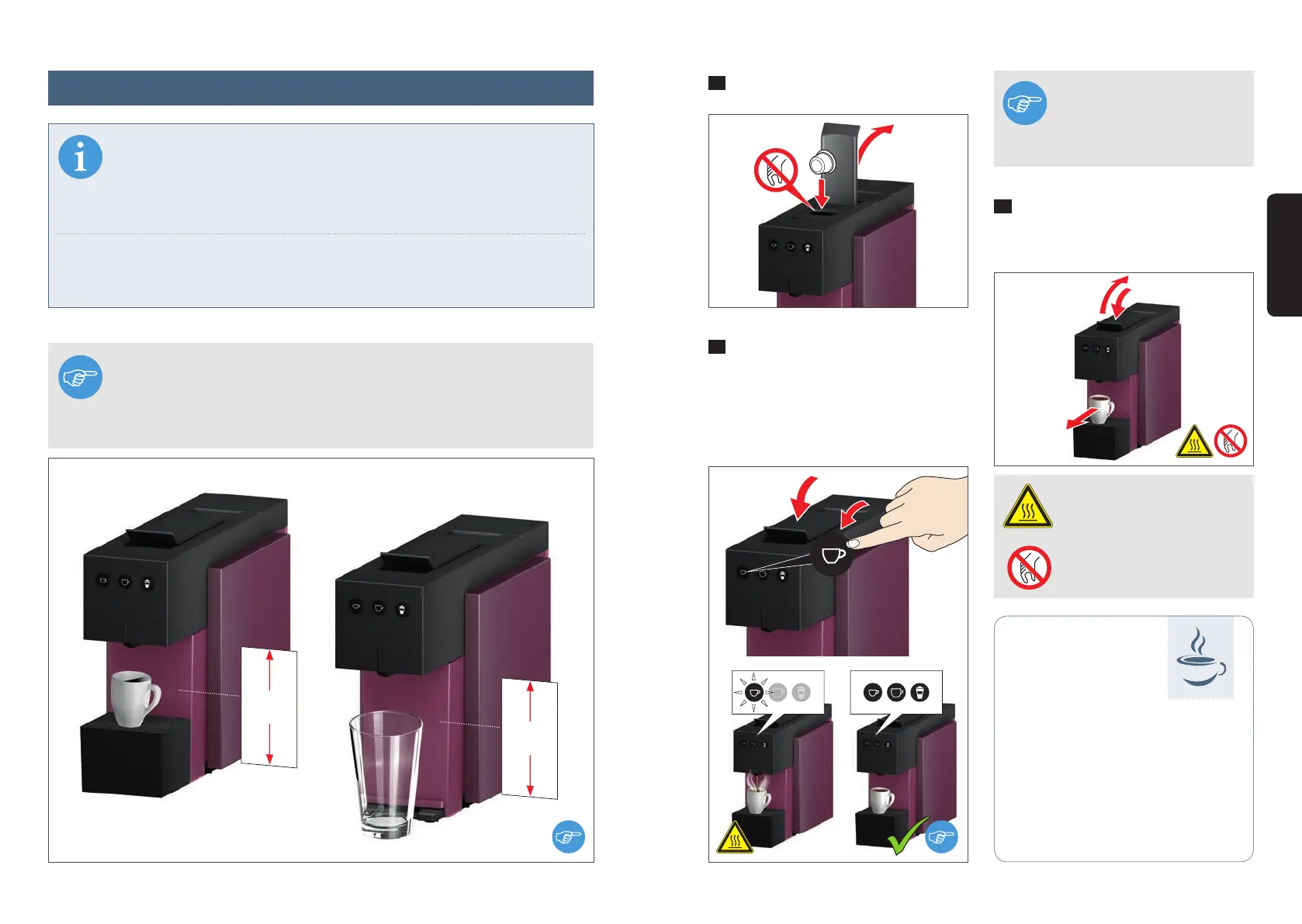
Open the lever and insert a capsule.
2
Close the lever completely and start
the brewing process by pressing the re-
quired cup size (example "Small cup").
The button will blink during the selected
brewing process, and all the button sym-
bols will illuminate when it is complete.
3
Open the lever to activate capsule
ejection. Close the lever again and remove
your drink.
Coee brewed to your personal
tastes:
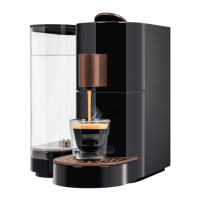
ESPRESTO oers a wide range of coee
and speciality capsules with a variety
of taste profiles and strengths for your
enjoyment.
Tips
for more enjoyment
INFO
The appliance automatically switches itself o after 5 minutes. This means
that you have to switch the appliance on again by pressing any button befo-
re preparing drinks. Now carry out steps 3-5 of the initial start-up instructions again
WITHOUT inserting a capsule.
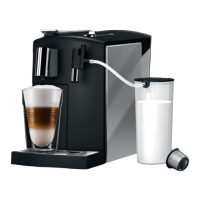
If you are preparing a drink using milk capsules (e.g. latte macchiato), please observe
the relevant instructions on the K-fee® – your system capsule packaging.
NOTE The appliance has been designed for the preparation of small cups /
espresso and large cups. Before you place extra-large cups or glasses - for
example for latte machiato - under the spout, you have to remove the drip
tray first. Please replace this under the spout again immediately when you
have finished.
WARNING Very hot water –
scalding hazard.
PROHIBITED Do not reach
inside – injury hazard.
NOTE
You can stop the brewing pro-
cess by pressing any of the
buttons.
max
90 mm
max
150 mm
1
3
2
English
Preparing drinks (e.g. espresso)


 To Next Page