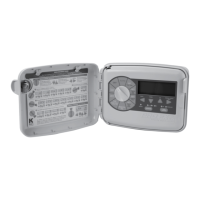
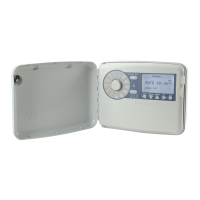
Need help?
Do you have a question about the K-Rain 2520 and is the answer not in the manual?
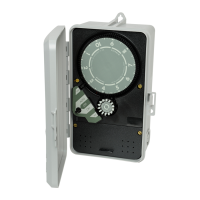
Set day wheel and time dial clockwise. CAUTION: Do not force time dial in reverse.
Turn Auto-Off-On switch to ON for manual operation. Turn to OFF when done.
Program the 14-day wheel by pushing down pins for desired operation days.
Use 15-minute increments on the time dial with included pins to set operating times.
Turn Auto-Off-On knob to AUTO after setting time, day, and program.
Disconnect power, use correct wiring, ground controller, avoid pinching wires.
Diagnosing AUTO mode issues: programming, switch settings, and switch adjustment.
 General
| Model | 2520 |
|---|---|
| Power Source | AC |
| Display | LCD |
| Weather Sensor Compatibility | Yes |
| Mounting | Indoor/Outdoor |
| Housing Material | Plastic |
| Type | Controller |
| Frequency | 60 Hz |
| Watering Schedule | 7-day calendar |


 To Next Page