Cruise Control. Cruise control allows you to maintain your driving speed
automatically without continuing to hold down the accelerator. In order to
enter Cruise Control, activate it first in the P-settings [P6].
While driving, keep the accelerator steady for a few seconds until Cruise
Control kicks in and scooter travels at constant speed without driver
holding down the accelerator. When you activate the brakes Cruise Control
will be cancelled. CAUTION: Ride in a position where you can immediately
access the brake to cancel Cruise Control if necessary.
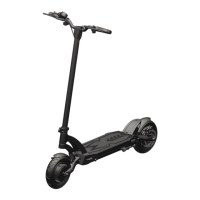
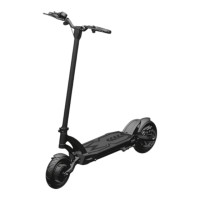
Display Settings – Mantis PRO 24.5Ah
The Mantis PRO scooter is equipped with the following LCD display:
1. Speedometer. Shows the speed at which you are travelling.
2. Battery Indicator. Charge your scooter frequently, do not let it run out
of battery. As a rough guideline, charge at or below 2 bars.
3. Gear. Shows the selected gear.
4. Gear selector. Press to set gear (1=slow, 2=medium, 3=fast).
5. Power Button. To turn the scooter on or off press button for 2 seconds.
6. Accelerator. Pull to accelerate. The stronger you pull, the faster it
accelerates. The scooter is delivered in “Non-Zero Start” setting (Kick-
And-Go is ON), i.e. the accelerator only works if the scooter is already
in motion.



 To Next Page