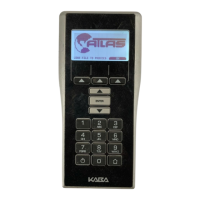
Kaba Ilco Inc. – ATLAS M-Unit - PK35XX_11_10
3- Put lock into communication mode with
the programming card
4- Attach the programming cable to the
lock and the M-Unit
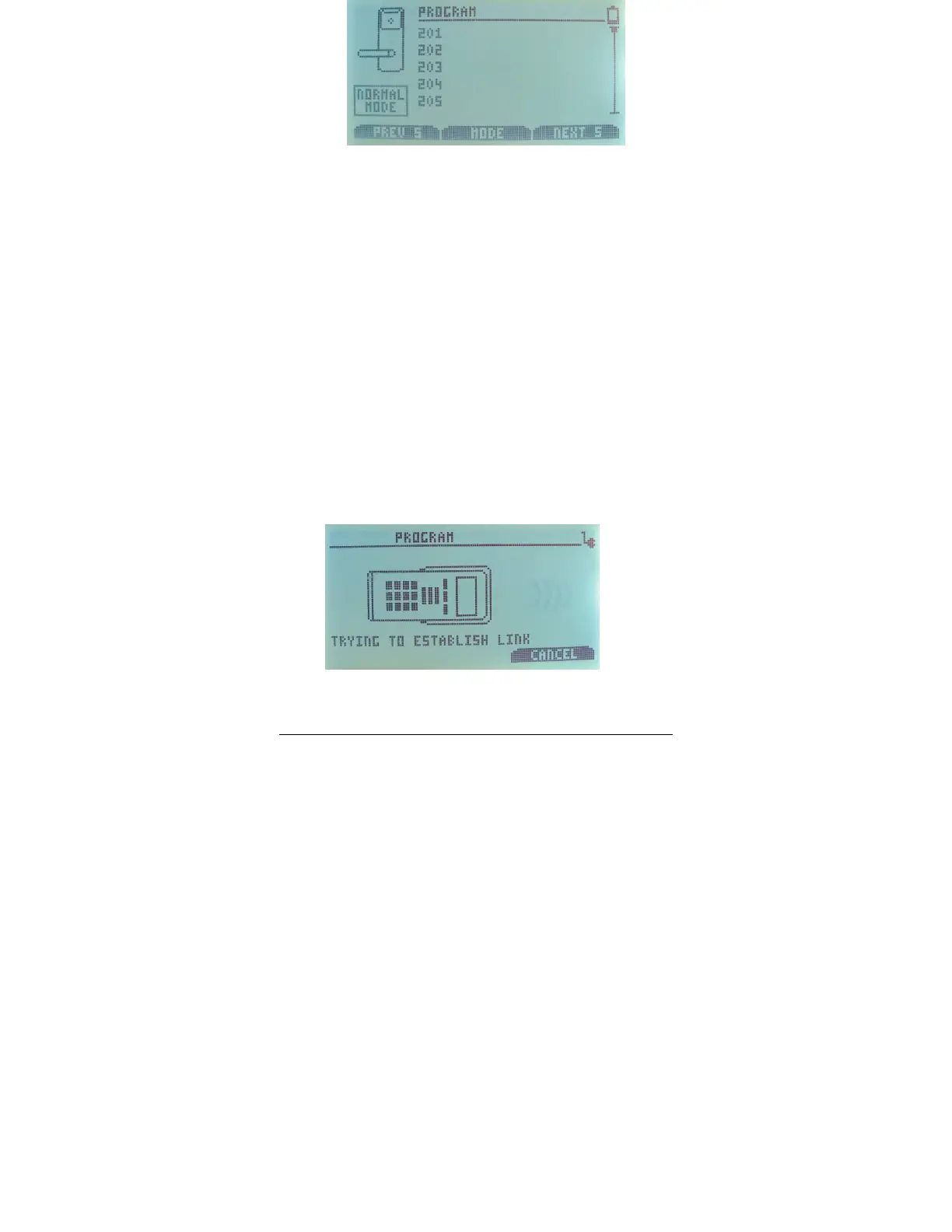
5-
Choose the door to program
6-
Choose the Mode by pressing the
corresponding arrow – Overwrite will
program any lock to the new
configuration, Normal will only re-
program the lock chosen as itself.
7-
The M-Unit will display a message if
the action was successful. If
unsuccessful make sure the lock is in
programming mode and the cable is
properly attached to both the M-Unit
and the lock.



 To Next Page