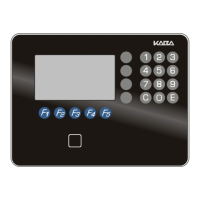
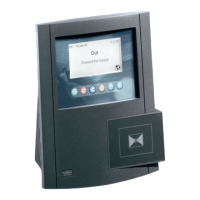
SETTING FDU
1. Swipe a General Manager Authorization
You will see the current time on the FDU.
Example:
Date: 04/01/2009 Time: 8:17A
(please note: Some areas do not use DST. However the unit would
still need to be set to your Local Standard Time.)
The Diamond indicates Daylight Savings.
If the Diamond is not there & the time is correct,
according to your current time.
Then the FDU unit is Not
set correctly.
2. At the Main Menu Press 7 then 2 then 3 then 1
Add 1h for DST? Press 1 for Yes, 2 for No then
Press <ENTER> to save the changes.
You will see on the screen
ex: System Time: 8:17A
Local Time: 8:17A
This setting shows unit is in Standard Time
Add the Hr. for DST: March to November or
Remove Hr. for Standard Time: November to
March.
lodging-tech@kaba-ilco.com
1-800-906-4526
SETTING FDU DAYLIGHT SAVINGS & RESET LOCK TIME
G4
Sign up for our Technical Support Website http://connect.kabalodging.com/
RESET LOCK TIME
ALWAYS RESET LOCK TIME
IN ALL DOORS EVERY SIX MONTHS
1. Pass a General Manager Authorization
keycard through the Front Desk Unit.
Press 8 then
Press 1 then
Press 6 then
2. Swipe the Programming
keycard into the lock
and ensure that the light is solid green.
3. Insert the Programming cable into
the door lock.
4. Press <ENTER> on the FDU to send
the programming into the lock.


 To Next Page
 Loading...