MDM2010 – ILB3210 Installation Guide
11 | Page
3 Terminal Commissioning and Qualification
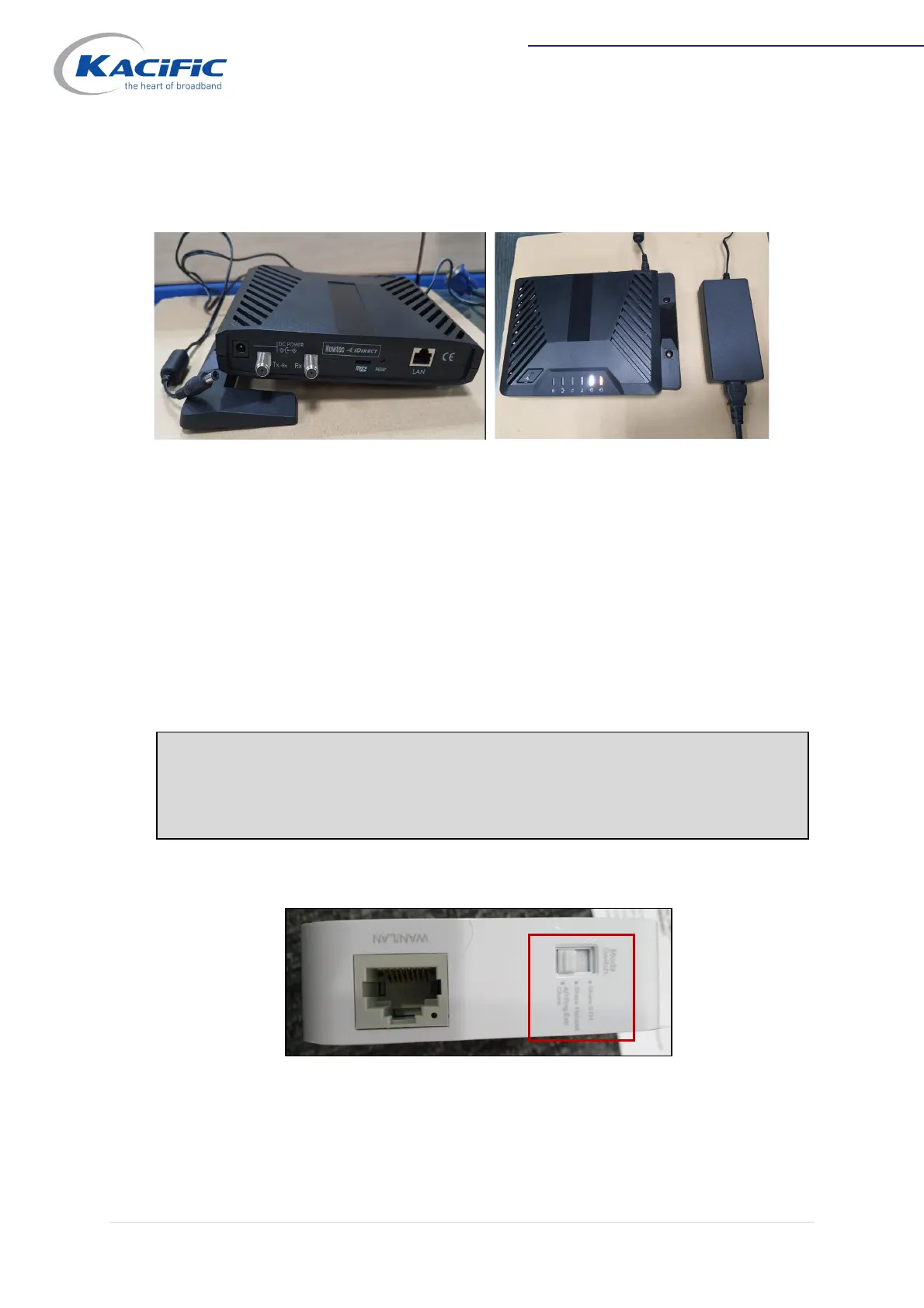
3.1 Power on the Modem
Plug in the power supply. Check that the modem is switched on and modem LED indicators
are lit up.
3.2 Antenna Alignment Using Power and Play Apps
You need to link your smartphone to the modem via a WiFi connection. The WiFi connection
is provided by a WiFi router.
3.2.1 WiFi Router Installation
Set the router to AP mode (WiFi access point).
Note: The procedure below is given for a TPLink WiFi router. Any other WiFi router
can be used, provided it can be adjusted as an Access Point (AP) and cabled to a
RJ45 port.



 To Next Page