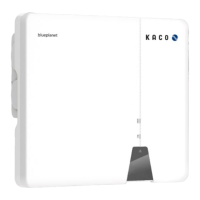
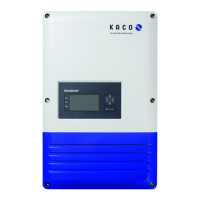
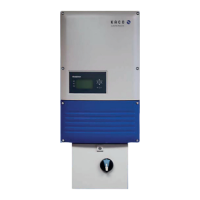
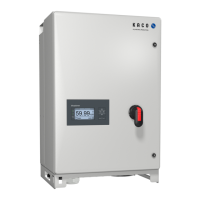
Page 1 KACO blueplanet 3.0 NX1 M2 KACO blueplanet 3.7 NX1 M2 KACO blueplanet 4.0 NX1 M2 KACO blueplanet 5.0 NX1 M2
1 NX1 Setup app
1.1 App download
The app is available to download on Apple App Store and Google Play Store (currently the app for Android is only available
for download on KACO website under the software download section of the NX1 inverters. It will be available in Play Store
soon).
The app can be searched by the name “KACO NX1 Setup”. Once installed it will appear as “KacoTool” on the smartphone
(Android and iOS). The app is compatible with Android Oreo 8.0 and higher, and with Apple iOS 11 and higher.
2 WLAN Network Configuration
2.1 Authorization
The app will automatically connect to the Wi-Fi Stick hotspot via SSID and password in QR code, so the app needs certain
permissions to access the device of smart phone (Android and iOS) as below:
Access the device of smart phone.
1 Photo and media permission.
3 Device information permission.
4 Picture and video permission
ro
ceed with network configuration
Fig. 1: Photo and media permission Fig. 2: Device information permission Fig. 3: Location permission


 To Next Page
 Loading...