You will see the ‘Kaiser Baas’ logo and a slide show will start playing.
There are a number of picture files on the on-board memory for demonstration purposes.
Thefilescanbedeletediftheyarenolongerrequired.(seepage39forinstructions).
Press the ‘MENU’ button to exit the slide show.
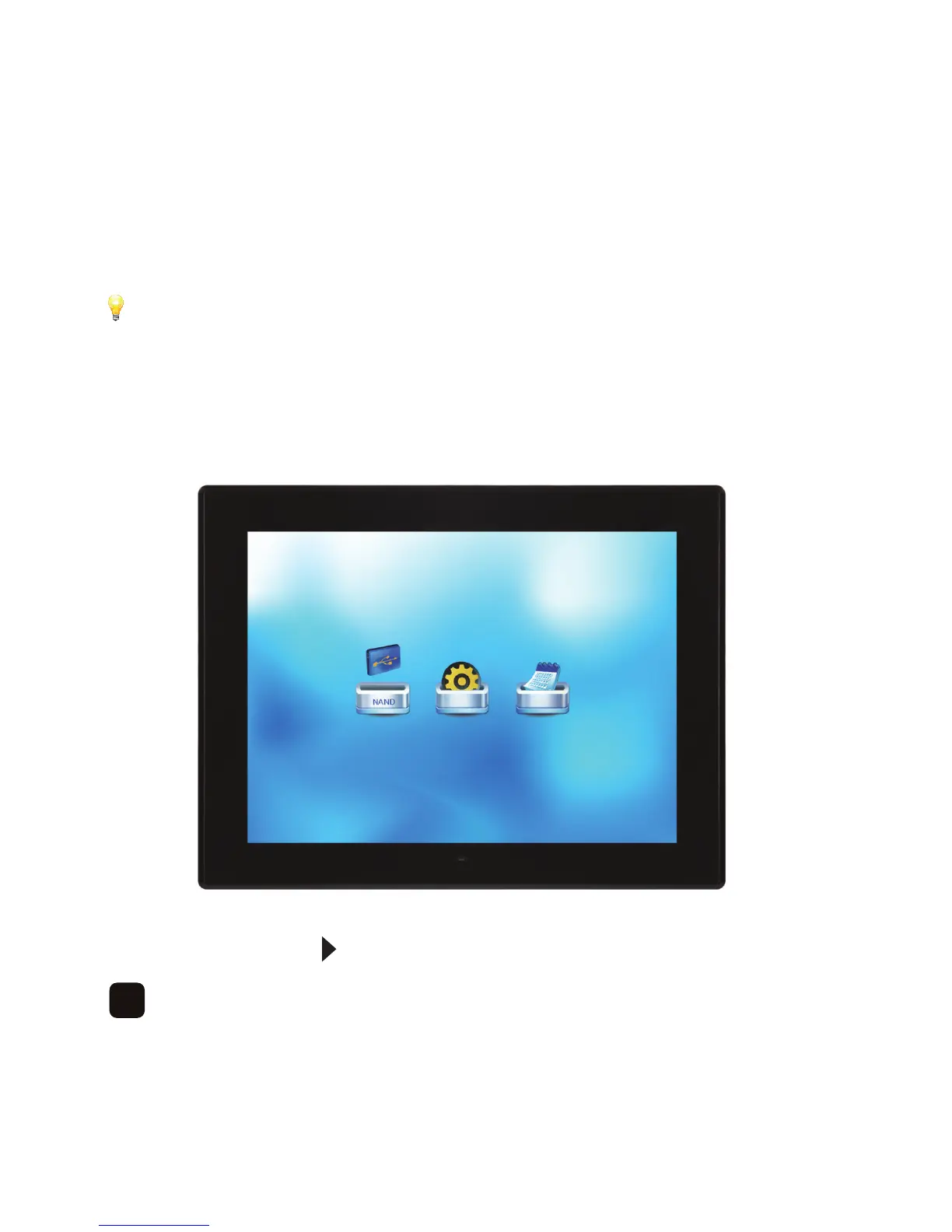
You will now see the following screen -
Press the directional button to select ‘Setup’ and press ‘OK’ to confirm.
14



 To Next Page