34
Playing video files
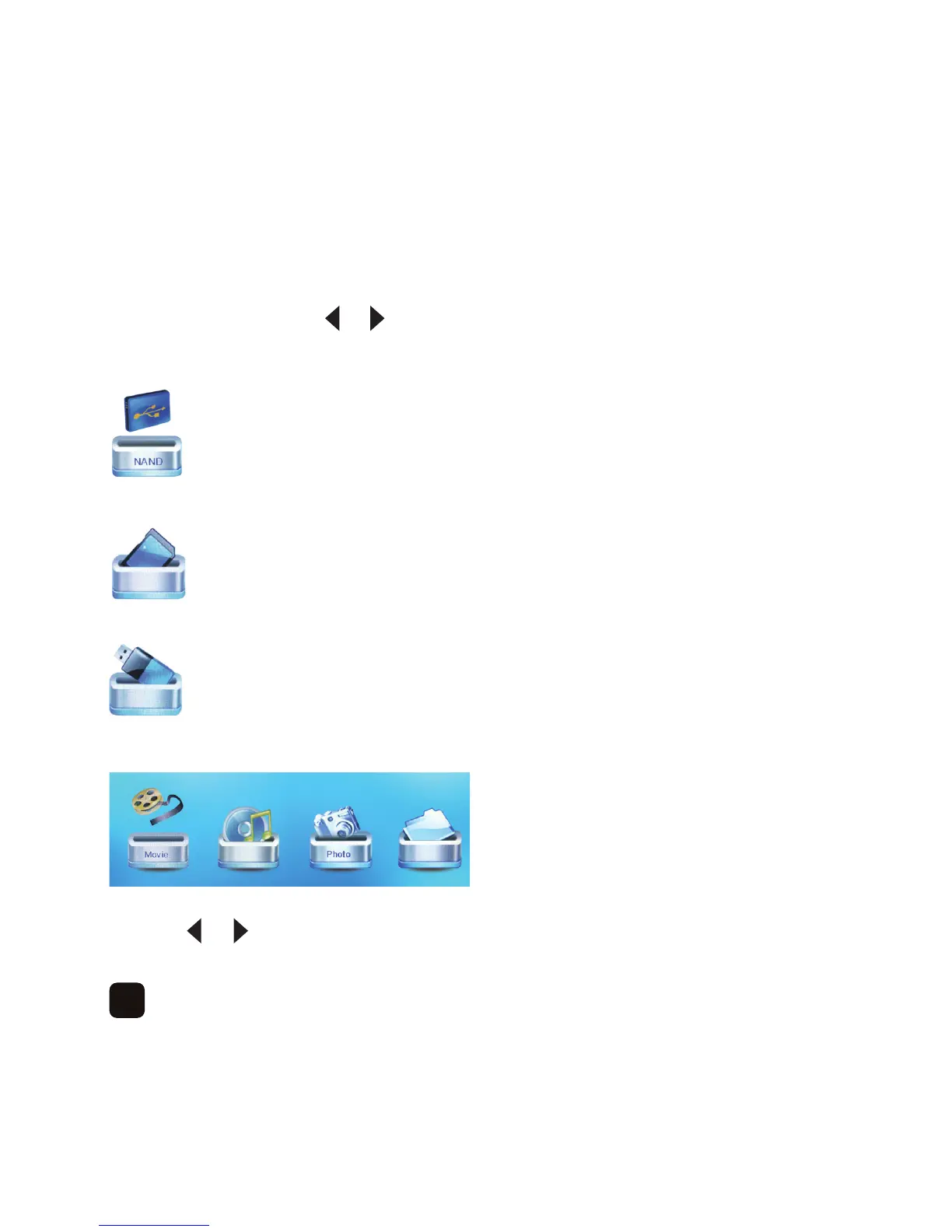
To play video files, press the or button to select the location of your files then press ‘OK’.
For the on-board memory select ‘NAND’ –
For memory card select ‘SD/MMC’ –
ForUSBmemorystickselect‘USB’ –
Press the ‘OK’ button to continue –
Press the or button to select ‘Movie’ then press the ‘OK’ button.



 To Next Page