39
File mode
File mode allows you to delete files and to copy files to and from the on-board memory, memory
cardandUSBmemorystick.
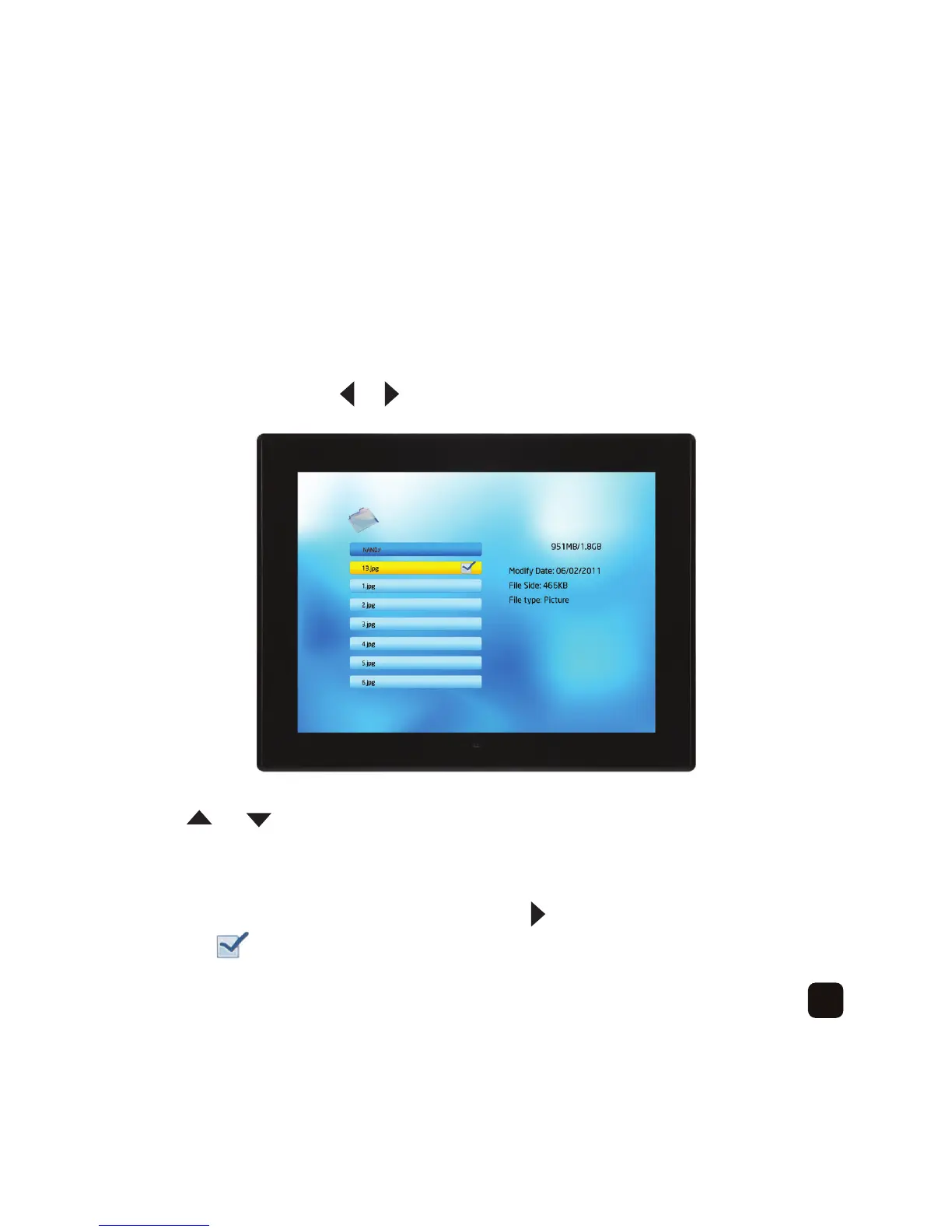
To access file mode, press the or button to select ‘File’ then press the ‘OK’ button –
Press the or button to select the folder that you want to access then press
the ‘OK’ button.
You will see the files located in the folder in alphabetical or numerical order.
To select files that you want to delete or copy press the button.
You will see a icon next to the file name.



 To Next Page