40
Repeat this process to select all the files that you want to delete.
To de-select a file press the button again and the icon will be removed.
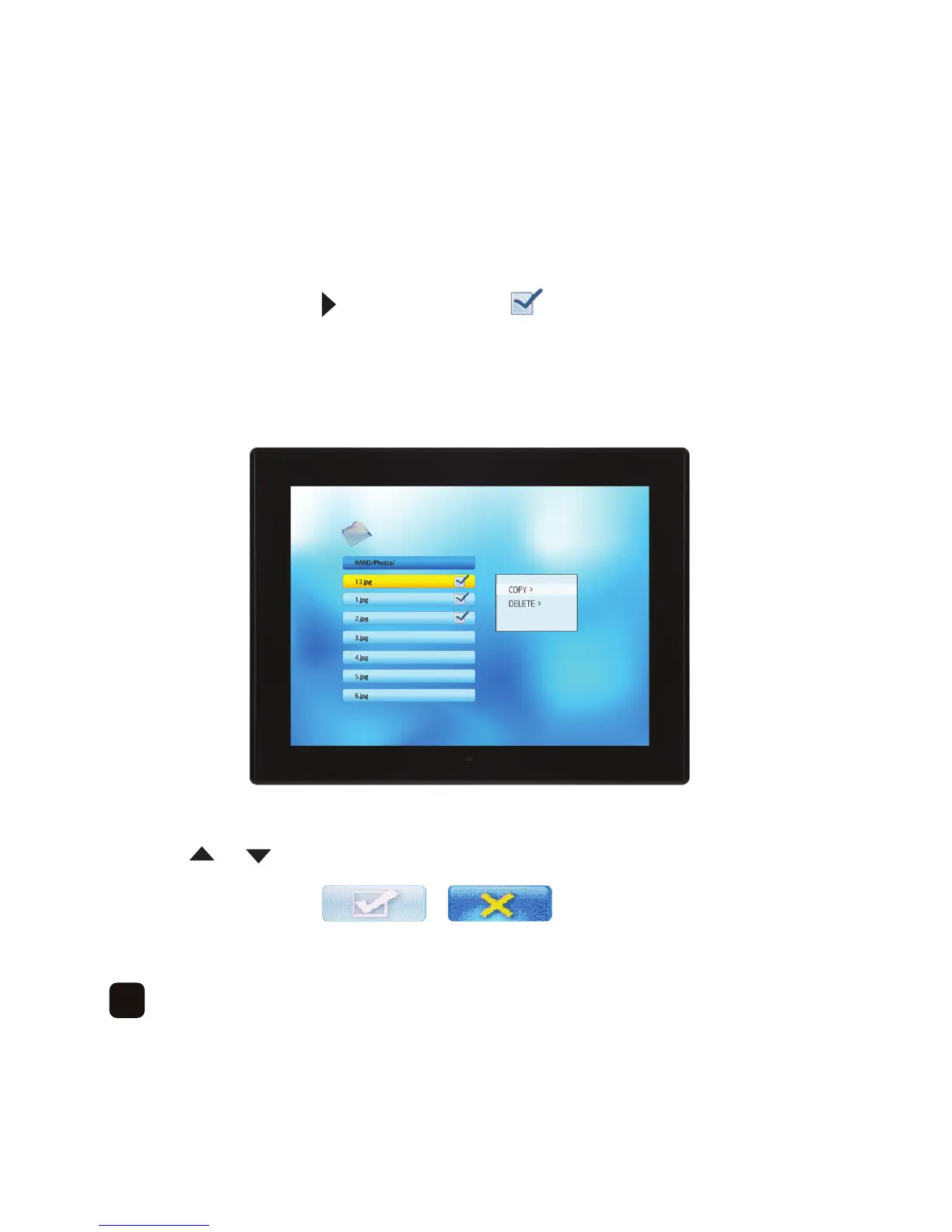
When the files have been selected press the ‘SETUP’ button.
You will now see ‘COPY’ and ‘DELETE’ –
Press the or button to select the relevant option and then press the ‘OK’ button.
You will see the following -



 To Next Page