24
Mac
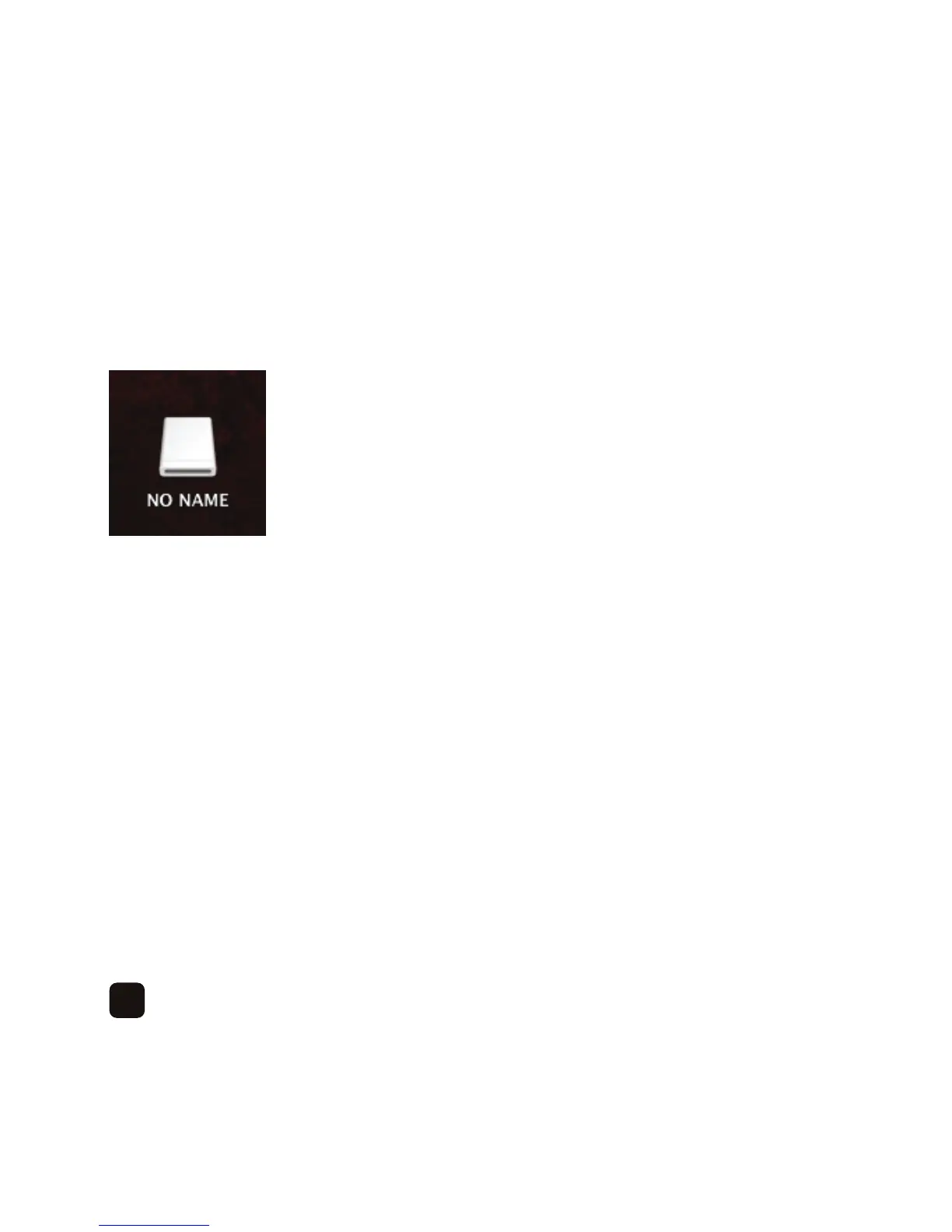
On the desktop you will see this icon –
Double click this to access the on-board memory.
It is recommended to create folders as it will be easier to organise your files.
Click ‘File’ > ‘New Folder’ and create a ‘Photos’ folder for your picture files, a ‘Music’ folder for your
music files and a ‘Videos’ folder for your video files. You can also create sub-folders within those
folders, for example, ‘Photos’ > ‘Birthdays’.
Copy your selected media files into the relevant folders.
Whenyouhavefinished,disconnecttheUSBcablefromtheframe.
Press the ‘Power’ button on the remote control to turn the frame off and then on again to
initialise the files.



 To Next Page