29
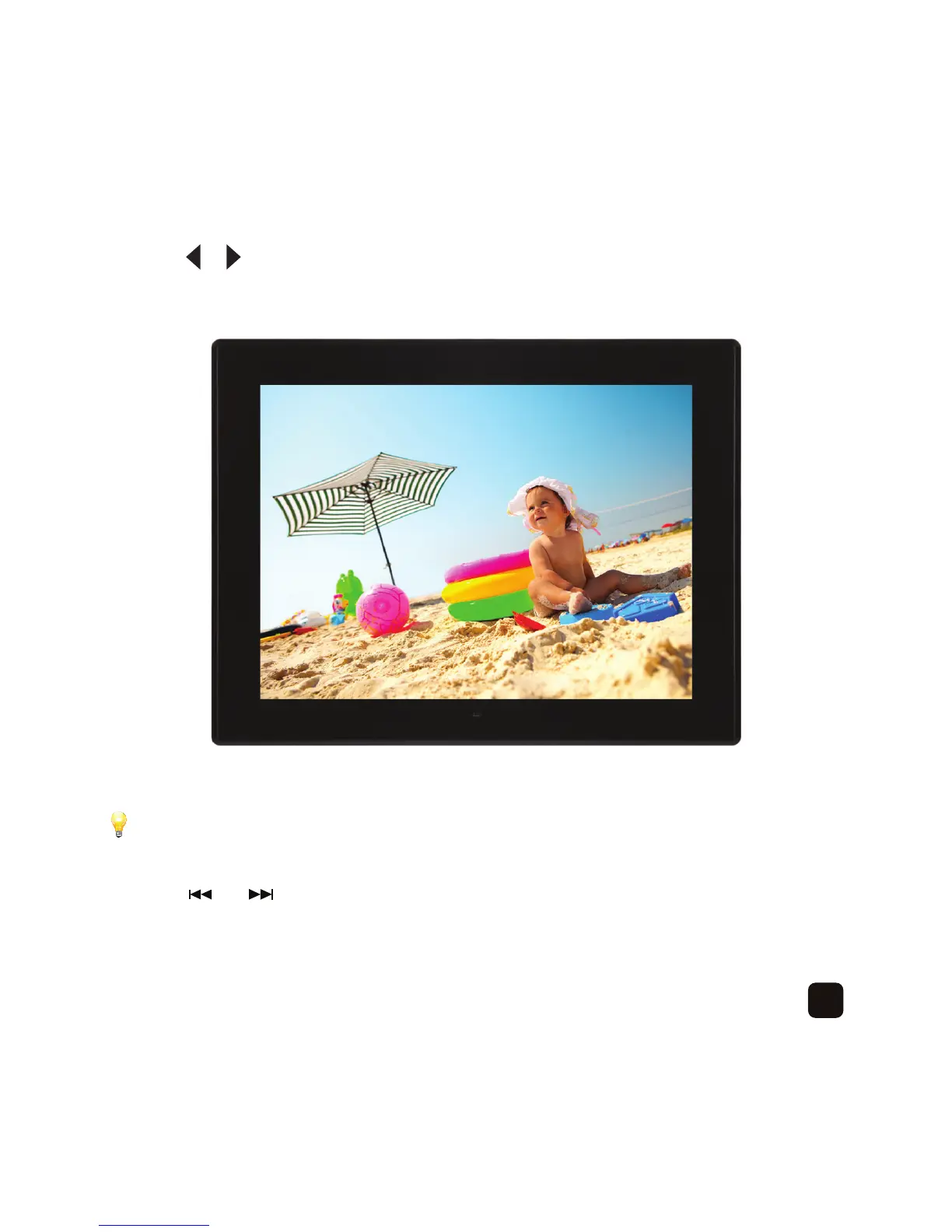
Press the or button to select a photo and press the ‘PLAY/PAUSE’ button to play a slideshow –
If you have pressed the ‘OK’ button, this will display a single photo only.
Press the ‘PLAY/PAUSE’ button to start playing a slideshow.
Press the or buttons to select a different photo to display.
Press the ‘PLAY/PAUSE’ button to pause a slideshow and press again to continue playing.



 To Next Page